The Apple TV 4K is arguably the most powerful consumer streaming box on the market. Powered by Apple's A15 Bionic processor, equipped with Gigabit Ethernet, HDMI 2.1, and deep tvOS Metal graphic acceleration, it possesses far more computing muscle than standard Android sticks or smart TV chipsets.
Yet, cord-cutters transitioning from Android or Fire OS to Apple TV often face an unexpected roadblock: TiviMate is not available on tvOS, and Apple does not permit third-party APK sideloading.
To stream live television on Apple TV, you must rely on native applications built specifically for the tvOS App Store. The challenge is that Apple's strict sandboxing rules, Siri Remote touch-surface requirements, and proprietary media frameworks mean that poorly ported apps feel sluggish, lack proper Electronic Program Guide (EPG) caching, or struggle with multi-audio live sports streams.

Quick Comparison: The 5 Best IPTV Apps for Apple TV
Here is how the top tvOS player applications compare across design, iCloud features, and stability:
| Player App | Best Used For | Design Style | iCloud Sync | Multiview | Pricing Model |
|---|---|---|---|---|---|
| IPTVX | Best Overall / Power Users | Modern Netflix / Apple Style | Yes (Full Sync) | Yes (PiP & Multi) | Subscription / Lifetime |
| UHF | Fastest & Most Minimalist | Ultra-Clean / tvOS Native | Yes (iCloud) | Picture-in-Picture | Free / Pro Unlock |
| iPlayTV | Proven Veteran Reliability | Classic Grid & EPG Overlay | iCloud Backup | Standard View | $5.99 One-Time |
| Tivimax | Traditional Cable Box Feel | TiviMate-Style Matrix | Partial (Playlists) | Yes (Grid View) | Trial / Subscription |
| Smarters Player Lite | Budget & Multi-Platform | Cross-Platform Utility | Manual Entry | 4-Screen Grid | Free / In-App |
Detailed Reviews: The Top 5 Apple TV Players
1. IPTVX: The Undisputed King of the Apple Ecosystem
Editor's PickIPTVX transforms live television and Video on Demand through an authentic Netflix-style presentation. It uses Apple's Metal rendering engine for 60/120Hz smooth animations, automatically syncs playlists and favorites via iCloud across iPhone, iPad, Mac, and Apple TV, and supports native Match Content frame rate switching.
2. UHF (Ultra High Frequency): The Snappy Speed Demon
Fastest ZappingUHF is engineered for pure speed. It eliminates bloated menus in favor of a minimalist interface that switches channels in under 1 second. It supports Siri Remote gesture swipes for quick channel cards and syncs your favorite channel bouquets via iCloud.
3. iPlayTV: The Battle-Tested Veteran
Best ValueOne of the most reliable and stable players on tvOS. Available for a one-time App Store purchase with zero recurring fees, iPlayTV features a traditional horizontal EPG guide, robust multi-audio selection, and rock-solid playback stability during long streaming sessions.
4. Tivimax: Bringing the TiviMate Experience to tvOS
TiviMate LayoutBuilt specifically for cord-cutters who transitioned from Android and miss TiviMate's 3-column layout. Delivers an authentic cable-box matrix, multi-view sports split screens, and custom channel ordering.
5. Smarters Player Lite: Universal Budget Utility
Free DownloadThe iOS and tvOS build of the popular IPTV Smarters client. Includes 4-screen multiview and familiar Live/Movies/Series panels. While its Siri Remote navigation is slightly clunky, it provides a solid free starting point.
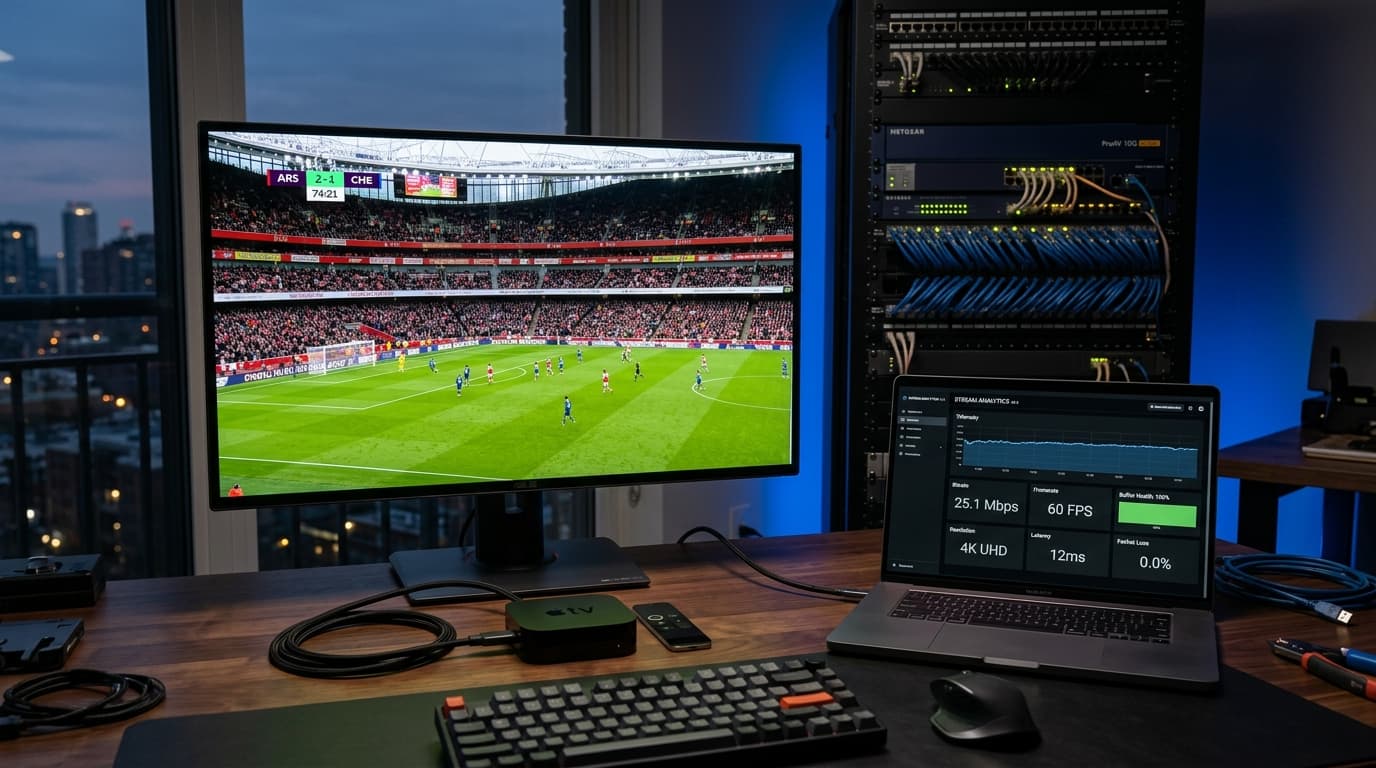
Why Apple TV 4K Delivers Superior IPTV Playback Quality
The computing architecture of the Apple TV 4K provides distinct technical advantages over budget streaming dongles:
A15 Bionic Processing
Massive GPU headroom decodes uncompressed 4K 60 FPS HEVC and AV1 streams without thermal throttling or frame drops.
Match Content Engine
tvOS dynamically matches your TV refresh rate to European 50 FPS sports or 24 FPS movies, eliminating camera pan judder.
iCloud Ecosystem Sync
Add playlists or favorite channels on your iPhone or Mac, and changes mirror across your Apple TV 4K automatically.

How to Set Up an IPTV App on Apple TV in 4 Easy Steps
Follow this streamlined process to configure your Apple TV in under 3 minutes:
Step 1: Use the Apple TV Remote App on iPhone
Avoid typing long URLs with the Siri remote. Open the Control Center on your iPhone, tap the Remote icon, and paste your Server URL and credentials directly.
Step 2: Connect via Xtream Codes API
Select Xtream Codes API in IPTVX or UHF. Enter your Server URL, Username, and Password to load categories dynamically. Read our detailed Apple TV IPTV installation tutorial.
Step 3: Enable EPG & Background Refresh
Turn on automatic guide updates with a 24-hour refresh cycle so your electronic program schedule remains continuously synchronized.
Step 4: Enable Match Frame Rate in tvOS
In Apple TV Settings > Video and Audio > Match Content, enable Match Dynamic Range and Match Frame Rate for fluid 60 FPS sports.
Frequently Asked Questions
Can I get TiviMate on Apple TV?
No. TiviMate is developed exclusively for Android and Fire OS using Google's ExoPlayer framework. However, IPTVX, UHF, and Tivimax provide stellar alternatives with Apple Metal rendering, iCloud sync, and native tvOS remote navigation.
Is the Apple TV 4K good for IPTV streaming?
The Apple TV 4K is widely considered the highest-performing consumer streaming box for IPTV. Its A15 Bionic processor, hardware H.265/HEVC video decoding, Match Frame Rate engine, and Gigabit Ethernet port eliminate buffering and dropped frames.
What is the best free IPTV app for Apple TV?
UHF offers a generous free tier with fast live channel switching. Smarters Player Lite is also free to download from the tvOS App Store.
How does iCloud sync work with Apple TV IPTV apps?
In apps like IPTVX and UHF, iCloud integration stores your playlist credentials and favorite channel lists in your Apple account. When you add a playlist on your iPhone or Mac, it syncs to your Apple TV automatically.
Why do some live channels produce sound but no picture on Apple TV?
A black screen with audio typically indicates an interlaced video format (like 1080i) that Apple's default AVPlayer does not decode. Switching the internal engine to VLC/FFmpeg inside app settings resolves the problem immediately.
Do I need a VPN for IPTV on Apple TV?
tvOS supports native VPN apps directly from the App Store. If your ISP throttles video packets during live sports events, installing a fast VPN app encrypts traffic and restores unthrottled streaming speeds.
Have questions about device compatibility? Check our supported Apple TV hardware guide.
Take Your Apple TV Streaming to the Next Level
Investing in the Apple TV 4K deserves software that matches its power. Enjoy instant channel zapping, crystal-clear 60 FPS sports, cinema-grade frame rate matching, and seamless iCloud sync across all your Apple devices in 2026.