NOB IPTV Setup Guides
Choose your device and follow the step-by-step instructions to get your streaming service connected quickly and effortlessly.
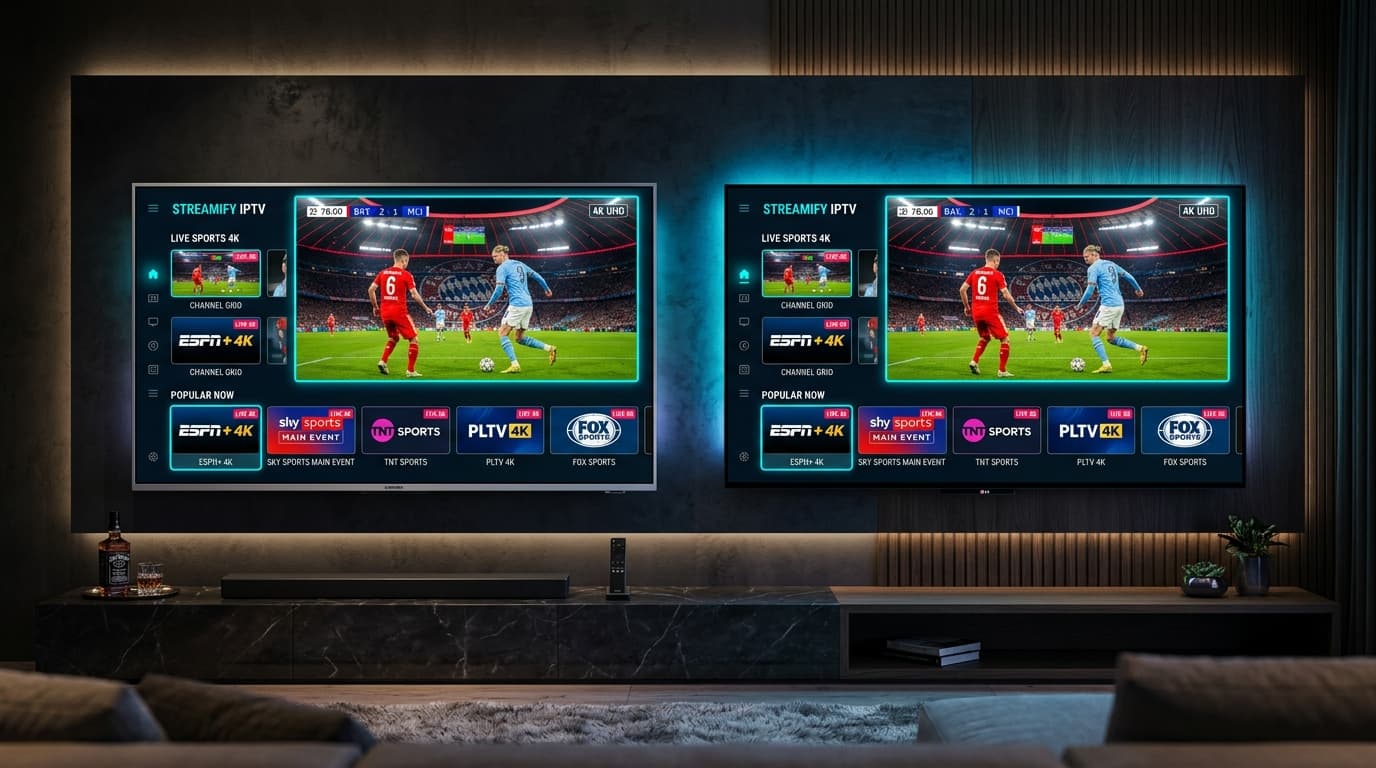
Smart TV
Samsung (Tizen) & LG (webOS)
Install the supported player application on your smart TV and configure your NOB IPTV credentials.
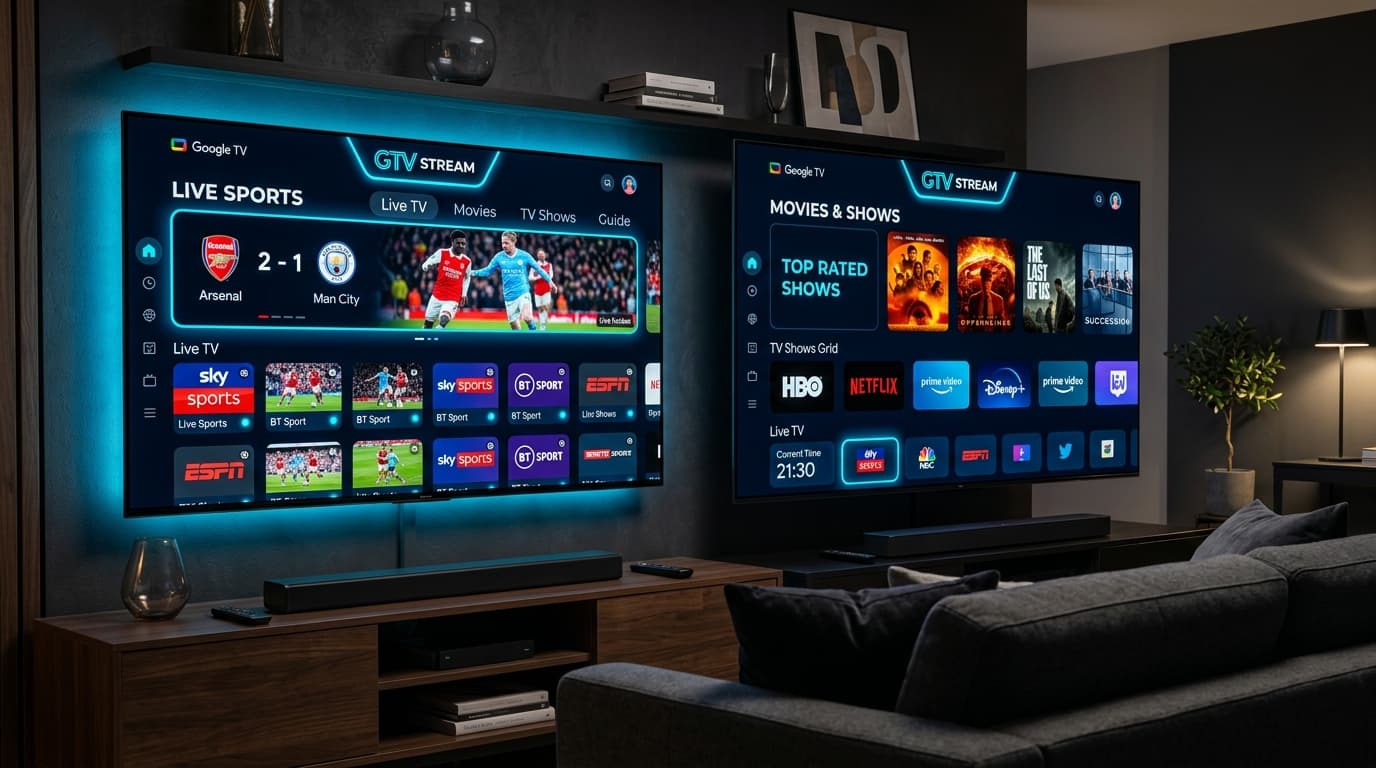
Android TV / Google TV
Sony, TCL, Chromecast & Xiaomi
Download the recommended app directly from Google Play Store on your Android or Google TV.
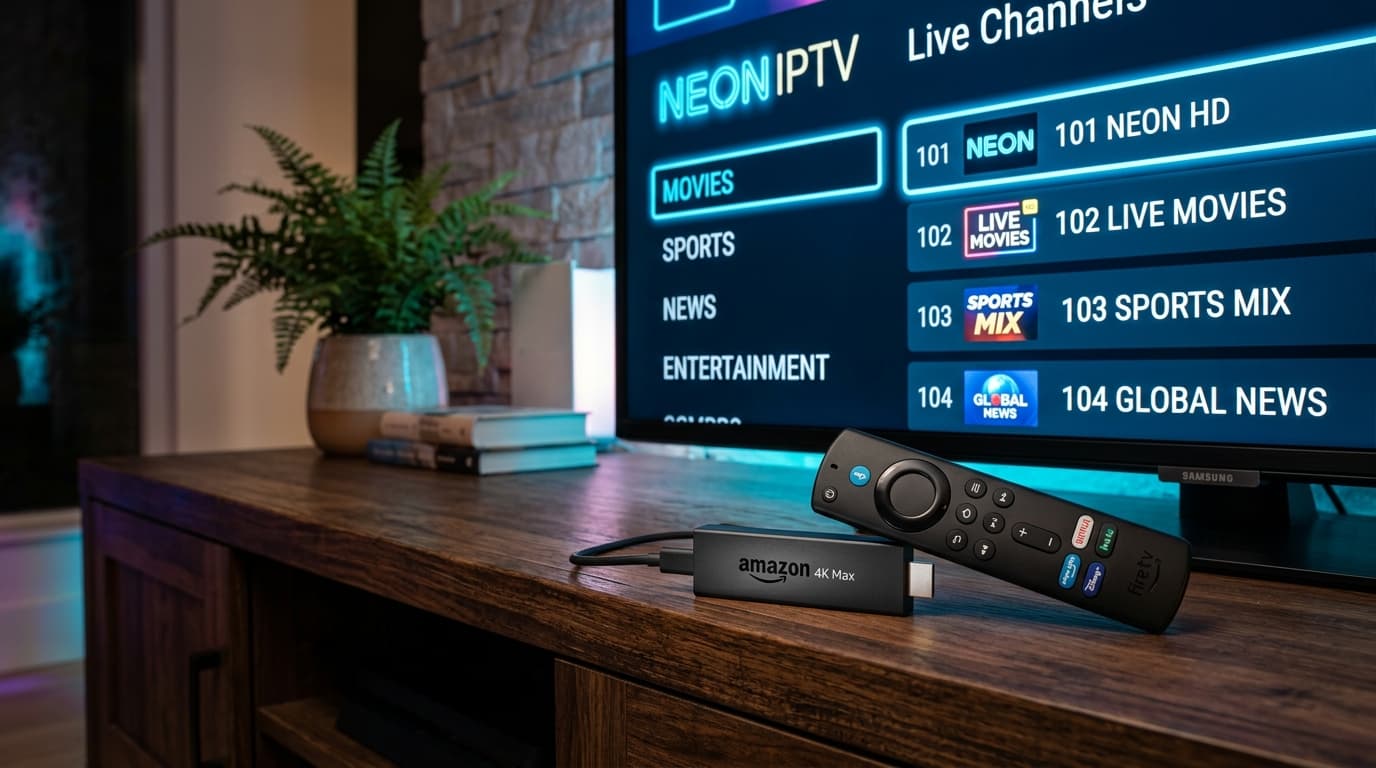
Fire TV
Amazon Fire TV Stick & Cube
Set up the Downloader application on Firestick and configure your NOB IPTV streaming playlist.
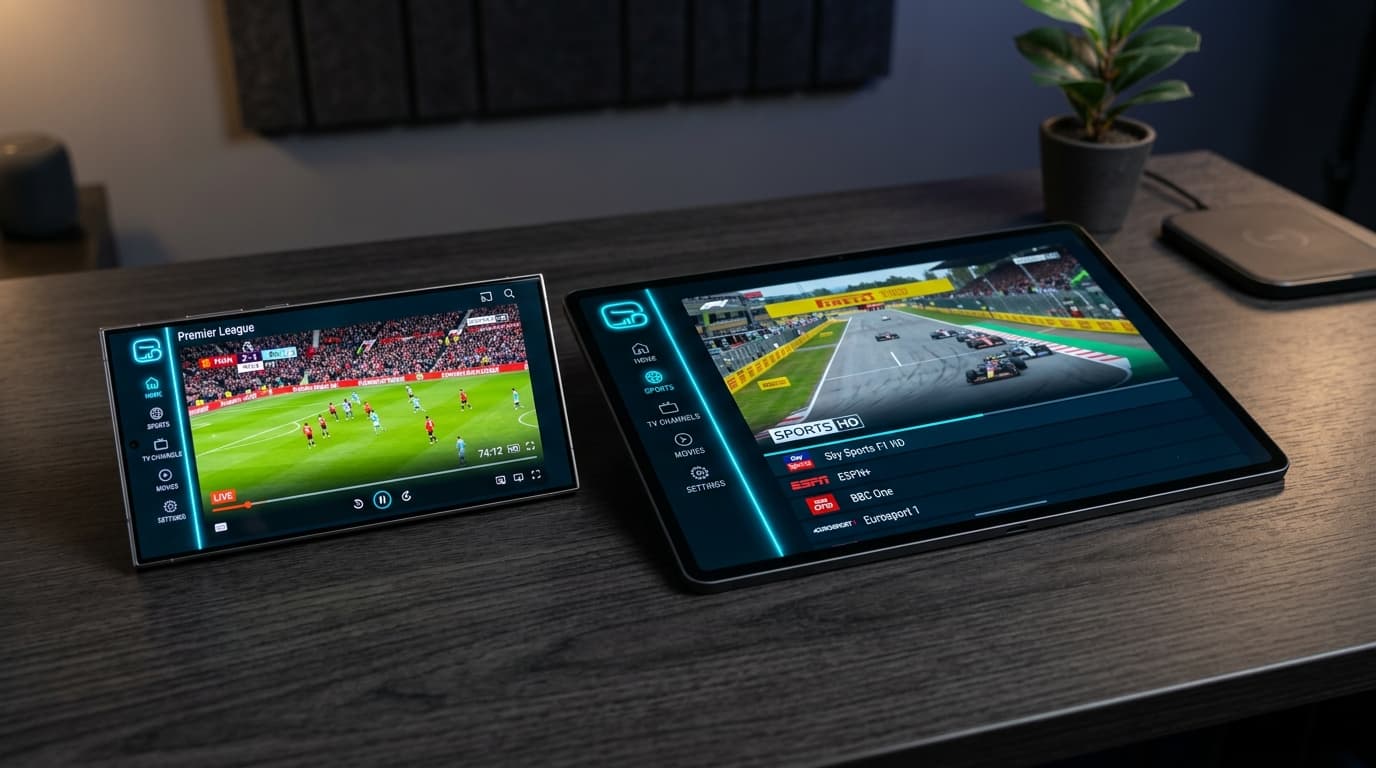
Android Phone & Tablet
Smartphones & Mobile Devices
Configure NOB IPTV on any modern Android device running Android 7.0 or higher.
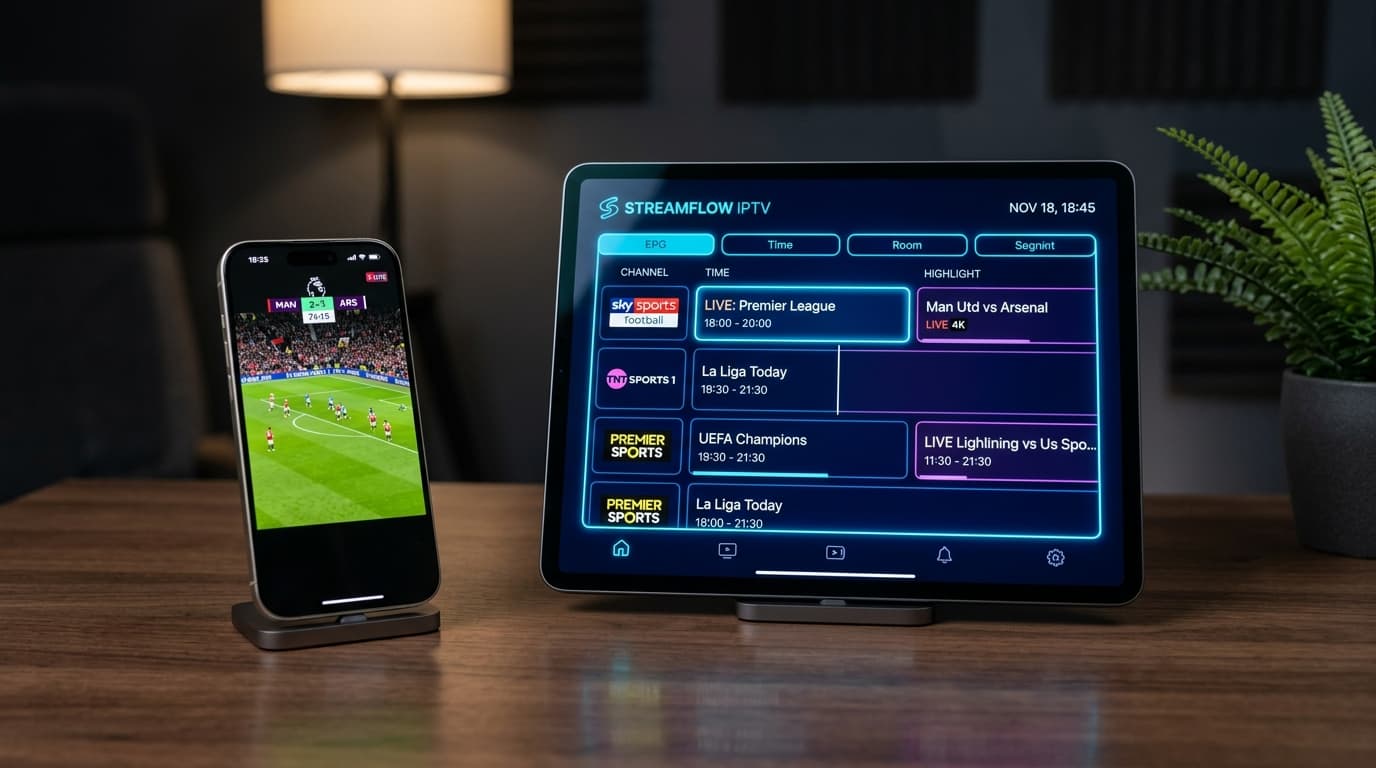
iPhone / iPad
Apple iOS & iPadOS
Install a supported media player from the iOS App Store and link your NOB IPTV subscription details.
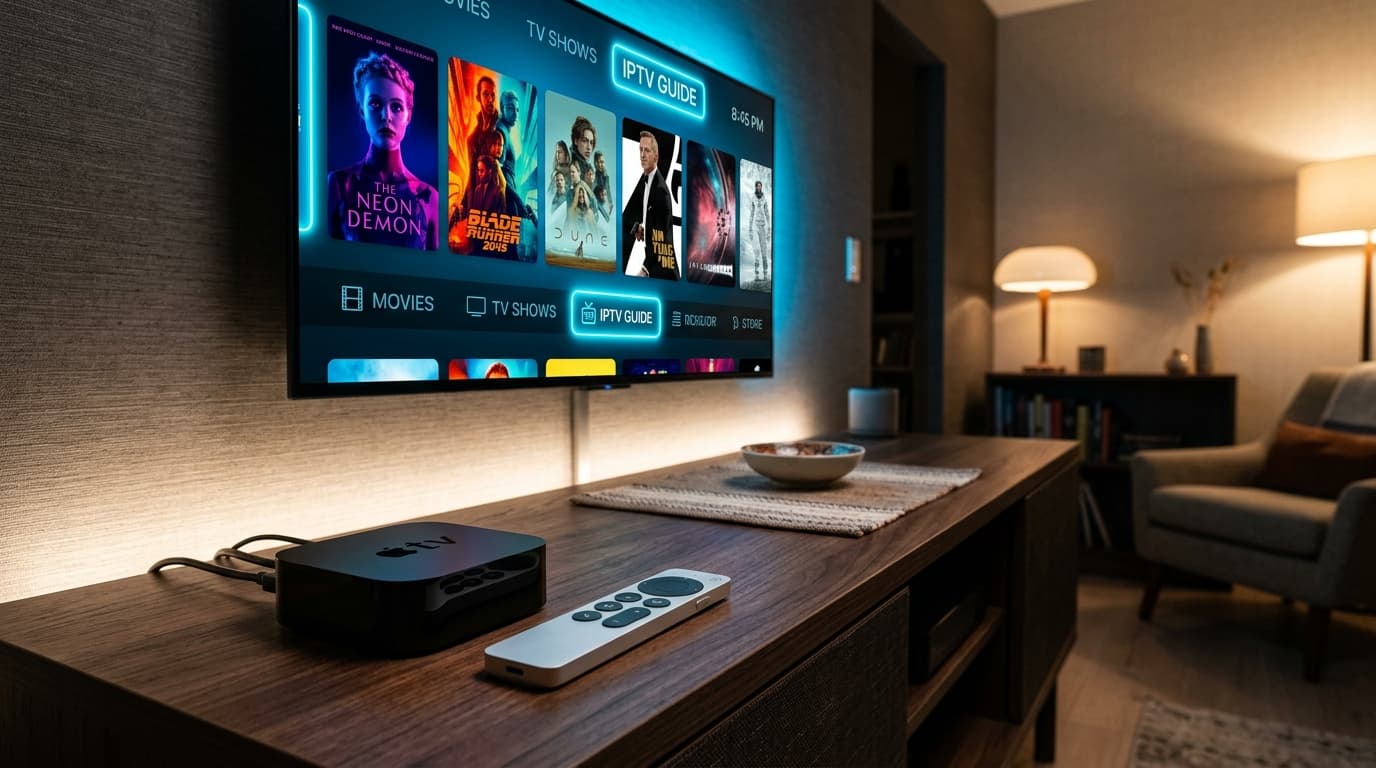
Apple TV
Apple TV 4K & HD (tvOS)
Setup tvOS-compatible streaming applications for high-bitrate playback on Apple TV devices.
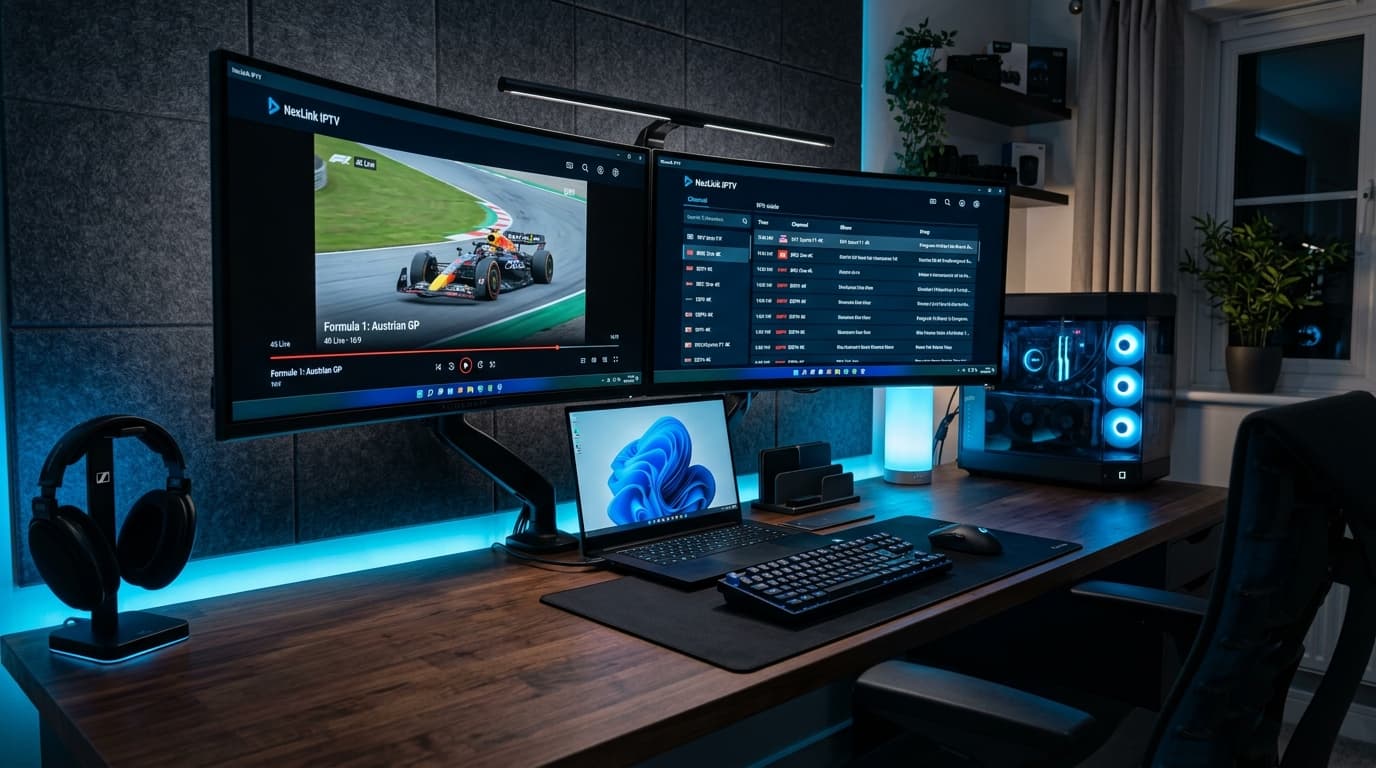
Windows PC
Windows 10 & 11 Desktops/Laptops
Stream on Windows computers using recommended desktop media players or web player interfaces.
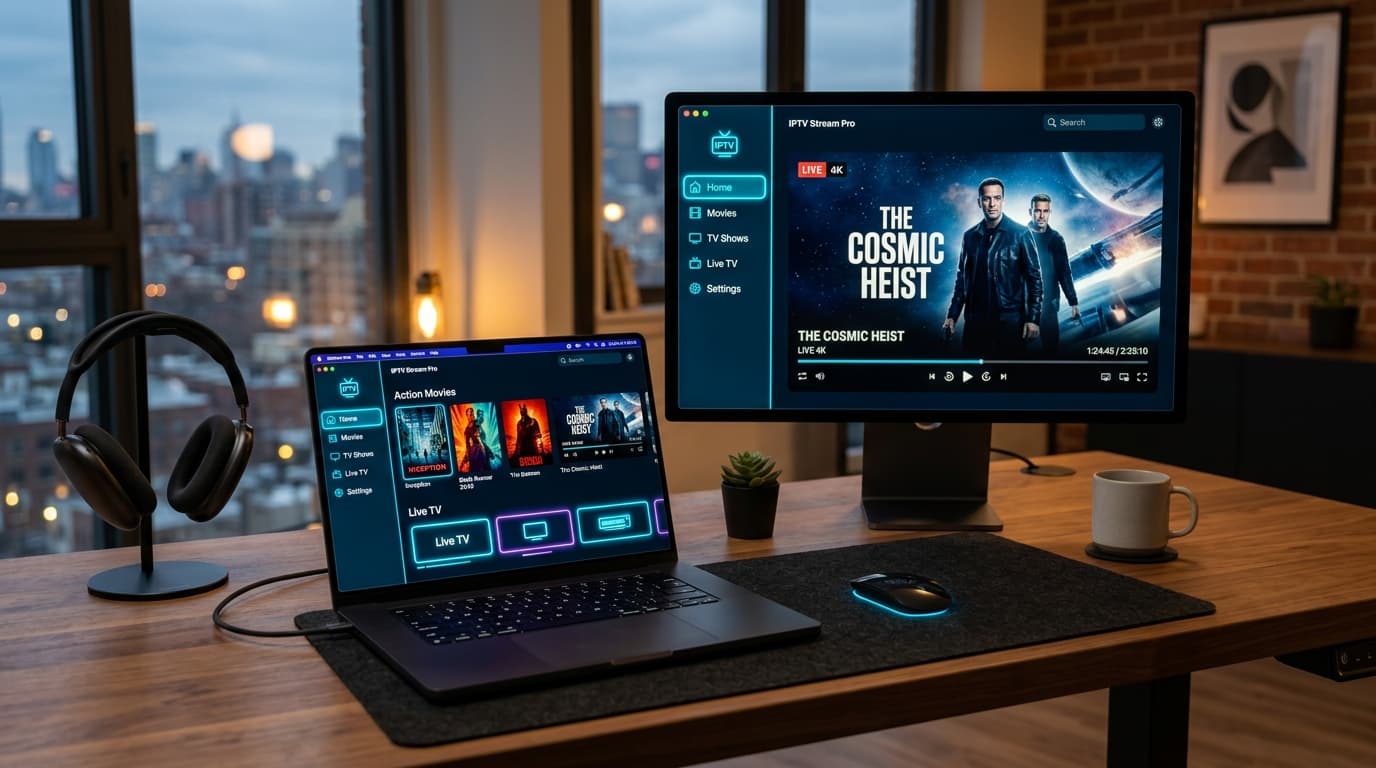
Mac
macOS Silicon & Intel
Connect your NOB IPTV service on macOS using compatible media player software.
Don't see your specific device listed?
NOB IPTV is compatible with any hardware supporting standard media playlists and modern IPTV client applications. Contact our technical team for custom guidance.
Ready to Experience NOB IPTV?
Join thousands of satisfied viewers. Get the best IPTV services with our premium IPTV subscriptions, instant activation, and 24/7 dedicated support.