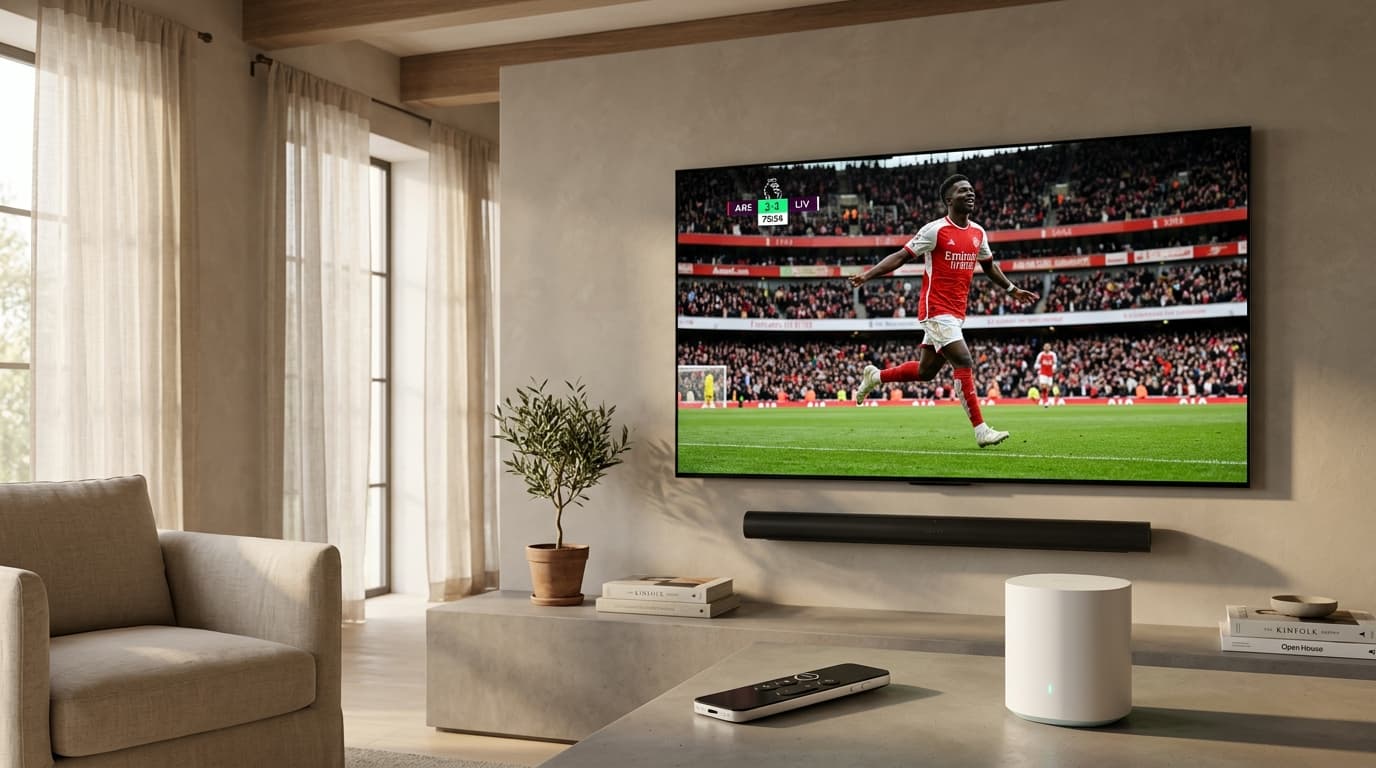
1. What Defines the Best IPTV Streaming Service?
At its core, Internet Protocol Television replaces legacy radio-frequency broadcasts (coaxial cable and satellite dishes) with packetized unicast or multicast data streams sent over standard IP networks. When you switch channels on a traditional cable box, the tuner merely selects a different frequency from hundreds of signals constantly traveling down the wire. In contrast, an IPTV service functions on-demand: selecting a channel prompts your media player to request a dedicated transport stream (typically MPEG-TS or HLS) from a remote media server.
Because every connection consumes dedicated server egress, a provider's underlying infrastructure dictates your viewing quality. When evaluating the best iptv streaming service, four foundational technical pillars separate elite platforms from budget resellers.
Dedicated Multi-CDN Edge Infrastructure
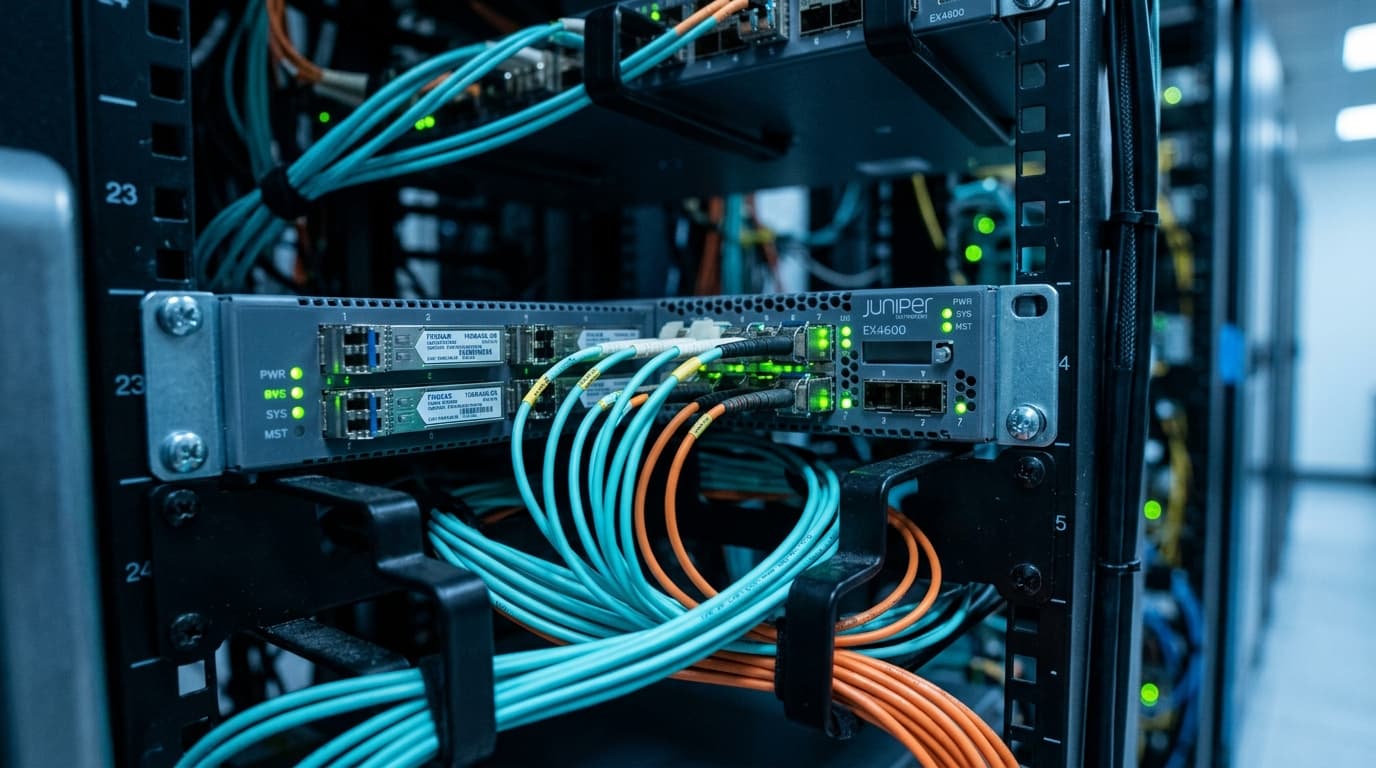
Low-tier providers typically rent a single unmanaged virtual private server (VPS) in a central data center and pipe thousands of concurrent connections through it. When an anticipated sporting event begins, bandwidth saturates and streams freeze. Top-tier services deploy geographically distributed edge nodes that dynamically reroute traffic if a regional node experiences latency.
Native 50/60 FPS Live Sports Feeds
Resolution is only half the visual equation; framerate creates broadcast realism. Budget providers compress feeds down to 25 or 30 FPS to save bandwidth, causing fast-moving soccer balls, hockey pucks, and race cars to stutter. Premium services deliver live sports at genuine 50/60 FPS with uncompressed bitrates.
Accurate EPG & 7-Day Catch-Up TV
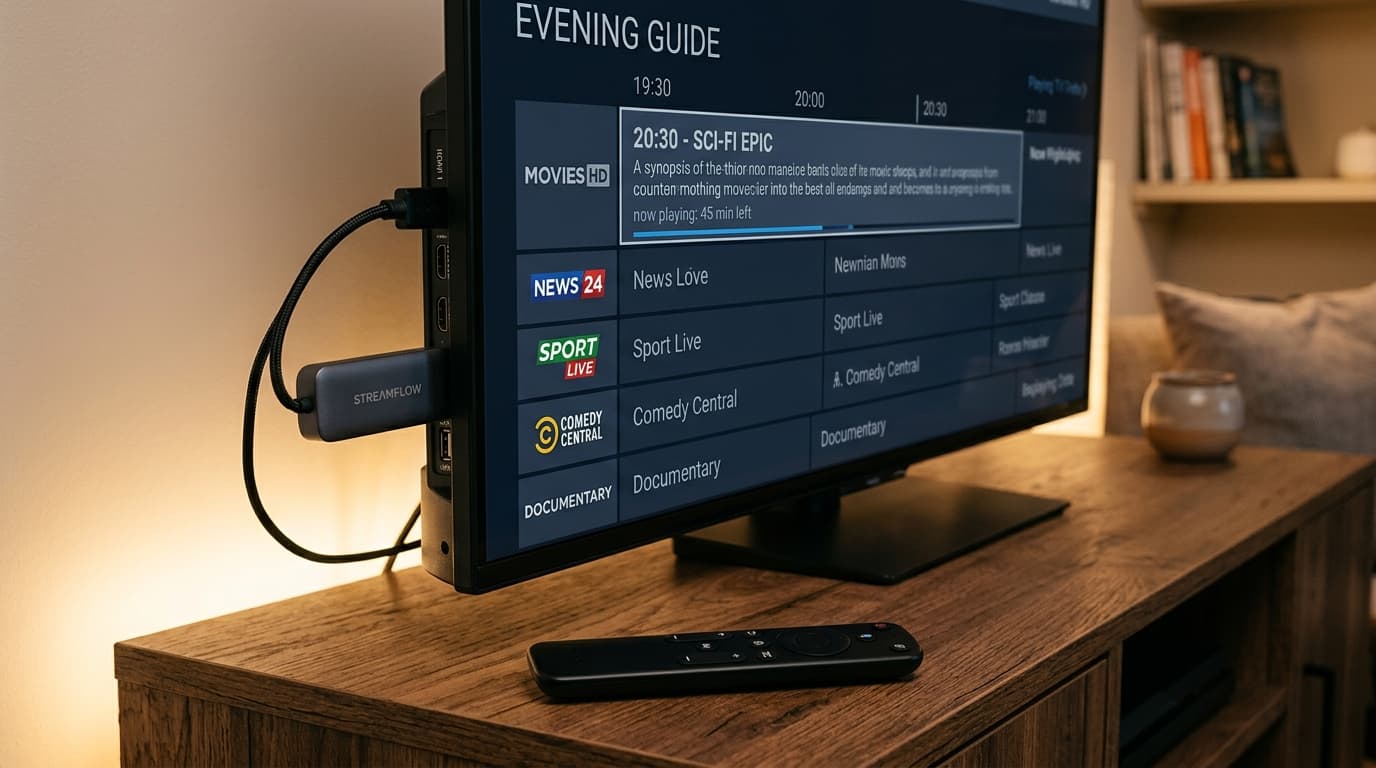
A live TV service without an accurate program guide is almost unusable. High-grade services provide comprehensive XMLTV EPG data that automatically syncs schedules, episode synopses, and enables rewinding aired broadcasts up to 7 days without requiring local DVR hard drives.
Xtream Codes API & M3U Flexibility
Walled-garden providers force users to install clunky, ad-laden proprietary APKs. The most reliable services provide standard Xtream Codes API credentials alongside M3U Plus playlists, letting you use top-tier apps like TiviMate or IPTV Smarters on any hardware.
2. Evaluating an IPTV Streaming Service: High-Performance vs. Budget Reseller
Understanding the architectural differences between an enterprise-grade streaming network and a generic reseller panel helps prevent common buyer pitfalls.
| Evaluation Metric | Elite IPTV Streaming Service | Budget Reseller Panel |
|---|---|---|
| Server Architecture | Multi-CDN edge network with automated load balancing | Single unmanaged VPS or shared reseller panel |
| Sports Framerate | Native 50 FPS / 60 FPS (fluid motion) | Re-encoded 25 FPS / 30 FPS (noticeable stutter) |
| Anti-Freeze Tech | Dynamic edge routing & adaptive bitrate buffers | None; server crashes during peak traffic |
| Channel Curation | 10,000–20,000 stable, monitored feeds | 50,000–100,000 channels (up to 40% broken) |
| EPG Accuracy | 95%+ guide match rate with automated refresh | Incomplete, misaligned, or frequently missing |
| Catch-Up TV | 3 to 7-day cloud time-shift on key channels | Rare or constantly failing to load |
| VOD Catalog | 4K/FHD movies & series with updated audio codecs | Outdated rips with missing subtitles |
| Connection Protocols | Xtream Codes API + M3U8 + MAG Portal | Raw M3U only or forced proprietary APK |
| Customer Support | 24/7 dedicated ticketing and live assistance | Telegram or WhatsApp bot that disappears |
3. Channel Selection: Why Curation Trumps Massive Numbers
One of the most persistent marketing gimmicks in the IPTV industry is the channel count arms race. Services frequently boast "60,000+ Live Channels and 100,000 VOD Titles" for a bargain price.
In practice, unchecked channel volume is a red flag. Maintaining stable direct-ingestion streams requires continuous monitoring, satellite receiver leasing, transcode compute power, and outbound bandwidth. When a service advertises astronomical channel counts, they generally source cheap, unmonitored restream feeds. The result:
- Dead Links and Ghost Channels: Up to a third of the playlist yields black screens or connection timeouts.
- Slow Playlist Ingestion: Loading a 100,000-item playlist overtaxes low-end streaming sticks (like basic Firesticks), causing player crashes during EPG synchronizations.
- Audio-Video De-synchronization: Sourced restreams frequently fall out of sync after 15 to 20 minutes of continuous playback.
A premier platform focuses on curated stability: maintaining high-bitrate, multi-source redundancy on essential local networks, international premium channels, live sports feeds, and pay-per-view events. Having 15,000 channels that connect instantaneously at 60 FPS is vastly superior to having 80,000 channels that freeze whenever you tune in.
Review our breakdown of anti-freeze streaming features to see how intelligent traffic routing guarantees stream integrity during high-volume broadcasts.
4. The Anatomy of IPTV Buffering (and How to Fix It)
Buffering is the bane of any streaming setup. While viewers often blame their provider immediately, stream interruption can originate from multiple points along the transmission chain:
[Broadcast Ingestion] ──▶ [Origin Server] ──▶ [Multi-CDN Edge Nodes]
│ (Dynamic Load Balancing)
▼
[Public Transit / Tier-1 ISPs]
▼ ◄── ISP Throttling Occurs Here
[Residential Home ISP]
▼ ◄── Wi-Fi Packet Loss Occurs Here
[Home Router (Ethernet / Wi-Fi 6)]
▼
[Player Device: Firestick / Smart TV / Apple TV 4K]
1. ISP Peering Bottlenecks and Throttling
During major sporting events like the Champions League final or the Super Bowl, millions of internet users simultaneously consume high-bandwidth video. Many residential Internet Service Providers (ISPs) suffer from congested transit peering points. Furthermore, certain ISPs actively detect and throttle unencrypted video streaming packets directed toward known media hosting subnets.
The Solution: A premium IPTV service routes traffic through standard HTTPS/TLS ports (port 443) or utilizes encrypted reverse proxies. If your ISP is aggressively throttling video traffic, switching your router's DNS to Cloudflare (1.1.1.1) or Google (8.8.8.8), or employing a privacy-focused VPN with WireGuard protocol support, can bypass artificial bandwidth caps.
2. Wi-Fi Packet Loss vs. Ethernet Stability
Many streaming issues stem entirely from local home network interference. While a 5 GHz Wi-Fi connection might deliver 200 Mbps on a speed test, wireless signals are prone to momentary packet drops caused by physical obstructions, microwave interference, or channel contention. A speed drop lasting just 500 milliseconds can deplete your player's buffer and cause a frame freeze.
The Solution: Whenever possible, connect your streaming device directly via Cat6 Ethernet. If you use an Amazon Fire TV Stick or Google TV Chromecast, consider a dedicated USB Ethernet adapter to ensure a jitter-free hardware link.
3. Player Buffer Size Tuning
Most IPTV player applications default to a small buffer window (0.5 to 1 second) to minimize channel switching latency (zapping time). If your network experiences slight micro-jitter, increasing your player's buffer to 3,000 to 5,000 milliseconds (3–5 seconds) gives your stream enough cushion to absorb momentary spikes without interrupting playback.
5. Player Applications and Device Compatibility
The best iptv streaming service will never lock you into a single proprietary app. By offering Xtream Codes API integration, the service lets you take advantage of the most advanced media engines on the market.
TiviMate IPTV Player (Android TV / Fire OS)
Widely recognized as the gold standard for television screens. It offers a fluid, cable-style TV guide, multi-screen viewing (up to 9 channels simultaneously), custom group management, and automated EPG scheduling.
IPTV Smarters Pro (Multi-Platform)
A versatile cross-platform solution featuring multi-user profiles, integrated subtitle selection, and built-in external player support across iOS, Android, LG webOS, Samsung Tizen, and PC.
XCIPTV & OTT Navigator
Lightweight, responsive alternatives featuring customizable dashboard layouts, built-in media players with ExoPlayer and VLC engines, and robust parental controls.
iPlayTV & UHF (Apple TV / tvOS)
The premier choice for Apple TV 4K owners, offering buttery-smooth 120Hz tvOS UI navigation, iCloud settings synchronization, and hardware-accelerated video decoding.
Check our verified list of supported streaming devices to confirm setup options for your specific hardware.
6. Step-by-Step Protocol: How to Test an IPTV Service Before Buying
Never purchase an annual subscription with an untested provider based solely on a landing page's claims. Follow this practical 5-step evaluation protocol using a short-term trial or monthly plan:
Schedule Your Test During Peak Weekend Sports
Do not evaluate a service on a quiet weekday morning. Sign up for your trial on a Saturday or Sunday afternoon when major domestic and international sports matches are broadcasting live to test peak server loads.
Measure Channel Zapping Speed
Switch sequentially through 10 to 15 channels across sports, news, and entertainment. A well-provisioned server cluster should connect and render a full picture within 1.0 to 2.5 seconds.
Verify True Resolution and Framerate
Open the stream information overlay inside your player (e.g. TiviMate stream details). Confirm sports channels output at 50.00 fps or 60.00 fps rather than recompressed 30 fps feeds.
Audit the Video-on-Demand (VOD) Library
Check recent movie releases for multi-language audio tracks, functional subtitles (SRT), and smooth fast-forwarding/rewinding without player lockups.
Test Multi-Device Concurrency
If your tier includes multiple screens, run streams simultaneously on your television and a smartphone to ensure neither connection drops or triggers account lockouts.
Explore our flexible IPTV subscription plans to find transparent multi-connection tiers engineered for peak reliability.
7. Critical Red Flags to Watch Out For
To avoid dishonest vendors and unreliable reseller networks, steer clear of platforms displaying any of these warning signs:
No Free Trial or Short-Term Passes
Providers that demand multi-year upfront commitments without offering a test period often anticipate rapid server degradation.
Astronomical Channel Numbers
Promises of 50,000+ live channels for $5 a month guarantee an unmaintained, unmonitored playlist packed with dead links.
Mandatory Proprietary APK Downloads
Never install unverified third-party APKs. Reputable services provide standard Xtream Codes credentials for verified store apps.
Absence of Customer Support
If the website has no verifiable ticketing portal or live help desk, troubleshooting unexpected connection errors will be impossible.
Frequently Asked Questions
What is the single best IPTV streaming service in 2026?
The best IPTV streaming service is one that operates dedicated multi-CDN edge servers, provides true 50/60 FPS live sports feeds, maintains an accurate Electronic Program Guide (EPG), and supplies standard Xtream Codes API credentials rather than forcing proprietary applications.
How much internet speed is required for buffer-free IPTV streaming?
For standard definition (SD) and high-definition (HD 720p) streams, a steady 10 to 15 Mbps connection is sufficient. For uncompressed Full HD (1080p at 60 FPS), you need a minimum of 25 Mbps. For genuine 4K Ultra HD streaming, we recommend at least 35 to 50 Mbps of stable, unthrottled broadband per active screen.
Why do some IPTV channels freeze during major football or UFC events?
During major sporting broadcasts, thousands of viewers tune into the exact same stream simultaneously. Budget providers using undersized servers exceed their hardware or network egress bandwidth, causing packet drops and buffering loops. Elite providers utilize multi-CDN edge caching and automated load balancers to distribute the audience across hundreds of distributed points of presence.
What is the difference between an M3U playlist and the Xtream Codes API?
An M3U playlist is a single text file containing direct streaming URLs for all channels. While universal, large M3U files can cause player apps to freeze while downloading huge lists. The Xtream Codes API is a RESTful authentication protocol that organizes channels, EPG data, and VOD into structured databases. It enables faster loading, separate category browsing, and automated guide updates.
Can I use one IPTV subscription on multiple TVs simultaneously?
Yes, provided your subscription plan explicitly includes multi-connection support. If you attempt to stream on two devices concurrently using a single-connection plan, the server will either drop the active stream or temporarily suspend the account. Always select a plan with sufficient simultaneous connections for your household.
Do I need a VPN to use an IPTV streaming service?
While not strictly required on high-speed unthrottled connections, using a reputable VPN is recommended if your Internet Service Provider actively throttles streaming video traffic or restricts access to international server nodes. A VPN encrypts your data packets, preventing ISP inspection and routing throttling.
9. Final Recommendation: Elevate Your Home Entertainment
Choosing the best iptv streaming service does not require compromising on channel stability or picture quality. By focusing on multi-CDN infrastructure, native 60 FPS sports broadcasts, Xtream Codes compatibility, and responsive customer support, you can enjoy premium entertainment that matches or exceeds traditional cable at a fraction of the cost.
Ready to transform your television experience?
Explore our flexible, contract-free subscription plans and start enjoying buffer-free live sports, 4K channels, and on-demand entertainment.