Cable bills climbing past $120 each month drive cord-cutters straight toward finding a cheap iptv subscription. The appeal is obvious: access to thousands of live international channels, premier sports networks, and expansive on-demand libraries for a fraction of what traditional telecom operators charge.
Yet, the budget end of the internet protocol television market has a reputation for volatility. Search for low-cost streams, and you will encounter hundreds of shadowy storefronts offering unlimited channels for $2 to $3 a month. Most of these ultra-cheap services collapse the moment a major sporting event kicks off, leaving viewers staring at a frozen buffering wheel while customer support disappears.
A low subscription price does not have to mean unwatchable television. To find true value, you need to understand how streaming infrastructure operates, what a sustainable service actually costs to maintain, and how to configure your playback hardware for reliable performance.
The Economics of a Cheap IPTV Subscription: Value vs. The Reseller Trap
To understand why some budget services run smoothly while others freeze constantly, you have to look at the underlying server infrastructure. Transmitting high-definition, 60-frames-per-second video streams across the globe requires serious computing power and heavy bandwidth allocation.
The Problem with $3 “Bargain” Panels
Services selling access for $2 to $4 per month operate on a business model known as hyper-oversubscription:
- Bandwidth Squeeze: A standard Full HD channel encoded in H.264 or HEVC requires 6 to 12 Mbps of steady throughput. A 4K stream requires 20 to 25 Mbps. Legitimate streaming networks pay data centers based on consumed gigabits per second. A $3 monthly fee cannot cover the bandwidth cost of an active sports viewer.
- Server Overcrowding: Extreme discount sellers purchase a low-tier server rated for 500 simultaneous streams and resell access to 3,000 or more subscribers. During quiet morning hours, the stream appears acceptable. But when thousands of viewers tune in simultaneously for prime-time broadcasts or pay-per-view events, the server port saturates, dropping video packets and triggering continuous buffering loops.
- Fly-by-Night Lifespans: Many ultra-cheap services are run by anonymous resellers who lease temporary server panels. Once server bills come due or customer complaints pile up, the reseller shuts down the domain and launches a new storefront under a different brand name.
How Sustainable Budget Providers Deliver Stability
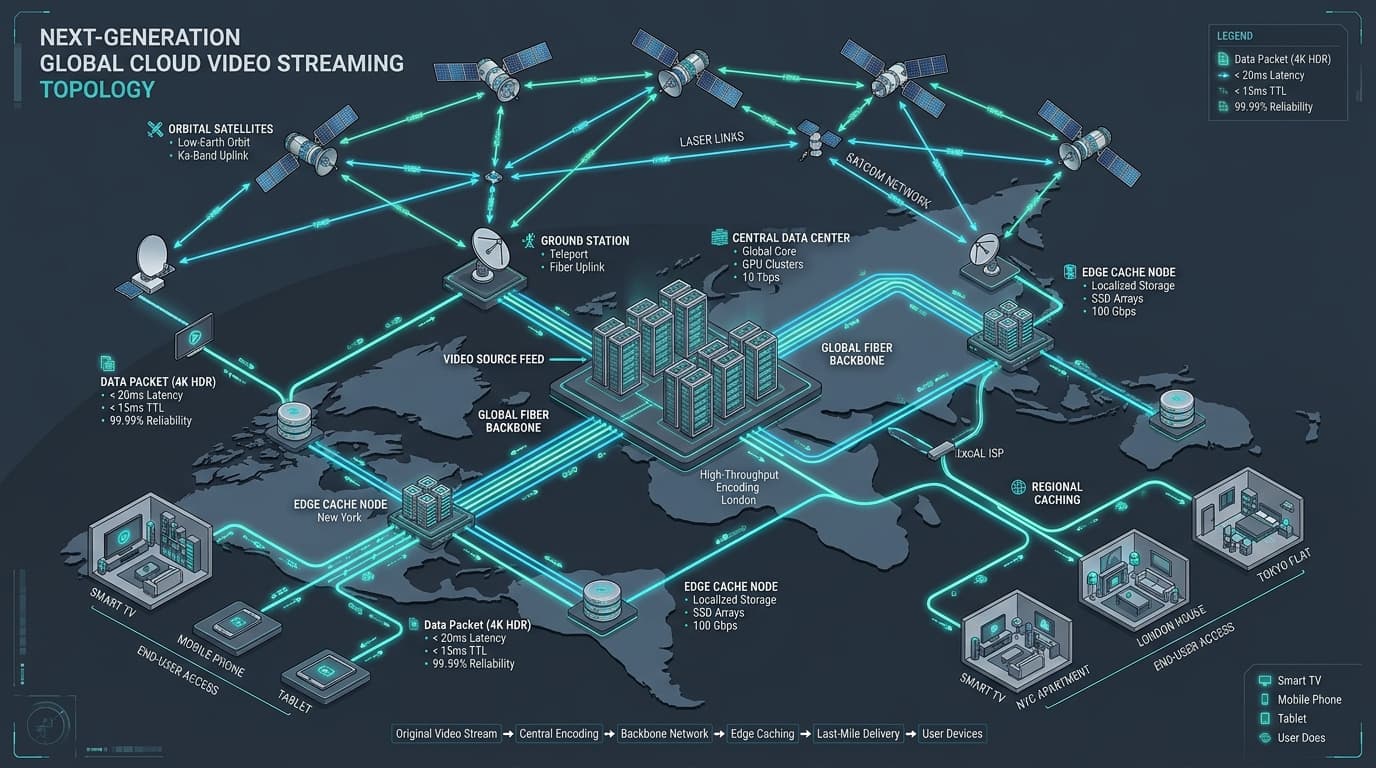
A reliable cheap IPTV subscription achieves affordability through network architecture rather than dangerous overcrowding:
Distributed Anycast CDN
Global edge nodes route traffic geographically, minimizing latency, round-trip time, and packet loss during live streams.
Adaptive Load Balancing
Automated network balancers redistribute viewer surges across server clusters during high-traffic sports events.
H.265 / HEVC Transcoding
Cutting bandwidth consumption by 40% while preserving crisp 1080p and 4K image sharpness at native 60 FPS.
Realistic IPTV Pricing Benchmarks in 2026
When evaluating subscription plans, having a realistic baseline prevents you from overpaying for overpriced white-label rebrands or falling victim to disposable bargain panels.
| Subscription Tier | Typical Price Range | Effective Monthly Cost | Best Used For | Risk Level |
|---|---|---|---|---|
| Ultra-Budget ($2–$4/mo) | $2 – $4 / month | $2 – $4 | Short-term secondary screens | High |
| Standard 1-Month Plan | $11 – $15 / month | $11 – $15 | Testing stream reliability & lineup | Very Low |
| Quarterly (3-Month Plan) | $27 – $35 upfront | $9 – $11.60 | Seasonal sports cord-cutting | Low |
| Biannual (6-Month Plan) | $45 – $55 upfront | $7.50 – $9.15 | Consistent household viewing | Low |
| Annual (12-Month Plan) | $65 – $85 upfront | $5.40 – $7.00 | Dedicated cord-cutters (Maximum value) | Moderate (Best Value) |
| “Lifetime” Subscriptions | $25 – $50 one-time | N/A | Never recommend | Extreme Scam Risk |
The sweet spot for an affordable, high-performing IPTV subscription sits between $5.50 and $9.00 per month when billed semi-annually or annually. You can review transparent affordable IPTV subscription plans to see how modern multi-month tiers compare.
6 Red Flags to Avoid When Shopping for Budget IPTV
Before submitting payment to any low-cost streaming provider, verify that none of these common warning signs are present:
1. “Lifetime” Access Promises
Bandwidth and server infrastructure represent recurring monthly expenses. Any seller claiming permanent lifetime access for $30 to $50 is running a fast cash-grab designed to disappear within weeks.
2. Cryptocurrency-Only or Gift Card Checkouts
While crypto offers privacy, providers that strictly refuse card processors or standard checkout gateways leave you with zero buyer recourse if streams go dark.
3. Missing or Broken Electronic Program Guides (EPG)
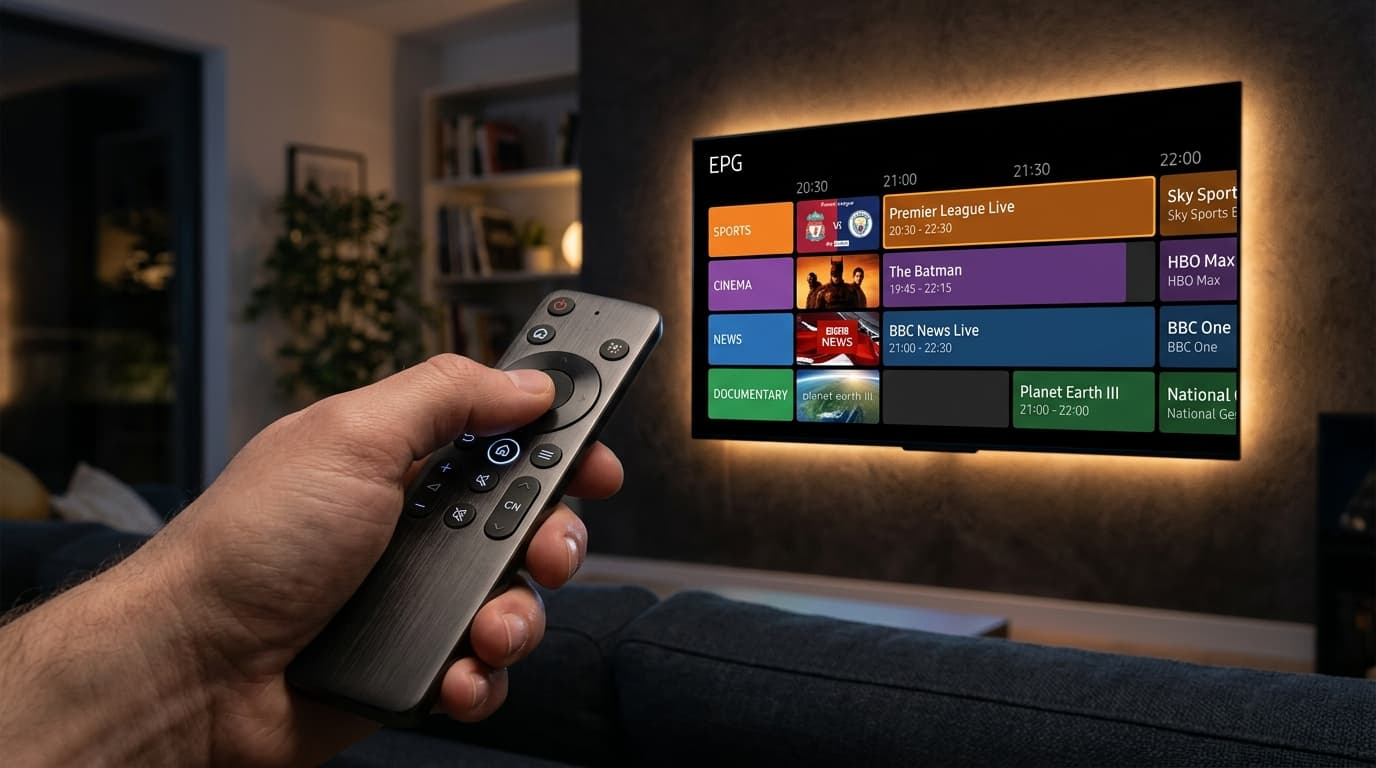
Bargain scraping panels rarely invest in synced XMLTV guide feeds. Quality providers deliver comprehensive EPG metadata so you can easily browse scheduled programming.
4. Inflated, Unrealistic Channel Counts
Marketing numbers boasting 50,000+ channels usually indicate unmaintained link dumps filled with dead 360p feeds. Prioritize curated channel stability over exaggerated counts.
5. Absence of a Free Trial or Short-Term Test Pass
Never commit to long-term billing without testing first. Reputable platforms offer a 24-hour test pass or an affordable 1-month plan so you can verify server responsiveness during live sports.
6. Sellers Demanding Proprietary Unverified APKs
Avoid services forcing downloads of modified APKs from anonymous file lockers. Established providers deliver clean Xtream Codes API or M3U credentials compatible with store-verified players.
Essential Features Every Budget Subscription Must Include
Even at a competitive, low price point, a dependable IPTV subscription must satisfy core technical standards:
Learn more about high-availability streaming architecture on our anti-freeze streaming server technology overview page.
How to Optimize Playback Hardware for Zero Buffering
In many cases, stream freezing is caused by local network bottlenecks or low-powered hardware decoders rather than the IPTV server itself. Following these configuration steps ensures smooth performance:
1. Upgrade from Built-in Smart TV Processors
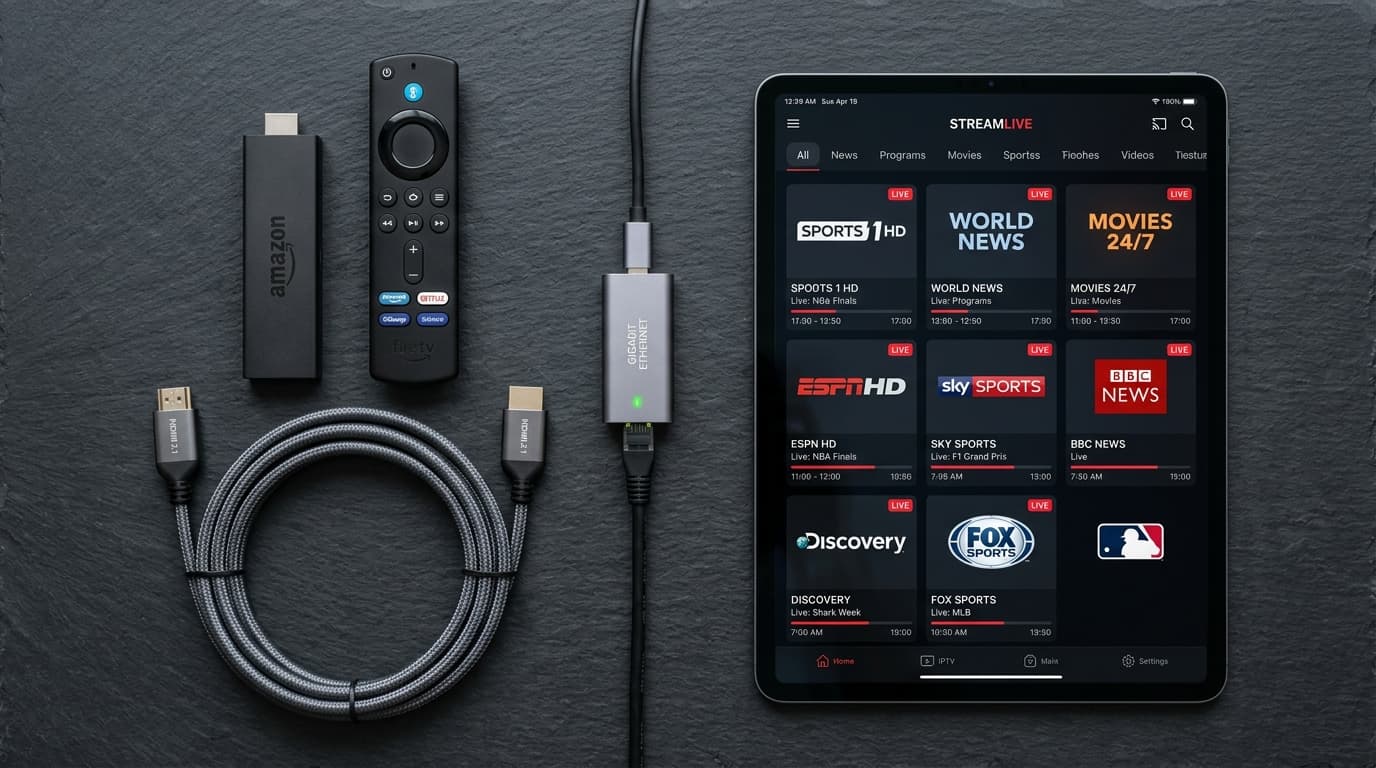
Budget smart TVs have limited RAM and struggle to parse massive channel playlists. Pairing your TV with a dedicated player such as the Amazon Fire TV Stick 4K Max, Chromecast with Google TV, or Apple TV 4K delivers superior decoding throughput. See our full breakdown of compatible streaming hardware.
2. Use Dedicated Store-Verified Player Apps
Avoid slow web players. Use native applications like TiviMate (for Firestick / Android TV) or IPTV Smarters Pro (for iOS, Android, and PC). Refer to our IPTV device configuration guides for step-by-step installation instructions.
3. Connect to 5 GHz Wi-Fi or Hardwired Ethernet
2.4 GHz Wi-Fi suffers from household interference and packet loss. Switch your streaming stick to 5 GHz Wi-Fi or use a direct Ethernet adapter for consistent throughput and zero jitter.
4. Toggle Player Decoder from Software to Hardware
In your player settings (e.g., TiviMate > Playback > Decoder), ensure video decoding is set to Hardware (or ExoPlayer). This uses the device's GPU directly, preventing audio desynchronization and frame drops on 4K HEVC streams.
5-Step Checklist: How to Test a Cheap IPTV Subscription
Before committing to an extended billing period, run through this simple testing protocol:
Never buy an annual plan on day one. Always start with a short test window.
Evaluate playback during high-traffic events (e.g., Sunday 8:00 PM live sports) to see if server capacity holds up.
Channels should switch within 1 to 2 seconds. Delays exceeding 5 seconds indicate strained edge caching.
Confirm program guide schedules match current airings and categories are structured without dead links.
Submit a quick inquiry regarding setup or formats. Reliable platforms respond within hours.
Frequently Asked Questions
Is a cheap IPTV subscription legal?
The legality of IPTV depends on whether the provider holds valid commercial broadcast distribution licenses for the channels they stream. Licensed platforms provide legal low-cost options, while third-party international providers operate across diverse legal jurisdictions. Consumers should review local telecom rules and choose transparent services.
How much internet speed do I need for a cheap IPTV subscription?
Standard definition and 720p streams require 10 to 15 Mbps. Full HD (1080p at 60 FPS) requires at least 25 Mbps of steady bandwidth. For uncompressed 4K UHD broadcasts or multiple concurrent household screens, a 50+ Mbps connection with minimal jitter is recommended.
Why do cheap IPTV subscriptions buffer during live sports?
Buffering during major sporting events occurs when discount sellers oversubscribe server capacity. When thousands of viewers tune into the same stream simultaneously, the origin server port saturates. Reputable providers prevent this through Anycast CDN edge networks and automated load balancers.
Can I use a cheap IPTV subscription on multiple devices at the same time?
Standard base subscriptions include one active simultaneous stream. Attempting to watch on a second screen with the same credentials will drop the feed. Most established providers offer multi-connection upgrades for households with multiple TVs.
What is the difference between an M3U playlist and Xtream Codes API?
An M3U playlist is a single plain text URL with every stream link. Xtream Codes API uses a server URL, username, and password to organize live TV, VOD, and EPG categories cleanly without requiring manual URL editing.
Can I run a cheap IPTV subscription without a VPN?
Yes, as long as your internet service provider does not throttle streaming video packets. If your ISP detects heavy sustained data usage during live matches and throttles bandwidth, using a fast VPN encrypts traffic and restores full streaming speed.
For more help, visit our complete IPTV subscription activation FAQ.
Finding Real Value in Your Next Streaming Setup
Cutting your monthly entertainment expenses shouldn't mean suffering through endless buffering or disposable $3 reseller scams. By choosing a well-maintained provider in the $5.50 to $9.00 monthly range, you get thousands of crystal-clear live channels, fluid 60 FPS sports, and reliable EPG synchronization.