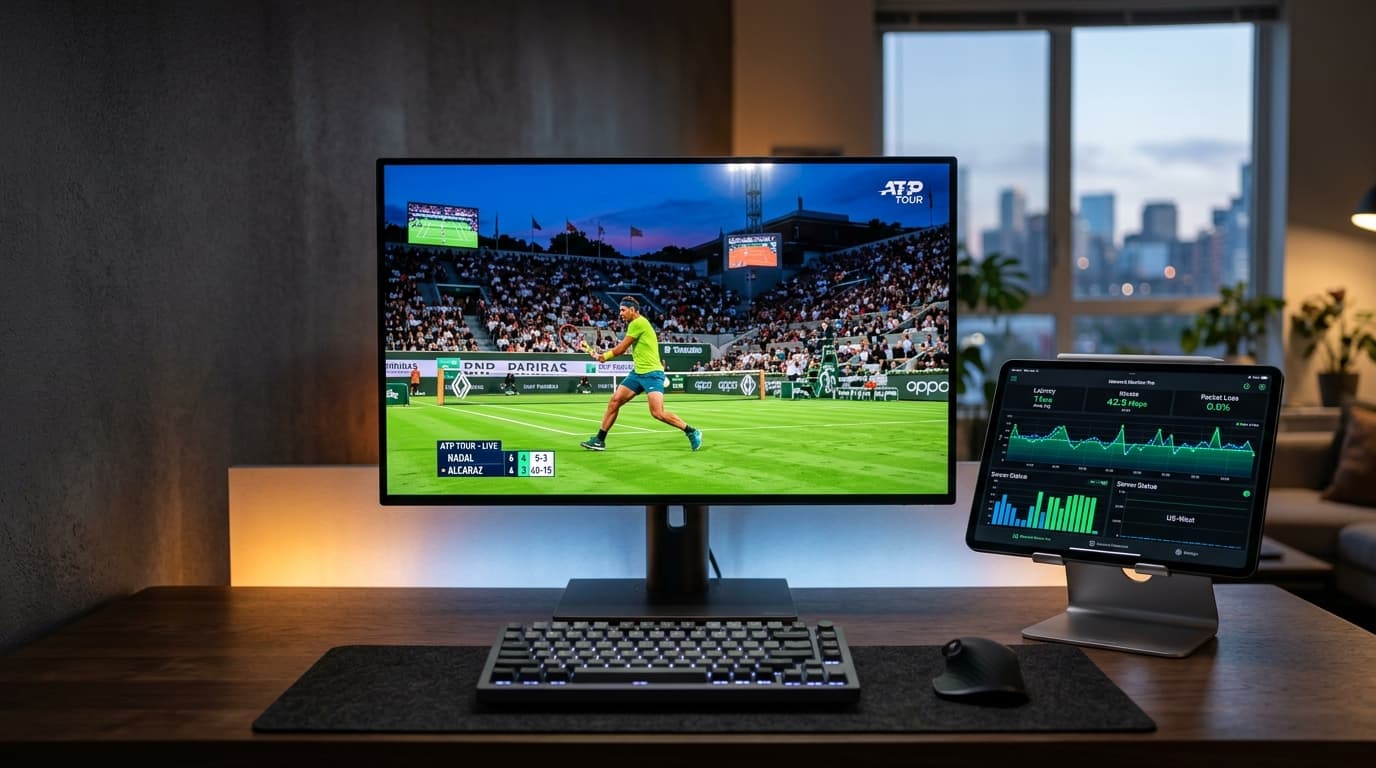
An IPTV free trial in 2026 is a time-limited demonstration pass—typically lasting 12 to 24 hours—provided by a streaming service to allow prospective viewers to evaluate server uptime, live channel stability, video bitrates, and hardware compatibility before committing their money to a paid plan.
Committing to an annual streaming plan without testing the service first is one of the costliest mistakes cord-cutters make. Marketing claims of "100% anti-freeze infrastructure" and "over 25,000 live 4K channels" look impressive on a homepage, but real-world performance depends on server load distribution, Content Delivery Network (CDN) edge routing, and your local Internet Service Provider (ISP).
Testing a provider through an authorized trial period allows you to verify that live sports broadcasts run without micro-stutter, that the Electronic Program Guide (EPG) updates accurately, and that your preferred hardware handles the stream profile seamlessly.
What Is an IPTV Free Trial and How Does It Work in 2026?
When you request an IPTV test, the provider provisions a temporary user account on their streaming middleware. Rather than requiring software installation from unverified sources, premium providers deliver raw account credentials that you plug directly into standard, store-verified media player applications such as TiviMate, IPTV Smarters Pro, or IBO Player.
Your trial period begins the moment your credentials are generated and authenticated by the authentication server. During this window, you receive access to the identical channel clusters, VOD libraries, and server clusters that active subscribers use, giving you a transparent snapshot of daily performance.
24-Hour vs. 48-Hour Test Windows
Most dependable providers offer a 24-hour trial period. This gives you ample opportunity to test during both off-peak morning hours and high-traffic evening prime time, catching at least one major live broadcast window. Beware of unlimited 7-day trials, which frequently isolate users on low-capacity demo servers.
Xtream Codes API vs. M3U Links
Whenever possible, configure your trial using the Xtream Codes API (Server URL, Username, and Password). Unlike raw M3U text files that can choke low-powered streaming sticks during sync, Xtream Codes categorizes channels dynamically, maps EPG timelines automatically, and caches VOD posters.
The 5-Point Benchmark Protocol: How to Stress-Test an IPTV Trial
To determine whether an IPTV service can replace your cable or satellite provider permanently, do not just flip through random news channels for five minutes. Put the connection through this 5-point technical stress test during your 24-hour evaluation window:
1The Peak-Hour Live Sports Stress Test (8:00 PM Test)
Almost any streaming server can deliver an uninterrupted signal on a quiet weekday morning. The real test of an IPTV architecture happens between 7:30 PM and 10:30 PM local time, particularly during live football, Premier League fixtures, NFL games, or UFC pay-per-views. If the stream sustains stable 50FPS or 60FPS playback through halftime and post-match coverage without manual reloads, the provider maintains adequate bandwidth headroom.
2Native 4K 60FPS Bitrate and Anti-Freeze Verification
True 4K IPTV demands an uncompressed delivery bitrate between 18 Mbps and 30 Mbps. Lower-tier providers often upscale 720p or 1080p feeds artificially. Check ball movement and ticker text on live sports channels labeled "4K UHD" or "FHD 50FPS"—motion should be razor-sharp. Services like nobiptv deploy adaptive bitrate protocols to adjust buffers smoothly instead of looping or freezing.
3Electronic Program Guide (EPG) Synchronization and Catch-Up
An extensive channel lineup is useless without a reliable guide. Inspect schedule accuracy across US, UK, Canadian, and international channels down to the minute. Then, test the Catch-Up feature: click back two hours to a finished program and verify that the archive stream loads within four to six seconds.
4On-Demand (VOD) CDN Routing and Seeking Speed
Select a 4K movie from the on-demand catalog. Jump the scrub bar forward by 45 minutes, then backward by 10 minutes. An enterprise-grade CDN edge node will re-buffer video and audio tracks in under three seconds. If the player spins endlessly or desyncs audio, the VOD infrastructure lacks edge caching.
5Support Response Time Under Live Conditions
Send a technical question to the support desk via their primary communication channel (such as nobiptv WhatsApp Support). If you receive a prompt, human response from an experienced technician within 10 to 20 minutes, you know you will receive dedicated assistance throughout your subscription.
Trial Evaluation Scorecard
| Evaluation Metric | Ideal Benchmark (Pass) | Warning Sign (Borderline) | Disqualification (Fail) |
|---|---|---|---|
| Peak-Hour Sports (8 PM) | Zero buffering; stable 50/60 FPS | 1–2 micro-buffers during halftime | Continuous spinning wheel; stream looping |
| Channel Zap Time | Under 1.5–2.5 seconds per switch | 3.5–5.0 seconds per switch | Over 6 seconds; black screen timeouts |
| True 4K Video Quality | Crisp motion tracking; sharp textures | 1080p upscaled; softened text | Noticeable pixel macroblocking; 25 FPS drop |
| EPG Population | >90% channels have full metadata | Missing schedules on minor feeds | Entire sports/movie categories show "No Data" |
| VOD Buffer Recovery | Resumes playback <3s after scrub | 4–7 seconds recovery | Crashes to player menu; audio desync |
| Customer Service | Prompt, helpful reply in <20 mins | Generic bot reply; 2–4 hr delay | Unresponsive or missing contact options |
6 Free Trial Traps and Security Red Flags to Avoid
The internet contains hundreds of sites offering "instant free IPTV trials," but many operate as lead-generation traps or credit card harvesting schemes. Avoid providers displaying any of these six warning signs:
A legitimate trial never requires your credit card number upfront. If a provider insists on billing details "just to verify your $0 trial," they often use negative option billing to charge your card high recurring fees the moment 24 hours elapse.
Never install modified APKs from unknown web links or file-sharing sites. Shady operators bundle crypto miners, proxy bots, or credential sniffers into custom media players. Only use official apps downloaded from the Google Play Store, Amazon Appstore, or Apple App Store.
Some sellers place trial users on a private, lightweight server with only 200 optimized streams. Once you purchase, they switch you to overloaded servers with 25,000 channels where buffering begins immediately. Authentic trials give you full access to the live master channel lineup.
If a seller has no website, no published refund policy, and conducts all transactions exclusively via anonymous chat handles, proceed with extreme caution. If their server goes offline, your support vanishes with it.
While limiting concurrent active connections to your plan tier is normal, rigid IP-locking prevents you from testing on your home TV and later on your mobile phone via 5G. Reputable services allow seamless device roaming within your connection limits.
Professional providers supply detailed, platform-specific installation guides. If a service sends you raw text without instructions on how to install or configure players on your hardware, expect non-existent troubleshooting assistance if issues arise later.
Hardware Optimization: Setting Up Your Test Across Supported Devices
To ensure your test results reflect actual server capability rather than local hardware bottlenecks, configure your player application using the recommended practices for your specific platform:
Amazon Fire TV Stick
Use TiviMate or IPTV Smarters Pro. Power your Firestick from a wall outlet instead of TV USB ports to avoid hardware throttling during 4K HEVC decoding.
Samsung & LG Smart TVs
Install IBO Player or IPTV Smarters directly from the Samsung Smart Hub or LG Content Store. Connect via 5 GHz Wi-Fi or Ethernet.
Apple TV & iOS
Use UHF, IPTVX, or Smarters Player Lite from the App Store. Enable hardware video decoding for smooth 60FPS live sports.
Android TV & Google TV
Install TiviMate on your Nvidia Shield, Chromecast with Google TV, or Sony TV. Configure stream format to HLS or MPEG-TS.
Windows PC & macOS
Use IPTV Smarters Pro or VLC Media Player. Inspect detailed video codecs and network packet round-trip times during playback.
Android Mobile & Tablet
Test mobile roaming performance over 5G networks using official Google Play Store IPTV players.
Step-by-Step: How to Request and Activate a nobiptv Test Stream
Activating a test stream with nobiptv is straightforward, transparent, and completely free of automated billing commitments:
Step 1: Submit Your Test Request via Verified Support
Reach out to our technical team through our official Contact Page or directly via WhatsApp Live Chat. State the device you plan to test (such as Firestick 4K, Samsung Smart TV, or Apple TV) so our engineers can pre-optimize your connection route through our nearest CDN edge point.
Step 2: Receive Your Login Details
Within minutes, our provisioning system delivers your secure connection package containing your Server URL endpoint, temporary 24-hour Username & Password, and secondary M3U link.
Step 3: Connect via Xtream Codes API in Your Media Player
Open your preferred player application, select Login with Xtream Codes API, and enter the supplied credentials:
Step 4: Run Initial Diagnostics & Begin Benchmarking
Allow the application 2–3 minutes to download your channel directory and EPG data. Confirm you have at least 25 Mbps available bandwidth using our streaming internet speed guidelines, and begin your 24-hour benchmark protocol. If you experience minor playback hitches, review our guide on common IPTV playback problems to adjust software buffer settings.
Transitioning from Trial to Subscription: What to Look For
Once your 24-hour evaluation confirms that channel stability, picture sharpness, and server response meet your standards, transitioning to a paid plan should feel seamless and risk-free.
Flexible Durations over Locked-in Multi-Year Contracts
A major warning sign in the streaming industry is any provider that pressures customers into 2-year or 3-year contracts upfront. Technology changes quickly, and your provider should earn your loyalty continuously. Look for transparent subscription periods that fit your budget:
Review our complete feature matrix and pricing breakdown on the nobiptv pricing page.
Frequently Asked Questions About IPTV Free Trials in 2026
How long does instant activation take for an IPTV trial?
With automated provisioning architectures like nobiptv, trial credentials are typically generated and delivered within 5 to 15 minutes of your request. During marquee sports events, safety checks can take up to 20–30 minutes to safeguard server bandwidth from spam bots.
Do I need to enter credit card details for a legitimate free trial?
No. A genuine, ethical IPTV test does not require payment card details, bank information, or recurring billing agreements. You should receive direct login credentials without entering sensitive financial data.
Can I watch live 4K sports events during a trial?
Yes. Quality providers give test accounts identical access to the master channel lineup, including 4K UHD and 60FPS sports broadcasts. If a provider locks premium sports feeds behind a paid tier during the trial, you cannot reliably verify their server stability under heavy load.
Why does an IPTV trial buffer on Wi-Fi but run smoothly on Ethernet?
Live IPTV streams deliver real-time continuous video packets without large local caches. Standard 2.4 GHz Wi-Fi is susceptible to radio congestion and packet drops. Switching to a direct Ethernet cable or 5 GHz Wi-Fi frequency resolves micro-buffering in over 85% of cases.
Do I need a VPN while testing an IPTV stream?
While an IPTV trial works across standard broadband, using a VPN can be valuable if your Internet Service Provider actively throttles high-bitrate streaming traffic during major sporting events. Testing your stream both with and without a VPN allows you to identify whether occasional buffering originates from the IPTV server or your ISP.
Which media player is best for testing trial credentials?
On Android and Fire TV devices, TiviMate provides the smoothest EPG navigation and fastest stream switching. On Apple TV and iOS devices, UHF or IPTVX offer superior hardware decoding. For cross-platform convenience on Smart TVs, IBO Player and IPTV Smarters Pro deliver dependable performance.
Experience Anti-Freeze IPTV Streaming Today
Ready to test live 4K sports, 25,000+ international channels, and smooth channel zapping on your own screen? Contact our technical desk for your clean 24-hour test credentials.