
1. What Is an IPTV Subscription and How Does It Actually Work?
Internet Protocol Television (IPTV) transmits television programming and on-demand content through packet-switched IP networks—the same networking infrastructure that powers standard web browsing.
When you activate an ip tv subscription, your player does not pull a continuous radio frequency broadcast off an antenna. Instead, it requests a specific data stream from a remote server cluster only when you click on a channel.
Unicast Streaming vs. Traditional RF Broadcasting
Traditional terrestrial, cable, and satellite networks rely on broadcast architecture. They pump hundreds of channels into your home coax cable simultaneously, regardless of whether your television is turned on. Your cable box simply isolates and tunes to that single radio frequency.
An IPTV platform uses unicast and managed multicast data transfer. When you select a channel, your media player sends a digital request to the provider's load balancer, authenticates your account, connects to the closest edge node, and unpacks short video transport segments into your player buffer. Switching channels terminates the previous session, optimizing residential network bandwidth.
Core Delivery Formats: Xtream Codes API vs. M3U Playlists vs. MAC/Portal
Xtream Codes API
The modern gold standard. Automatically pulls live bouquets, VOD posters, subtitles, and real-time EPG program schedules via server URL, username, and password.
M3U Playlists
Universal text-based playlist URL compatible with VLC, older players, and generic media software. Requires manual updates if stream endpoints change.
MAC / Stalker Portal
Hardware-bound authentication designed specifically for dedicated set-top boxes such as MAG and Formuler devices using your physical MAC address.
2. Key Features That Separate Premium Providers from Budget Resellers
The market is flooded with low-cost resellers selling access to shared, public control panels. The price tag may look tempting, but these budget services routinely run into severe bottlenecking during peak prime-time viewing hours. High-tier providers invest heavily in server architecture to maintain continuous uptime.
Dedicated Edge CDNs and Anti-Freeze Architecture
Standard servers host their media files in a single data center. If that facility is far from your home, stream packets must jump across dozens of international routing hops, introducing latency, jitter, and buffering.
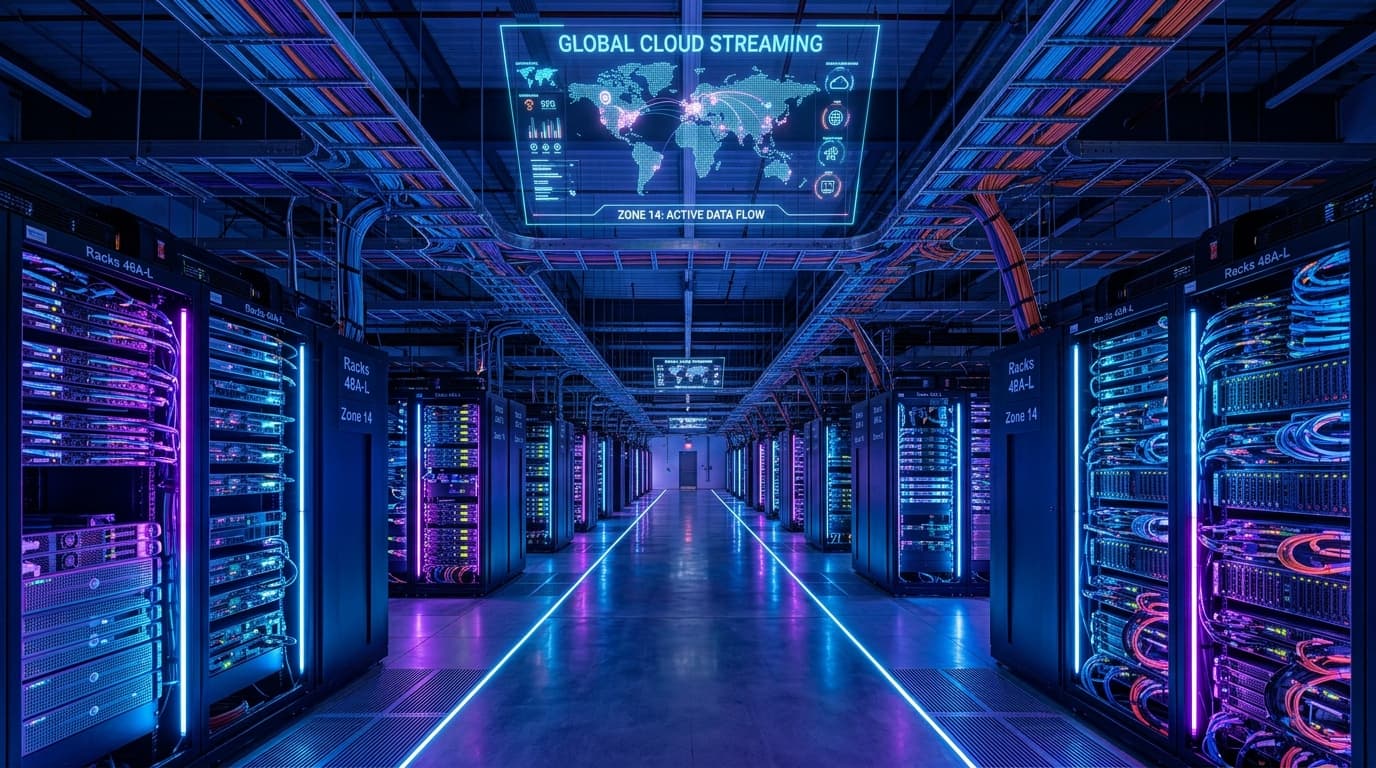
A premium ip tv subscription relies on geographically distributed edge Content Delivery Networks (CDNs). Edge caching keeps live stream fragments synchronized across regional hubs, dynamically distributing traffic across server nodes so high-interest matches never cause blackouts. Review our full suite of streaming server features to see our network architecture in detail.
True 60 FPS Frame Rates and Uncompressed Bitrates
- Fluid 60 FPS Movement: Live sports and fast-action events require 60 frames per second (or 50 FPS for European leagues). Inexpensive providers throttle streams down to 25–30 FPS, causing distracting motion blur.
- High-Bitrate Clarity: Rather than compressing 1080p feeds down to a muddy 2–3 Mbps, top platforms broadcast Full HD at 8–12 Mbps and 4K Ultra HD at 15–25 Mbps with HDR color support.
- Accurate Electronic Program Guide (EPG): Synchronized XMLTV metadata ensures accurate start and end times, program summaries, and episode guides.
- Catch-Up TV Functionality: Rewind or replay programs from the previous 48 to 72 hours without needing a dedicated hardware DVR.
3. Bandwidth and Network Requirements for Buffer-Free Playback
A common misconception is that an IPTV service will run smoothly on any baseline internet connection. While web browsing requires minimal bandwidth, sustained live streaming demands consistent throughput with zero packet loss.
| Resolution Tier | Typical Bitrate | Min. Speed per Screen | Recommended Home Broadband |
|---|---|---|---|
| Standard Definition (480p) | 1.5 – 3 Mbps | 10 Mbps | 25 Mbps |
| High Definition (720p) | 4 – 6 Mbps | 20 Mbps | 50 Mbps |
| Full HD (1080p @ 60 FPS) | 8 – 14 Mbps | 35 Mbps | 100 Mbps |
| Ultra HD (4K / 2160p HDR) | 18 – 30 Mbps | 50 Mbps | 200+ Mbps |
Ping & Packet Loss
Video protocols require low jitter and zero packet drops. Whenever possible, connect your streaming device using a hardwired Cat6 Ethernet cable or 5 GHz Wi-Fi band.
Overcoming ISP Throttling
If speed tests show high speeds but your video buffers, your ISP may be throttling media packets. Running a fast WireGuard VPN encrypts stream headers, bypassing artificial limits.
4. Supported Devices and Recommended Player Applications
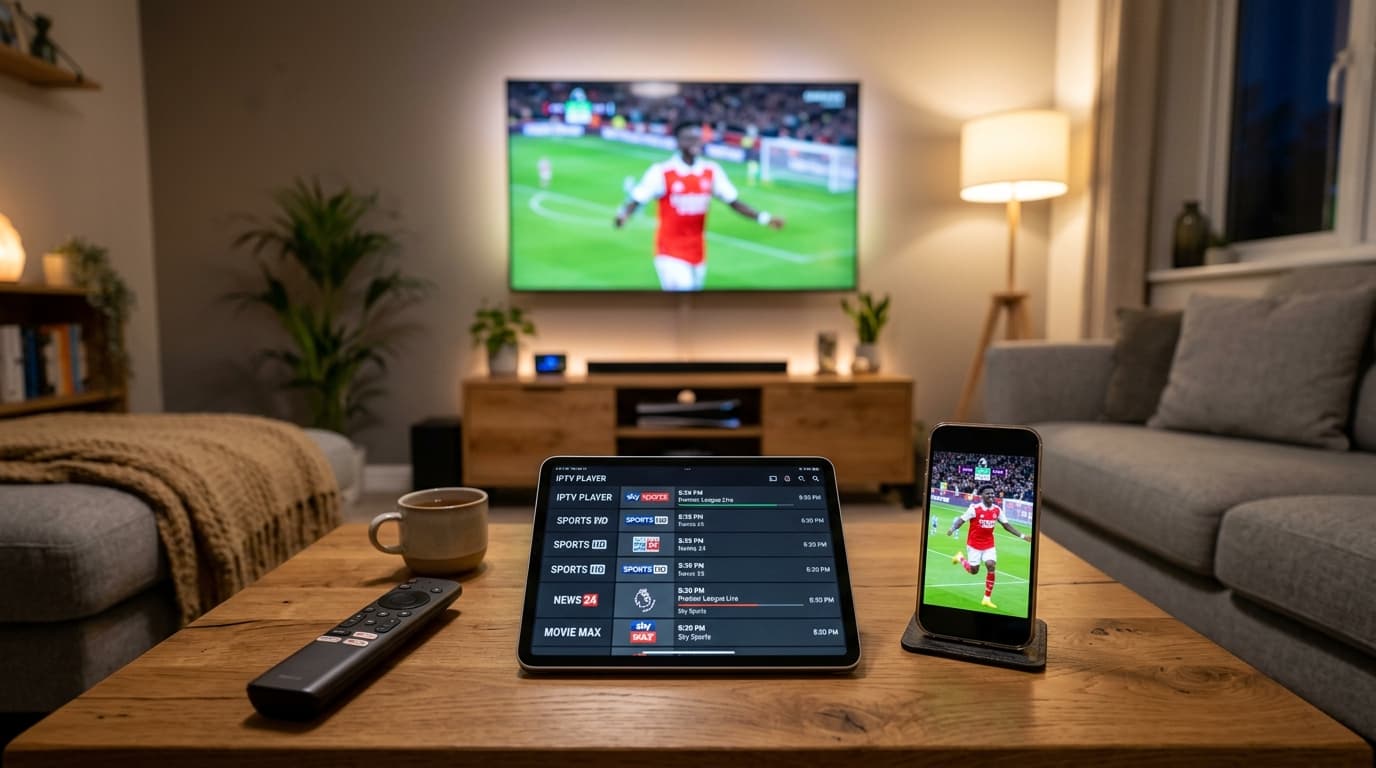
Modern IPTV streams run on open protocols, freeing you from locked proprietary decoders. You can freely watch across streaming sticks, smart TVs, tablets, and mobile devices. Consult our complete list of compatible IPTV devices for full hardware specifications.
TiviMate
The premier living-room interface for Android TV and Fire OS devices. Features sub-second channel tuning, multiview, and customizable EPG categories.
IPTV Smarters Pro
Versatile cross-platform app supported on Samsung Tizen, LG webOS, iOS, Android, and Windows with multi-user profile switching.
IBO Player
Lightweight, high-speed player optimized specifically for smart TV operating systems with fast playlist caching and seamless remote navigation.
Need assistance installing your favorite player? Follow our step-by-step IPTV setup tutorials for quick walkthroughs on Firestick, Smart TVs, and Apple TV.
5 Critical Red Flags to Watch for Before Purchasing
The streaming marketplace contains dubious sellers that disappear overnight. Protect your wallet and viewing experience by watching for these five telltale warning signs:
1. Unrealistic “Lifetime” Subscriptions
Maintaining high-bandwidth edge clusters requires continuous monthly operational costs. Any service claiming a lifetime license for a one-time $40 fee is unsustainable and will go offline when servers expire.
2. No Short-Term or Trial Option
Reliable providers offer short durations or trials so you can evaluate channel switching during live events. Explore our flexible IPTV subscription plans for transparent monthly and multi-month options.
3. Unencrypted Payment Portals
Never enter payment credentials into non-HTTPS forms. Legitimate providers partner with secure payment gateways, major card brands, or established cryptocurrency processors.
4. Zero Customer Support Channels
Avoid services operating out of unmonitored generic emails. Responsive ticketing desks and live technical assistance are essential if an activation question arises.
5. Bloated “50,000+ Channel” Marketing
Inflated channel numbers usually signify thousands of dead feeds and broken loops. Quality services focus on curated, high-bitrate Full HD and 4K channels with verified uptime.
6. Step-by-Step Setup: From Order to Live Streaming
Activating your ip tv subscription takes less than ten minutes with Xtream Codes API details:
- Choose Your Package: Select your subscription tier based on your viewing needs and simultaneous screen allowances.
- Receive Credentials: Open your instant order confirmation to find your Server URL, Username, and Password.
- Install Player Software: Download TiviMate, IPTV Smarters Pro, or IBO Player on your television or streaming device.
- Add Xtream Codes API: Select “Add Playlist via Xtream Codes” and input your server link and login credentials.
- Synchronize Playlists & EPG: Allow the player to pull down your channel bouquets, movie collections, and TV program schedule.
- Enable Hardware Acceleration: In player settings, turn on hardware video decoding for fluid 60 FPS playback.
Frequently Asked Questions About IPTV Subscriptions
What internet speed do I need for an IPTV subscription?
A stable connection of at least 25 to 35 Mbps is recommended for smooth Full HD (1080p at 60 FPS) streaming. If you plan to watch 4K Ultra HD broadcasts or stream on multiple screens simultaneously, a household broadband connection of 100 Mbps or higher ensures uninterrupted playback.
Can I use my subscription on multiple devices at the same time?
That depends on the connection allowance of your specific subscription tier. Standard plans typically permit one active stream at a time, meaning you can install the app on multiple devices but only stream on one screen simultaneously. Multi-room or family subscriptions allow two, three, or more simultaneous streams under one account.
Why do some live sports streams buffer or freeze?
Buffering during high-demand live sporting events typically stems from two issues: either the provider's server lacks adequate load-balancing bandwidth to handle the sudden surge of concurrent viewers, or your local internet service provider is deliberately throttling your streaming traffic. Testing the stream with a high-speed VPN often reveals whether ISP throttling is the culprit.
What is the difference between an M3U link and Xtream Codes API?
An M3U link is a raw playlist URL containing every channel path in one massive text file. The Xtream Codes API is a structured connection method using a server address, username, and password. Xtream Codes is faster, organizes live TV and on-demand content into intuitive categories automatically, and keeps your electronic program guide continuously updated.
Do I need a set-top box, or can I use my existing smart TV?
You do not need a specialized set-top box. An IPTV subscription works directly on modern smart TVs (Samsung, LG, Sony), streaming sticks (Amazon Fire TV, Apple TV, Google TV), mobile devices (iOS, Android), and desktop computers.
Have more questions about installation or server performance? Browse our full list of IPTV frequently asked questions.
Making the Right Choice for Your Entertainment Setup
Investing in a reliable ip tv subscription provides an unmatched combination of channel diversity, picture fidelity, and hardware flexibility. By selecting a provider that prioritizes enterprise CDN routing, uncompressed 60 FPS sports broadcasts, and responsive support infrastructure, you avoid the frustrating pitfalls common to budget reseller services.
Evaluate your household’s viewing habits, confirm your hardware setup, and verify your local broadband capabilities. A high-quality streaming service transforms your television into a truly modern entertainment hub without the overhead, equipment clutter, and soaring costs of legacy cable contracts.