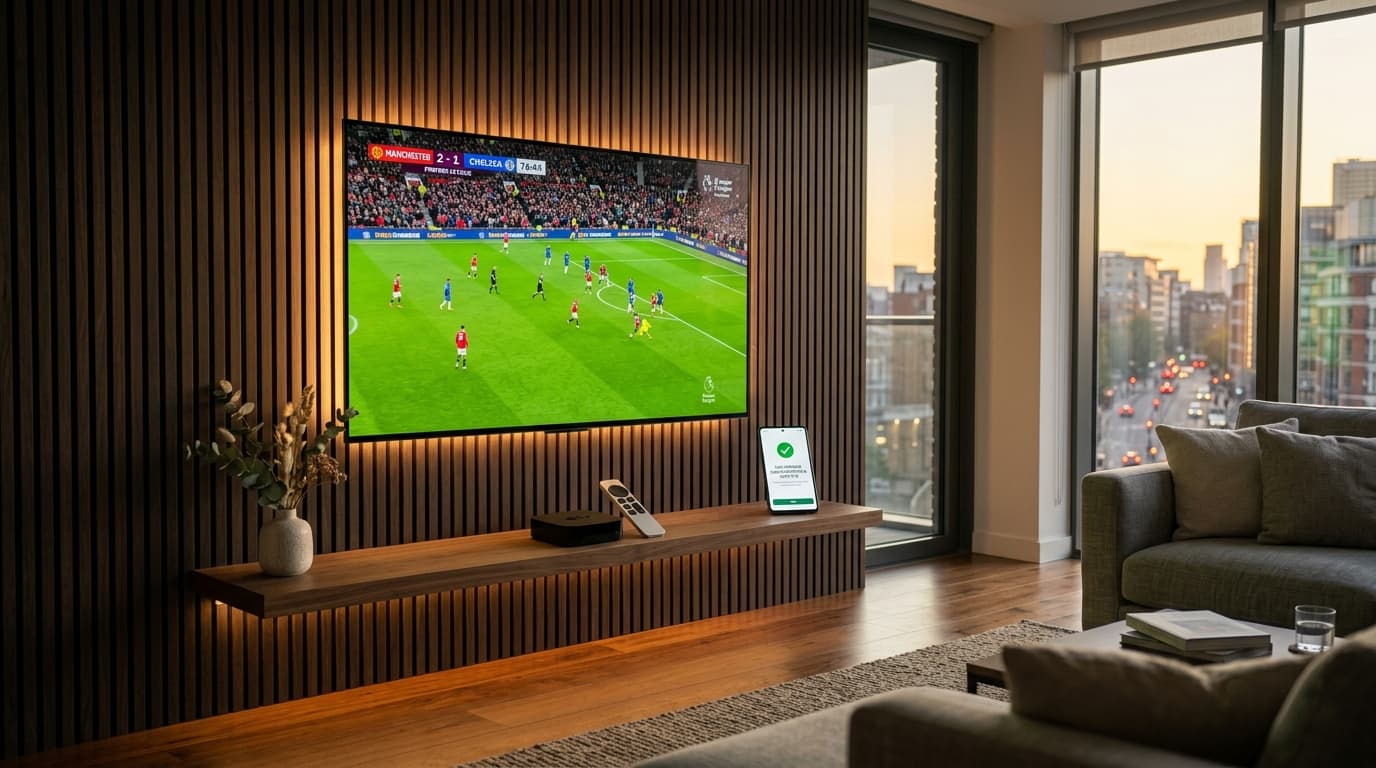
When searching for an IPTV with free trial in 2026, cord-cutters are looking for one essential thing: proof of performance. Too many online services promise 25,000+ live channels and pristine 4K video, only to deliver frozen screens, buffering wheels, and missing electronic program guides once money changes hands.
A genuine free trial strips away promotional marketing. It places the streaming service under your direct control, allowing you to test channel zap speeds, verify anti-freeze server capabilities, inspect video bitrates during live sports matches, and evaluate device compatibility across your Smart TV, Firestick, Apple TV, or smartphone.
This comprehensive guide explains how to find a reputable IPTV service with a free trial, what features you must stress-test during your evaluation window, the common trial traps to avoid, and how to configure your player for maximum streaming performance.
Why Choosing an IPTV with Free Trial Is Essential
In the modern streaming landscape, server architecture varies dramatically between top-tier IPTV infrastructure providers and low-cost resellers sharing congested bandwidth. A free trial is your primary consumer safeguard for several reasons:
Real Network Latency
Standard internet speed tests do not measure routing quality between your home ISP and the streaming server. A trial reveals your true latency and buffer health.
Hardware Compatibility
Verify that your specific player app (TiviMate, IBO Player, Smarters) decodes the provider's H.265/HEVC streams smoothly on your television hardware.
Peak-Hour Stability
Test the streams during live Champions League, NFL, or PPV events when thousands of concurrent viewers stress the provider's load balancers.
5 Key Elements to Inspect During Your IPTV Free Trial
When testing an IPTV provider, avoid merely flipping through standard news channels. Run these targeted checks to ensure the service delivers consistent, enterprise-grade performance:
1Live Sports Motion and Framerate (50/60 FPS)
Live sports require at least 50 frames per second (FPS) in Europe or 60 FPS in North America to prevent motion blur and stutter. Look for channels tagged "FHD 50FPS" or "4K UHD" and watch rapid camera pans during a soccer, football, or basketball match. If the ball jitters or ghosts across the screen, the provider is downsampling their broadcast feed.
2Electronic Program Guide (EPG) Accuracy
A premium IPTV service with a free trial will provide a fully mapped EPG guide. Check whether major regional networks display accurate show titles, descriptions, and timelines. If your guide displays "No Information" across large channel clusters, navigating channels will quickly become frustrating.
3Anti-Freeze and Buffer Recovery
Providers like nobiptv utilize adaptive bitrate clustering to prevent stream crashes. If your local network experiences brief packet loss, an anti-freeze server will dynamically scale buffer headroom instead of locking into an infinite loop or disconnecting the stream.
4Channel Switch Latency (Zap Time)
High-performance IPTV servers establish connections in 1.5 to 2.5 seconds when you change channels. If channel switching consistently takes 5 to 8 seconds accompanied by audio delays, the provider's edge servers are struggling with transit bandwidth.
5On-Demand (VOD) Library & Seeking
Test the on-demand movie and series section by selecting a high-definition title and skipping forward 20 minutes. If playback resumes cleanly in under three seconds with perfect audio synchronization, the provider has deployed robust CDN caching.
Comparison: Free Trial vs. Paid Subscription
What should you expect to receive when testing an IPTV service with a free trial compared to an active subscription? Here is a direct breakdown:
| Feature | 24-Hour Free Trial | Full Paid Subscription |
|---|---|---|
| Live Channel Access | Full 25,000+ channel catalog | Full 25,000+ channel catalog |
| 4K & Ultra HD Feeds | Included (identical master servers) | Included with priority bandwidth |
| Active Connections | 1 Concurrent connection | 1 to Multi-room connections |
| Credit Card Required | No (Zero payment info) | One-time payment (No auto-renewals) |
| EPG & Catch-Up | Included | Included with continuous updates |
| Support Channels | WhatsApp & Email assistance | 24/7 Dedicated VIP support |
Red Flags: Beware of Shady "Free Trial" Tactics
Not every site advertising an IPTV service with a free trial operates ethically. Guard your security by avoiding services with these red flags:
If a provider asks for payment card details to initiate a "free" trial, they are likely implementing negative-option billing. After 24 hours, your card is automatically billed for a lengthy subscription that is difficult to cancel.
Never install obscure APK files sent through messaging apps. Untrusted APKs can contain background malware, proxy bots, or spyware. Reputable providers allow you to test using official player apps from verified app stores.
Some disreputable providers host trial users on a lightweight, private server with only 100 channels. When you pay for a full account, you are switched to overcrowded master servers where buffering begins immediately.
A trustworthy provider operates with full transparency, including a visible Contact page, published Terms of Service, and clear Refund Policy.
How to Set Up Your Free Trial Across Supported Devices
Once you receive your trial credentials via Xtream Codes API (Server URL, Username, and Password), configuring your preferred device takes just a few minutes:
Amazon Firestick & Fire TV
Install TiviMate or IPTV Smarters Pro from the Amazon Appstore or Downloader. Enter your trial credentials under "Xtream Codes API".
Samsung & LG Smart TVs
Download IBO Player or IPTV Smarters directly from your Smart TV app store. Pair your device MAC address or log in using Xtream Codes.
Apple TV & iOS Devices
Install UHF, IPTVX, or Smarters Player Lite from the App Store. Enjoy hardware-accelerated 4K 60FPS video playback.
Windows PC & Mac Desktops
Use IPTV Smarters Pro or VLC Media Player on Windows or macOS. Ideal for detailed stream diagnostics and testing packet health.
Experience a Zero-Risk Test Stream with nobiptv
At nobiptv, we believe that stream performance should speak for itself. We provide prospective subscribers with full, unthrottled access to our master broadcast cluster during their 24-hour test period:
No Credit Card Required
You never enter financial details to test our streams. Zero billing traps, zero automatic renewals.
25,000+ Live Channels & 4K Sports
Test the complete channel catalog including Premier League, NFL, Champions League, and global entertainment.
Instant 5–15 Minute Activation
Request your credentials through our team and receive your server login details promptly.
Transparent, Flexible Plans
When you decide to subscribe, choose from flexible 3, 6, 12, or 24-month durations on our pricing page.
Frequently Asked Questions About IPTV with Free Trial
Why should I choose an IPTV with free trial before subscribing?
Testing an IPTV service with a free trial allows you to verify real-world server performance, live sports stability, channel availability, and app compatibility on your specific hardware and internet connection before spending any money.
Should an IPTV with free trial ask for credit card information?
No. A legitimate IPTV provider offering a free trial will never ask for your credit card or bank details. Requiring payment details upfront is a major red flag for negative option billing and hidden recurring subscription charges.
How long does a typical IPTV free trial last?
Most reputable providers offer a 24-hour trial period. This duration gives you sufficient time to test the stream during both off-peak hours and high-concurrency peak evening sports broadcasts.
Can I use an IPTV free trial on multiple devices simultaneously?
Standard free trials are typically provisioned for 1 active connection at a time to prevent server abuse. However, you can usually test the same credentials across different devices sequentially (e.g., your living room TV, then your smartphone).
What apps work best with an IPTV service offering a free trial?
Store-verified applications like TiviMate, IPTV Smarters Pro, IBO Player, and UHF work seamlessly with trial credentials delivered via Xtream Codes API or M3U playlist URLs.
How do I request a free trial from nobiptv?
You can request a 24-hour test stream by contacting nobiptv support via our Contact form or WhatsApp live chat. Our technicians provision your credentials and send connection details within minutes.
Get Your 24-Hour IPTV Test Stream Now
Experience unbuffered 4K sports, 25,000+ live TV channels, and comprehensive EPG schedules on your own screens. No payment information required.