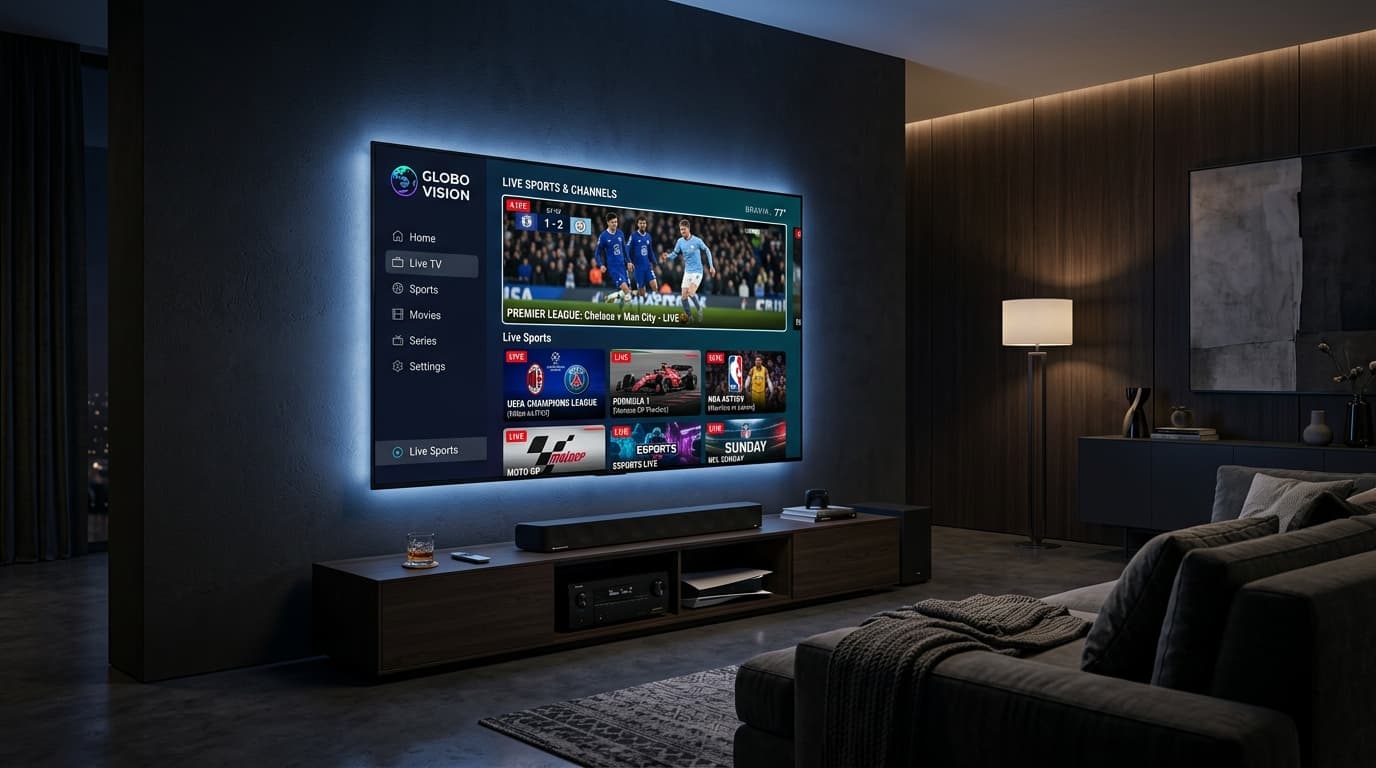
1. What Are IPTV Services and How Do They Work?
Internet Protocol Television (IPTV) transmits live television channels and on-demand video over IP networks rather than legacy satellite dishes, terrestrial antennas, or coaxial cables.
Traditional cable pushes every channel frequency down physical lines simultaneously. In contrast, modern iptv services operate on an efficient unicast model. When you choose a channel on your screen, a direct request travels to a centralized media server, which streams only that specific feed to your device.
Unicast Efficiency and Interactive Features
- Bandwidth Preservation: Because only the active stream transmits data, your home broadband remains open for gaming, work, and smart appliances.
- Integrated Video on Demand (VOD): Media servers maintain cloud libraries of films and complete television series accessible from the main channel menu.
- Time-Shift Playback: Modern digital architectures allow subscribers to pause live broadcasts, rewind key plays, and access multi-day catch-up archives.
Connection Methods: Xtream Codes API vs. M3U
Reputable iptv services provide authentication through two standardized formats:
Xtream Codes API
The contemporary standard for streaming applications. Users log in with a server URL, username, and password. The API dynamically synchronizes channel bouquets, VOD libraries, and Electronic Program Guides (EPG).
M3U Playlists
Simple text-based playlist links containing channel URLs. M3U links offer broad compatibility with open-source players and older hardware.
To explore our technical capabilities, review our breakdown of IPTV streaming features.
2. Key Hallmarks of Dependable IPTV Services in 2026
Separating reliable platforms from fragile reseller panels requires evaluating technical infrastructure, server load management, and video encoding standards.
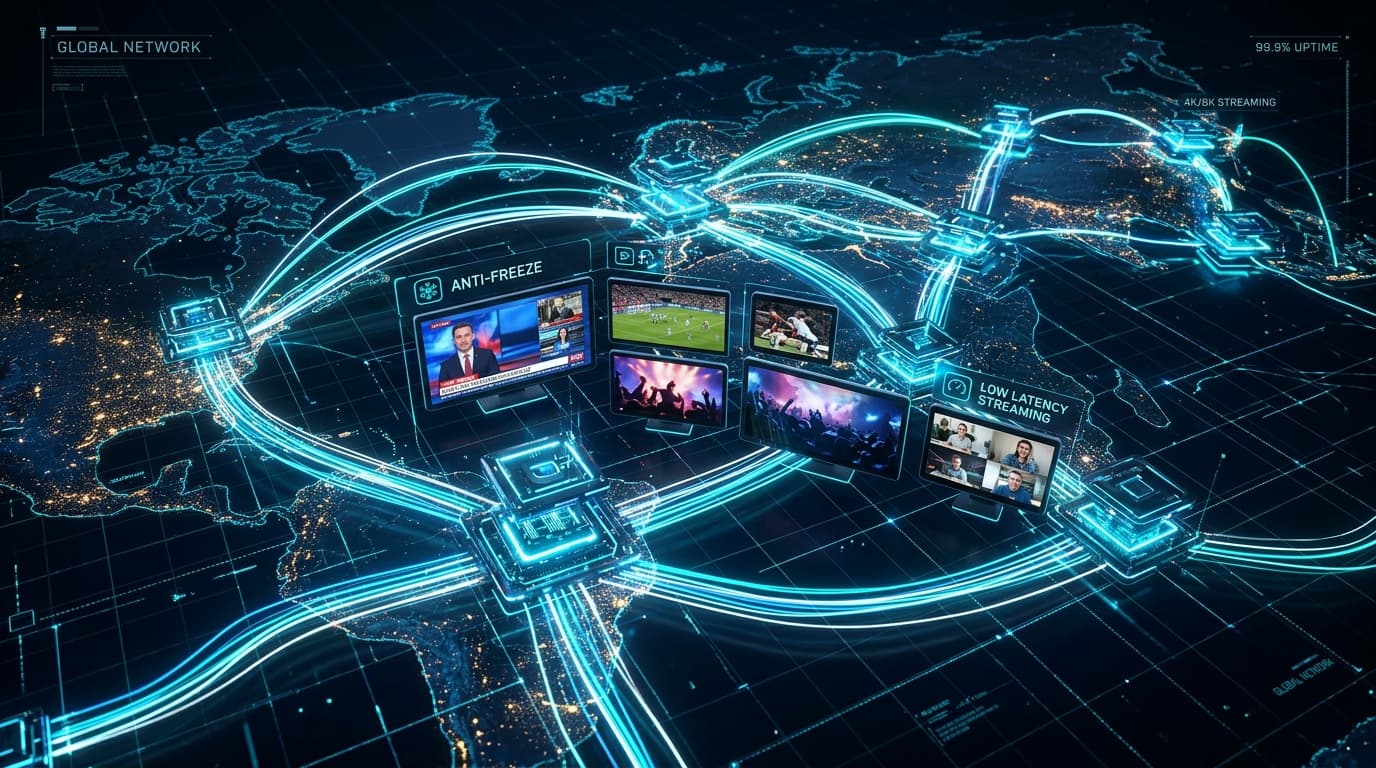
High Availability and Anti-Freeze CDN Networks
Freezing during championship matches usually stems from server congestion. Inexpensive providers host thousands of active subscribers on single unmanaged virtual servers. When viewership surges, the server runs out of bandwidth, causing dropped frames and stream freezes.
In contrast, dependable iptv services utilize geographically distributed Content Delivery Networks (CDNs). Edge server clusters are deployed across strategic internet exchanges in North America and Europe. When you tune into a broadcast, the system routes your connection to the nearest edge server node. If that node experiences unexpected load, automated load balancers reroute traffic in milliseconds.
Genuine High-Bitrate Feeds vs. Upscaled Video
Many vendors promote thousands of "4K channels" that are merely low-bitrate 720p streams artificially upscaled with digital blur. Genuine premium iptv delivers true 1080p high-definition at 50 or 60 frames per second (FPS), alongside authentic 4K Ultra HD feeds running at 12–18 Mbps bitrates. High bitrates preserve clear player motion and sharp text overlays during live broadcasts.
Automated 7-Day Electronic Program Guides (EPG)
Navigating a massive channel selection requires an intuitive guide. Top iptv services deploy automated XMLTV data feeds that synchronize 7-day schedules, match local time zones, and deliver show summaries and artwork directly to your remote control.
3. Comparing IPTV Subscription Plans: Features and Pricing Tiers
Choosing among various IPTV subscription plans requires balancing commitment flexibility with overall monthly cost savings.
Selecting the Right Duration
- 1-Month Plan: Ideal for first-time cord-cutters seeking to test server stability and channel coverage on their home connection before committing.
- 3-Month Plan: Best for quarterly sports seasons, tournaments, or temporary residences.
- 6-Month Plan: A balanced middle ground that lowers monthly costs while maintaining billing flexibility.
- 12-Month Plan: The most cost-effective tier, providing up to 50% savings over month-to-month rates and hundreds in annual savings compared to legacy cable.
| Feature / Detail | Traditional Cable / Satellite | Budget Reseller IPTV | Premium IPTV Subscriptions |
|---|---|---|---|
| Typical Cost | $90 – $160+ / mo | $5 – $8 / mo | $10 – $15 / mo |
| Contract Terms | 12 to 24-month locked | None | Contract-free (manual renewal) |
| Hardware Fees | $10 – $15 monthly box | None | None (uses existing devices) |
| Channel Selection | 150 – 250 channels | 5k – 10k (often offline) | 20,000+ stable global channels |
| Sports & PPV | $60 – $90 extra per event | Unstable / freezing | Included at 50/60 FPS |
| Video on Demand | Limited; pay-per-title | Outdated links | 50,000+ movies & series |
| Server Network | Coaxial / satellite | Single unmanaged VPS | Enterprise CDN (99.9% uptime) |
To review all available billing tiers, visit our transparent IPTV subscription plans page.
4. Hardware Ecosystem: Supported Devices and Recommended Player Apps
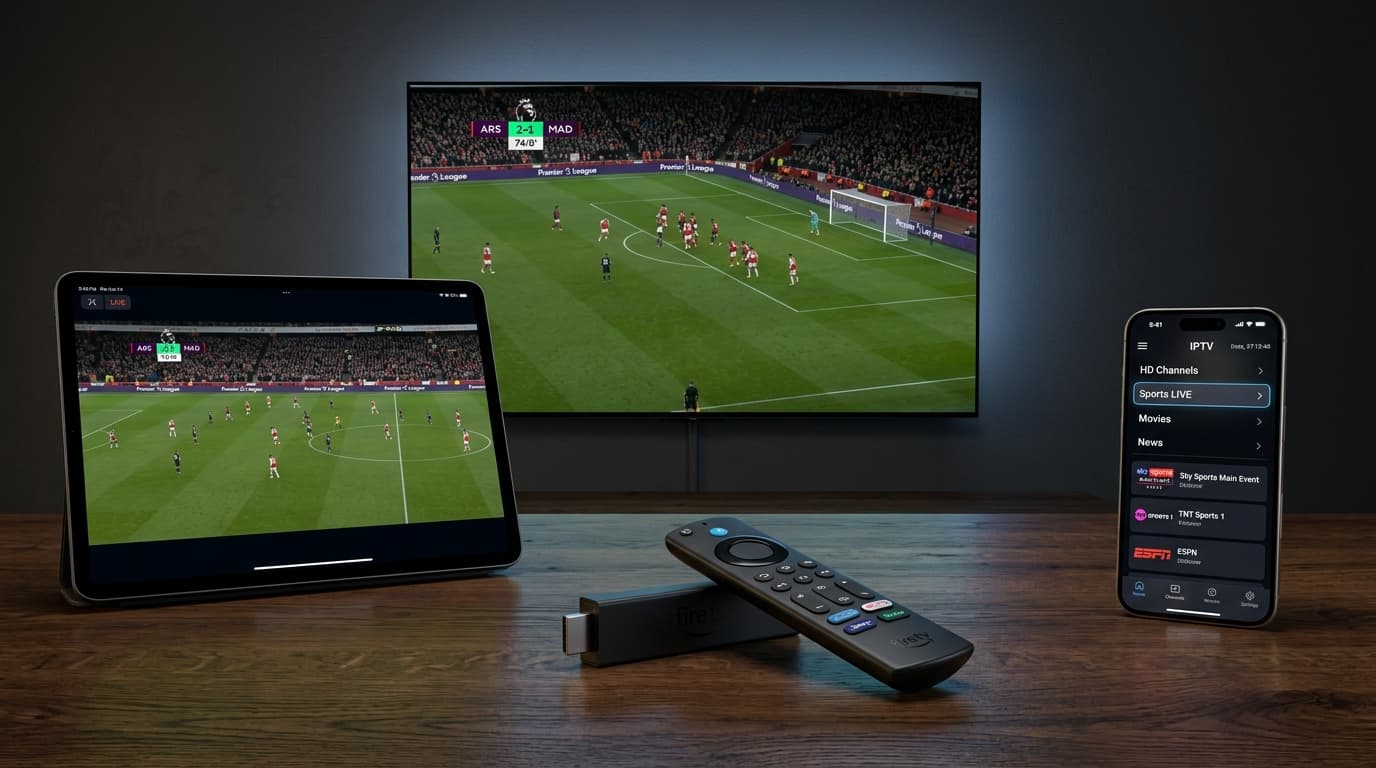
A key benefit of digital IPTV subscriptions is hardware independence. Instead of paying recurring lease fees for proprietary set-top boxes, you can stream through devices you already own.
Firestick & Fire TV
Popular streaming hardware equipped with decoders that process high-bitrate video effortlessly.
Android & Google TV
Delivers deep customization, external audio passthrough, and native refresh rate matching.
Smart TVs (Samsung & LG)
Modern smart televisions download certified IPTV player applications directly from built-in app stores.
To ensure your equipment is fully supported, view our complete list of compatible streaming devices.
Leading IPTV Player Applications
- TiviMate (Android TV / Fire TV): The gold standard for television screens, featuring multi-view split screen, custom channel organization, and fast zapping.
- IPTV Smarters Pro (Cross-Platform): An intuitive application available across Android, iOS, Windows, Mac, LG, and Samsung smart televisions.
- IBO Player & XCIPTV: Lightweight alternatives tailored for quick channel changes on entry-level streaming hardware.
For configuration instructions, refer to our step-by-step IPTV setup tutorials.
5. IPTV Services Evaluation Checklist: What to Test Before Subscribing
Before committing to any subscription plan, run through this practical checklist to ensure your provider delivers broadcast-grade streaming:
Peak Hours Performance
Test channels between 7:00 PM and 10:00 PM or during major sporting events to confirm streams remain stable under heavy viewer volume.
Frame Rate Integrity
Ensure main sports and action channels stream in true 50 or 60 FPS rather than stutter-prone 30 FPS feeds.
EPG Synchronization
Verify that the electronic program guide populates accurately across your local time zone without manual time offsets.
Channel Switching Speed
Confirm that channel zapping completes within 1 to 3 seconds on a stable broadband connection.
Support Responsiveness
Test whether customer support responds promptly via live messaging or helpdesk channels.
Transparent Billing
Ensure checkout is processed securely without forced, hidden auto-renewals.
6. How to Optimize Your Home Network for Buffer-Free IPTV Streaming
Even the most robust premium iptv network will buffer if your local home internet connection experiences packet loss or wireless interference. Implementing simple network adjustments ensures uninterrupted viewing.
Bandwidth Guidelines
- Standard Definition (720p): 5 to 8 Mbps per active screen.
- Full High Definition (1080p 60FPS): 15 to 25 Mbps per active screen.
- Ultra High Definition (4K UHD): 30 to 50 Mbps per active screen.
Wired Ethernet vs. 5 GHz Wi-Fi Connections
Whenever possible, connect your streaming device to your router using a Cat6 Ethernet cable to eliminate wireless interference. If running a cable is not possible, connect your device to your router's 5 GHz Wi-Fi band rather than the congested 2.4 GHz band for higher throughput and lower latency.
Addressing ISP Throttling
During peak evening hours, certain Internet Service Providers (ISPs) inspect continuous video traffic and intentionally throttle bandwidth. If speed tests show ample bandwidth but your live streams buffer repeatedly during big events, your ISP may be restricting your connection. Using a reputable Virtual Private Network (VPN) encrypts your data packets, preventing deep packet inspection and restoring your full connection speed.
7. Frequently Asked Questions (FAQ)
What internet speed is recommended for IPTV services?
For reliable streaming on modern iptv services, a minimum download speed of 15 Mbps is recommended for Full HD (1080p) live channels. For uncompressed 4K streaming and high-framerate 60 FPS sports broadcasts, a connection speed of 30 to 50 Mbps ensures stable playback without buffering or audio sync delays.
How do I install and activate an IPTV subscription on my device?
Activation is simple. Install a supported media player such as TiviMate, IPTV Smarters Pro, or IBO Player on your streaming device. Open the application, choose the Xtream Codes API login option, and input the server URL, username, and password received upon activating your plan. The application will immediately populate channel categories, on-demand titles, and program guides.
Can I use one IPTV subscription on multiple devices simultaneously?
Standard accounts permit one active stream at a time. If your household requires viewing across multiple rooms simultaneously—such as a living room Smart TV and a bedroom tablet—multi-connection IPTV subscription plans provide simultaneous streams under a single subscription.
How do premium IPTV services prevent buffering during live sports?
High-tier premium iptv platforms deploy private Content Delivery Networks (CDNs) with distributed edge nodes. By caching stream segments close to users and employing dynamic load balancing, peak viewer surges during major sporting events are distributed across redundant server clusters, preventing server overloads.
Are IPTV services legal and safe to use?
IPTV technology is a completely legal, standard method of transmitting television programming over internet protocol networks. Safety depends on your provider's security practices. Reputable platforms protect customer privacy by using encrypted checkout gateways, never storing raw financial data, and avoiding invasive software downloads.
For additional information on device pairing, account management, and payment methods, consult our complete list of frequently asked questions about IPTV.
Conclusion: Transform Your Home Entertainment with Nobi IPTV
Migrating to modern iptv services provides full control over your home viewing experience. By eliminating rigid contracts, hidden hardware rental fees, and restricted channel bundles, households can access thousands of high-definition live channels, comprehensive sports coverage, and vast movie libraries across any screen in the home.
Ready to elevate your home entertainment?
Explore our flexible, contract-free subscription plans and start streaming premium live channels, movies, and sports today.