The best IPTV service in 2026 is an established streaming platform powered by geographically distributed multi-CDN edge servers that delivers live channels at native 50/60 FPS, maintains an accurate XMLTV Electronic Program Guide (EPG), provides 3 to 7 days of Catch-Up TV, and grants open Xtream Codes API credentials rather than forcing proprietary applications.
1. The Core Criteria: What Separates the Best IPTV Service from Cheap Resellers?
Most streaming issues—such as freezing during the final minutes of a football derby or channels looping every 30 seconds—are not caused by your home Wi-Fi. They stem from fundamental architectural flaws in how budget providers host their media.
Understanding the difference between a dedicated streaming network and a generic reseller panel reveals why price alone is a dangerous metric when determining what is the best iptv service for your household:
| Evaluation Factor | The Best IPTV Service Platforms | Low-Cost Shared Reseller Panels |
|---|---|---|
| Server Infrastructure | Multi-CDN edge caching with automated failover | Single unmanaged VPS with shared bandwidth |
| Sports Broadcast Quality | Native 50/60 FPS uncompressed streams | Re-encoded 25/30 FPS with motion blur |
| Channel Availability | 10,000–20,000 active, monitored feeds | 50,000–80,000 channels (30%+ offline) |
| Electronic Program Guide | Automated XMLTV sync with 95%+ match rate | Fragmented, empty, or wrong timezones |
| Catch-Up TV (Time-Shift) | 3 to 7 days cloud recording on key channels | Non-existent or perpetually broken |
| App Freedom | Xtream Codes API + M3U (TiviMate, Smarters) | Locked to intrusive proprietary APKs |
| Customer Support | 24/7 dedicated technical desk & live chat | Automated Telegram bot that vanishes |
When 10,000 subscribers attempt to watch the same live broadcast on a budget service, all connections draw bandwidth from a single origin server. Once the server network card saturates, packets drop and streams buffer.
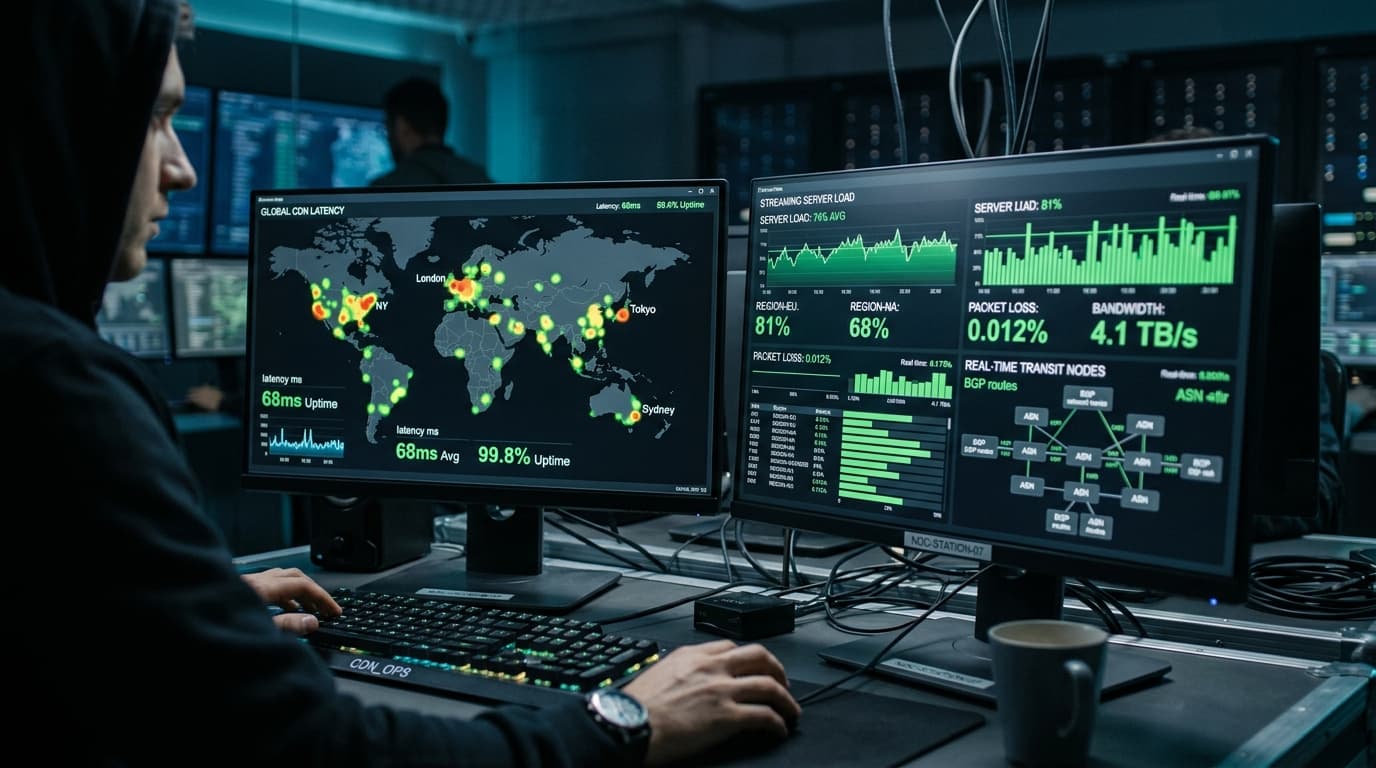
The best iptv service solves this using Content Delivery Networks (CDNs). Video streams are ingested from satellite transponders, encoded once, and distributed across dozens of edge cache nodes worldwide. When you click a channel in London, New York, or Sydney, your stream connects to the nearest regional edge node, ensuring sub-second response times and zero congestion.
Review our technical breakdown of anti-freeze streaming features to see how dynamic load balancing prevents peak-hour degradation.
2. Broadcast Quality: Why 60 FPS Matters More Than Resolution Labels
Many budget providers slap "4K" labels onto heavily compressed 720p or 1080p feeds. But in live television—particularly for sports, racing, and action movies—framerate determines visual clarity far more than pixel count.
Standard Broadcasts (25 / 30 FPS)
Adequate for talk shows and news broadcasts, but fast camera pans and rapid ball movement cause visible jitter, artifacting, and motion blur on modern 4K displays.
True High-Performance Broadcasts (50 / 60 FPS)
Matches the broadcast cadence of professional television networks. Motion is fluid, ball trajectory is razor-sharp, and player movements remain crisp on 4K OLED and QLED screens.
When asking what is the best iptv service, always verify whether sports channels output native 50.00 fps or 60.00 fps at a continuous bitrate of 12 to 20 Mbps for Full HD and 25 to 35 Mbps for 4K UHD.
3. Playlists vs. APIs: The Power of Xtream Codes
Early IPTV relied almost exclusively on static M3U text files. Today, using raw M3U files on modern smart devices is obsolete.
An M3U file containing 40,000 channel URLs must be downloaded entirely into device memory, causing player lockups on Amazon Firesticks or Smart TVs. Xtream Codes API connects via REST endpoints, querying only the specific category you browse.
Guide data maps automatically to channel identifiers without requiring manual XMLTV URL configuration or complex timezone adjustments.
Movies and series are indexed with cover art, release dates, actor lists, IMDb ratings, and multi-language subtitle tracks.
4. Hardware and Network Requirements for Buffer-Free Playback
Even the highest-rated IPTV network will struggle if your local hardware and networking configuration are misaligned. Here is the baseline setup recommended by our technical desk:
Internet Speed
- • HD (720p/1080p): 15 Mbps
- • Full HD Sports (60 FPS): 25 Mbps
- • 4K UHD Streams: 35–50 Mbps
Wired Connection
Cat6 Ethernet eliminates wireless packet loss and reduces channel zapping latency by up to 40% compared to congested 2.4/5GHz Wi-Fi.
DNS & Buffer Tuning
Switch router DNS to Cloudflare (1.1.1.1) and set player buffer to 3–5 seconds to absorb micro-jitter.
5. Testing and Verifying the Best IPTV Service on Your Devices
Never purchase a 12-month or multi-year subscription without first running a comprehensive 24-hour diagnostic test. Use this practical evaluation checklist:
Test During Peak Weekend Live Sports
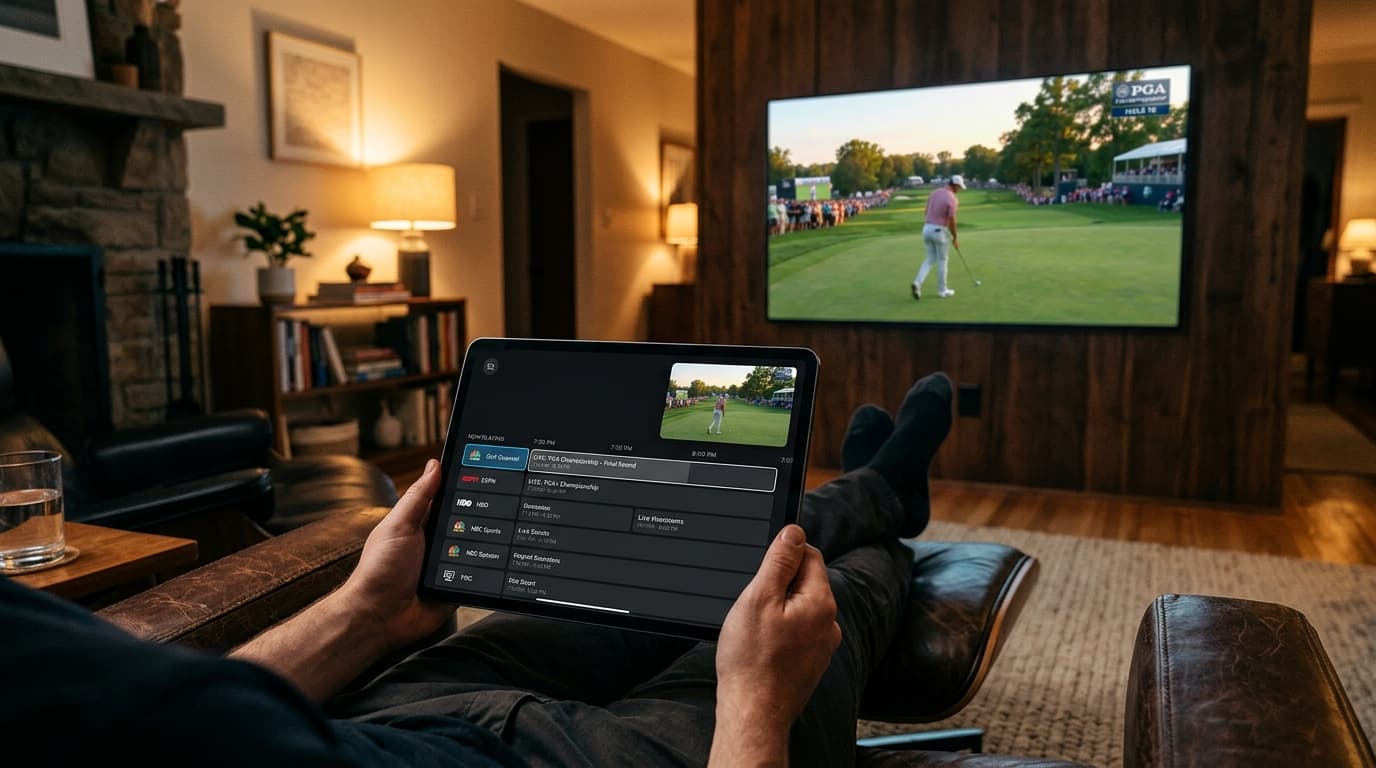
Evaluate server load during Saturday or Sunday afternoon European football or NFL matches when CDN traffic peaks.
Measure Channel Switching Speed
Zap through 10 to 15 channels. Top-tier providers establish video handshakes and render audio within 1.5 to 2.5 seconds.
Verify True 60 FPS Framerate Output
Open stream statistics in TiviMate or player menus to verify sports feeds output at genuine 50/60 FPS rather than re-encoded 25/30 FPS.
Audit EPG Coverage and Catch-Up Time-Shift
Confirm program guides load without gaps and test rewinding past broadcasts using cloud catch-up.
Test Multi-Screen Concurrency
Stream simultaneously on your television and smartphone to verify multi-room stability without disconnects.
Check out our complete overview of compatible streaming hardware to see step-by-step setup tutorials for your specific device.
6. Red Flags: How to Spot IPTV Scams
Before subscribing, look out for these common warning signs:
"Lifetime" Subscriptions
Video streaming incurs ongoing data transit costs. Providers advertising "lifetime access for $50" routinely shut down within 3 to 6 months after collecting upfront fees.
No Flexible Monthly Options
If a service forces you into an annual contract without offering a 1-month or 3-month option, they do not have confidence in their server uptime.
Proprietary-Only APKs
Services that prevent you from using TiviMate, Smarters Pro, or standard players often do so to bundle adware or hide broken stream links.
No Transparent Pricing
Reputable services feature clear, straightforward pricing tiers based on screen concurrency and duration.
Compare our transparent, contract-free IPTV subscription plans to select the ideal tier for your home entertainment setup.
Frequently Asked Questions
What is the best IPTV service available today?
The best IPTV service is one built on a multi-CDN edge server network that delivers native 50/60 FPS live sports, features an automated XMLTV Electronic Program Guide (EPG), provides 3 to 7 days of Catch-Up TV, and offers Xtream Codes API integration for modern players like TiviMate and IPTV Smarters Pro.
How do I know if an IPTV service is reliable before paying?
Always purchase a 24-hour trial or a 1-month pass and test the service during peak live sporting events (such as Saturday or Sunday afternoon matches). Verify that channels zap within 2 seconds, video statistics show genuine 60 FPS framerates, and streams do not freeze during high-traffic moments.
Can I watch the best IPTV service on an Amazon Firestick?
Yes. Amazon Fire TV Stick devices (especially the Fire TV Stick 4K and 4K Max) are among the most popular IPTV streaming devices in the world. They seamlessly run industry-standard player applications like TiviMate, IPTV Smarters Pro, and XCIPTV using Xtream Codes credentials.
What is Catch-Up TV and do all IPTV services offer it?
Catch-Up TV is a server-side recording feature that allows you to replay previously aired television programs for up to 3 to 7 days after broadcast without needing a physical DVR. Only high-grade IPTV platforms support Catch-Up because it requires substantial cloud storage and bandwidth capacity.
Will an IPTV service work on my phone or tablet when traveling?
Yes. Reputable IPTV services support multi-device portability. You can log into your account using IPTV Smarters or similar apps on your iOS or Android smartphone, tablet, or laptop while connected to any Wi-Fi or cellular network worldwide.
Is a VPN necessary for using an IPTV service?
A VPN is not strictly mandatory, but it is highly recommended if your local Internet Service Provider (ISP) throttles streaming video traffic or blocks unencrypted media connections during peak hours. A VPN encrypts your traffic, bypassing ISP bandwidth restrictions.
Conclusion: Make the Smart Choice for Your Entertainment
Determining what is the best iptv service comes down to looking past deceptive channel counts and focusing on the engineering that matters: dedicated CDN edge nodes, native 60 FPS sports broadcasts, reliable EPG data, and open player compatibility.
Ready to elevate your television experience?
Explore our flexible, contract-free subscription plans and start enjoying buffer-free live sports, 4K channels, and on-demand entertainment today.