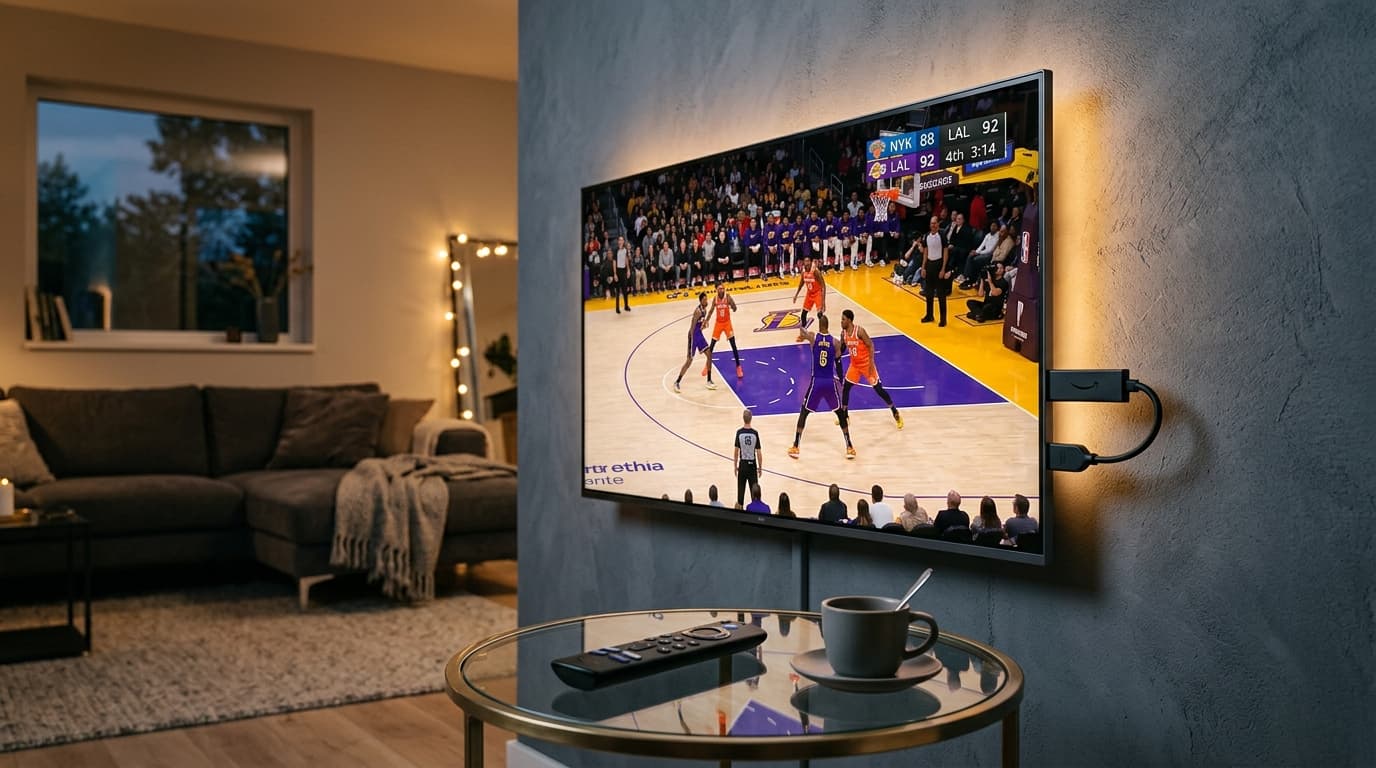
The Amazon Fire TV Stick is by far the most popular streaming device in the world for cord-cutters. Its affordable price point, compact HDMI form factor, and Android-based Fire OS make it the go-to platform for replacing expensive cable subscriptions. However, finding the best IPTV for Firestick requires understanding how streaming services interact with the device's hardware limits.
Because a Firestick has limited onboard RAM (typically 1GB to 2GB) and a lightweight processor, poorly optimized IPTV providers with bloated, uncompressed channel lists will cause the device to overheat, drop frames, or crash back to the home screen.
To enjoy seamless 4K sports, rapid channel zapping, and instant EPG guide loading on your Amazon streaming device, you need a provider engineered with lightweight Xtream Codes API architecture, anti-freeze server clusters, and native HEVC/H.265 video encoding.
What Makes an IPTV Service Ideal for Firestick?
Not all IPTV services perform equally on Amazon Fire TV hardware. When evaluating providers for your Firestick, prioritize these technical specifications:
Xtream Codes API
Raw M3U files containing 50,000 text lines choke a Firestick's memory. Xtream Codes API loads channels in indexed segments, keeping RAM usage low.
HEVC (H.265) Codecs
Firestick 4K models feature dedicated hardware decoders for H.265. This reduces CPU load by 40% and cuts bandwidth demand in half compared to older H.264 streams.
Anti-Freeze Technology
Adaptive bitrate algorithms like those used by nobiptv prevent buffering loops by dynamically adjusting stream packets during Wi-Fi fluctuations.
Firestick Hardware Comparison: Which Model Streams Best?
Your streaming experience is directly tied to the generation of Fire TV hardware you own. Here is how current models compare for live IPTV playback:
| Device Model | Max Resolution | RAM & Storage | Wi-Fi Standard | IPTV Suitability |
|---|---|---|---|---|
| Fire TV Stick Lite / HD | 1080p @ 60 FPS | 1 GB / 8 GB | Wi-Fi 5 (ac) | Basic (SD/HD only) |
| Fire TV Stick 4K (2nd Gen) | 4K UHD @ 60 FPS | 2 GB / 8 GB | Wi-Fi 6 | Great (Smooth 4K) |
| Fire TV Stick 4K Max (2nd Gen) | 4K UHD @ 60 FPS | 2 GB / 16 GB | Wi-Fi 6E (Tri-band) | Excellent (Fastest Zap) |
| Fire TV Cube (3rd Gen) | 4K UHD @ 60 FPS | 2 GB / 16 GB + Octa-Core | Wi-Fi 6E + Ethernet | Best Overall (Powerhouse) |
Top 3 IPTV Player Apps for Firestick in 2026
An IPTV subscription requires a dedicated media player app installed on your Firestick. Here are the three most dependable options:
1TiviMate IPTV Player (Top Recommendation)
Best Living Room UITiviMate is designed specifically for television remotes. It features a customizable TV guide grid, instant channel switching, picture-in-picture, multi-screen viewing for live sports, and automatic EPG updating. It supports Xtream Codes API and M3U playlists flawlessly.
2IPTV Smarters Pro
Easy SetupIPTV Smarters Pro provides clean category navigation for Live TV, Movies, and Series. It features integrated parental controls, external player support (VLC/MX Player), and multi-user login.
3XCIPTV Player
Reliable BackupXCIPTV offers a tile-based interface with dual built-in players (ExoPlayer and VLC). It performs well on entry-level Fire TV sticks and handles large on-demand libraries without lagging.
5 Hardware Tweaks to Eliminate Buffering on Firestick
If your Firestick experiences occasional stutter or buffering wheels during live broadcasts, apply these 5 proven optimization tweaks:
1. Plug Into Wall Outlet (Not TV USB)
TV USB ports only provide 0.5A to 1.0A of power. Under heavy 4K decoding, the Firestick throttles its processor to prevent shutdown. Always use the included wall adapter.
2. Switch to 5 GHz Wi-Fi or Ethernet
The 2.4 GHz band suffers from microwave and neighbor interference. Connect your Firestick to your router's 5 GHz network or use an Amazon Ethernet Adapter.
3. Clear App Cache Weekly
Navigate to Settings > Applications > Manage Installed Applications. Clear the cache on your IPTV player and Downloader to free up memory.
4. Adjust Buffer Size in Player Settings
In TiviMate, go to Settings > Playback > Buffer Size and set it to "Medium" or "Large" to absorb temporary network jitter during live broadcasts.
Why nobiptv Is the Premier Choice for Amazon Firestick
At nobiptv, our streaming infrastructure is engineered specifically to match the processing and memory architecture of Amazon Fire TV devices:
Ultra-Lightweight Xtream Codes Integration
Our servers deliver dynamically indexed playlists that load in seconds without bloating Firestick memory or triggering app crashes.
Dedicated 4K UHD Sports Channels
Enjoy uncompressed 60FPS sports feeds formatted in native HEVC, optimized for Fire TV Stick 4K and 4K Max hardware decoders.
Dedicated Step-by-Step Fire TV Guide
Follow our illustrated Fire TV setup guide to get connected in under 5 minutes with zero technical hassle.
Risk-Free 24-Hour Test Stream
Test our streams on your Firestick today with an IPTV free trial—zero credit card required.
Frequently Asked Questions About IPTV for Firestick
Which Amazon Firestick model is best for IPTV streaming?
The Fire TV Stick 4K Max (2nd Gen) and the Fire TV Cube (3rd Gen) are the best choices. They feature faster quad-core processors, 2GB or 16GB of storage, Wi-Fi 6/6E support, and dedicated hardware decoders for smooth 4K 60FPS HEVC playback.
What is the best IPTV app to use on a Firestick in 2026?
TiviMate IPTV Player is widely regarded as the best player for Firestick due to its sleek TV-guide layout, fast channel zapping, and multi-screen support. IPTV Smarters Pro and XCIPTV are also popular, reliable alternatives.
Why does IPTV buffer on my Firestick even with fast internet?
Buffering on Firestick is commonly caused by local 2.4 GHz Wi-Fi interference, low device RAM, powering the stick from a TV USB port instead of a wall outlet, or ISP bandwidth throttling during live sports events. For solutions, consult our troubleshooting guide on common IPTV playback problems.
Do I need a VPN for IPTV on Firestick?
While not strictly required, using a reputable VPN on your Firestick prevents your Internet Service Provider from inspecting your streaming packets and throttling your speeds during high-demand live sports broadcasts.
How much storage space does an IPTV app need on Firestick?
An IPTV player app itself requires only 50–100MB, but caching EPG data and channel icons can consume 500MB to 1GB of memory. Keeping at least 1.5GB of free internal storage on your Firestick ensures smooth performance.
Can I test nobiptv on my Firestick before buying?
Yes. nobiptv offers a full 24-hour test stream with zero credit card required. You can contact support via WhatsApp or email to receive Xtream Codes login credentials and configure your Firestick in under 5 minutes.
Transform Your Firestick into the Ultimate 4K TV Hub
Stream 25,000+ live channels, crystal-clear 4K sports, and 60,000+ on-demand movies with zero buffering on your Amazon Firestick.