Finding an exceptional IPTV subscription is only half the battle. Your streaming provider supplies the raw video streams, server infrastructure, and Electronic Program Guide (EPG) metadata—but the app you install on your device dictates everything you actually experience: channel zapping speed, guide layout, audio synchronization, recording stability, and video decoding performance.
Because Android powers the vast majority of streaming devices—including Google TV streamers, NVIDIA Shield boxes, ONN 4K streaming boxes, Sony and Philips smart TVs, Amazon Fire OS devices, and mobile phones—the Google ecosystem boasts the most mature selection of player applications in the world.
However, selecting the best iptv player for android can be confusing. The Google Play Store and sideloading repositories are filled with hundreds of poorly coded, ad-bloated clones that crash during live sports, desync audio on 4K channels, or leak your private login credentials.
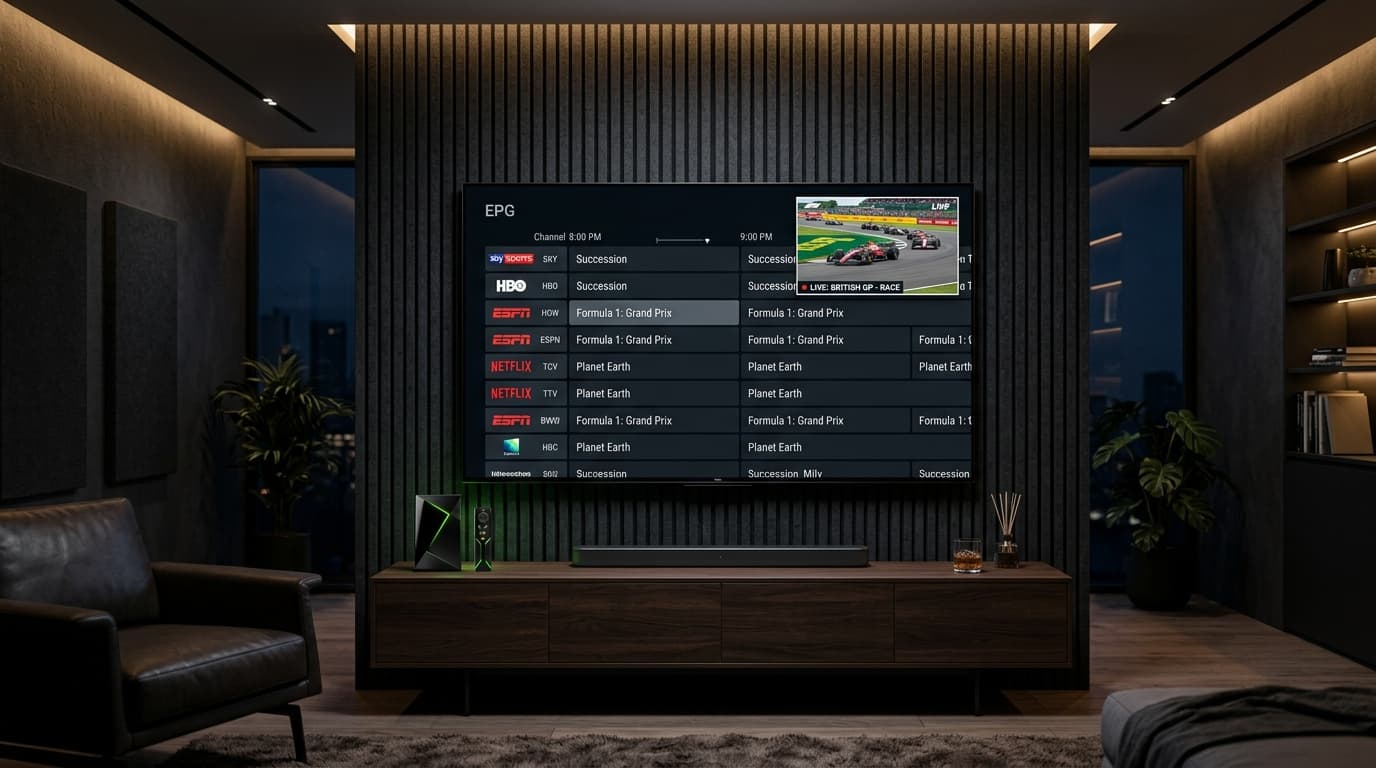
Quick Comparison: The 5 Best IPTV Players for Android
Here is how the top Android player applications compare across critical performance metrics:
| Player App | Best Used For | Playback Engine | Multiview (Split-Screen) | DVR Recording | Pricing |
|---|---|---|---|---|---|
| TiviMate | Android TV / Google TV / Firestick | Google ExoPlayer (GPU) | Yes (Up to 9 screens) | Local USB & SMB/NAS | $34.99 Lifetime |
| OTT Navigator | Power Users & Customizers | ExoPlayer & VLC Hybrid | Yes (“Studio Mode”) | Local & Cloud Storage | Free / Premium |
| Sparkle TV | Modern UI & Integrated DVR | ExoPlayer (Hardware) | Yes (Grid Layouts) | Timeshift & PVR | $19.99 Lifetime |
| IPTV Smarters Pro | Cross-Platform & Phones/Tablets | VLC Internal Engine | Yes (4 screens) | Local Storage | Free / Upgrade |
| Televizo | Budget TV Boxes & Low RAM | Android Native Media | PiP Only | Basic | Free / In-App |
Detailed Reviews: The Top 5 Android Players
1. TiviMate: The Undisputed King of Android TV
Top ChoiceEngineered specifically for televisions, TiviMate delivers lightning-fast channel zapping (<1.5s), a clean multi-day EPG grid with picture-in-picture preview, and up to 9 simultaneous multiview sports screens. It also supports network DVR recordings directly to a NAS or USB drive.
2. OTT Navigator: The Power User's Swiss Army Knife
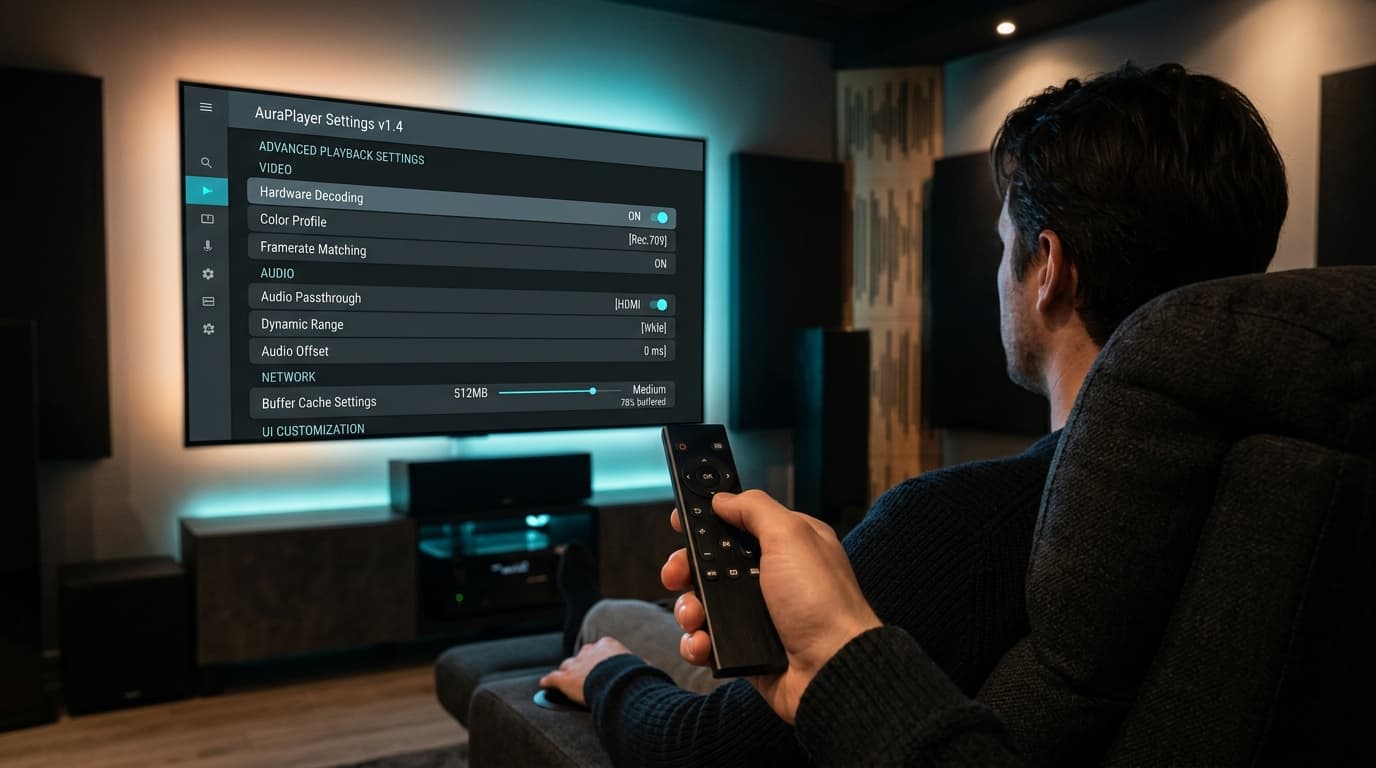
Most CustomizableOTT Navigator provides granular control over video decoders, custom stream buffers, and audio passthrough. Its “Studio Mode” enables dynamic multi-window viewing with independent audio routing. Unlike TiviMate, it includes a dedicated touch mode for Android phones and tablets.
3. Sparkle TV: The Modern Contender with Native DVR
Best DVR IntegrationBuilt with modern Google design principles, Sparkle TV features rich timeshifting (pause, rewind live TV), smart XMLTV EPG matching, and seamless integration with Android TV's system Live Channels framework.
4. IPTV Smarters Pro: The Multi-Platform Classic
Best for BeginnersEasily the most recognizable IPTV player worldwide. Features large, intuitive buttons dividing Live TV, Movies, and Series. Extremely easy to set up via Xtream Codes API on Android phones, tablets, and smart TVs.
5. Televizo: The Ultra-Lightweight Performer
Lowest RAM UsageDesigned to operate smoothly on low-spec hardware, Televizo consumes minimal memory and processor power. Great for older streaming boxes with 1 GB of RAM where heavier apps experience UI lag.
ExoPlayer vs. VLC: The Playback Engine Inside Your Player
The hidden factor determining whether an IPTV player buffers or plays smoothly is its underlying media playback engine:
Google ExoPlayer (Recommended for Android TV)
ExoPlayer connects directly to Android's MediaCodec API for hardware GPU acceleration. It handles HLS adaptive bitrate switching smoothly, uses minimal CPU, and provides native support for 4K HEVC and AV1 codecs.
Used in: TiviMate, Sparkle TV, OTT Navigator (Default)libVLC Engine (Maximum Codec Compatibility)
VLC engine is capable of decoding almost any obscure container format, legacy TS stream, or uncommon audio track (AC3, DTS, AAC-HE). Ideal as a fallback when an obscure channel shows a black screen with audio.
Used in: IPTV Smarters Pro, OTT Navigator (Option)
How to Configure Your Android IPTV Player for Buffer-Free Streaming
To achieve optimal playback stability and zero stuttering on your Android hardware, apply these four essential settings:
1. Increase Buffer Size (Stream Cache)
Navigate to Settings > Playback > Buffer Size. Set buffer size to Medium (3–5 seconds) or Large to prevent micro-freezes during live sports.
2. Enable Auto Frame Rate (AFR) Matching
Enable Auto Frame Rate in TiviMate or Sparkle TV. This automatically matches your TV's refresh rate to European 50 FPS sports or 24 FPS cinema feeds, eliminating judder.
3. Log in with Xtream Codes API
Avoid unwieldy M3U text files. Connecting via Xtream Codes API (Server URL, username, password) dynamically organizes channel groups and syncs your EPG seamlessly.
4. Keep Video Decoder on Hardware (GPU)
Ensure decoder is set to Hardware. Hardware decoding leverages your streaming stick's GPU, freeing up the CPU and preventing frame drops on 4K HEVC streams.
Frequently Asked Questions
Which IPTV player is best for Android TV?
TiviMate is widely considered the best IPTV player for Android TV. It delivers an authentic cable-box interface, instant channel zapping, smooth EPG navigation, multi-screen multiview (up to 9 streams), and scheduled network recording with native hardware GPU acceleration.
Do IPTV player apps include live TV channels?
No. IPTV players are purely media software applications. They do not come with channels, playlists, or content. You must provide your own stream credentials via an M3U playlist link or an Xtream Codes API login from a verified streaming provider.
Is TiviMate free on Android?
TiviMate offers a free version with basic channel playback, but major features—including the full TV guide, multi-screen viewing, recording, category customization, and multiple playlist support—require TiviMate Premium ($34.99 one-time lifetime purchase or $10.99/year).
What is the best free IPTV player for Android?
For Android TV, OTT Navigator provides the most powerful free version with extensive customization and picture-in-picture capabilities. For Android smartphones and tablets, IPTV Smarters Pro and Televizo offer excellent free, touch-optimized experiences.
Why does my IPTV player buffer when my internet speed is fast?
Buffering in an IPTV player is usually caused by one of three things: (1) provider server overload during peak events, (2) your player buffer size being set to zero, or (3) your internet service provider throttling unencrypted video stream packets. Bypassing ISP throttling with a fast VPN and setting player buffer size to “Medium” typically resolves the issue.
Can I install TiviMate on an Android phone or tablet?
You can install TiviMate on Android mobile devices via sideloading, but it is not recommended. The interface is hardcoded for physical D-pad remote controls and does not support intuitive touchscreen gestures. For Android phones and tablets, use OTT Navigator or IPTV Smarters Pro instead.
Need device-specific installation guides? Visit our Android TV IPTV setup tutorial.
Elevate Your Android Streaming Setup
Upgrading to a professional IPTV player like TiviMate or OTT Navigator completely revolutionizes how you watch television on Android. Enjoy lightning-fast channel zapping, crystal-clear 60 FPS sports, and rich multi-day program guides that rival any expensive cable box.