
1. What Separates the Best IPTV Subscription from Budget Resellers?
Internet Protocol Television delivers video content across IP networks using standard internet protocol suites. Unlike traditional coaxial cable or satellite transponders that blast hundreds of frequencies into your receiver simultaneously, modern IPTV relies on unicast streaming architecture.
When you select a channel on your screen, your player issues an API call to an edge streaming cluster. The media server transmits only that requested stream directly to your IP address. While this method is highly bandwidth-efficient, maintaining real-time video delivery across tens of thousands of simultaneous viewers requires immense server capability.
Understanding the gap between market-leading services and cheap resellers comes down to three operational layers:
Unlike resellers running on shared virtual machines that crash under load, top providers run bare-metal nodes with dedicated NICs and high-capacity RAM buffers.
Multi-region edge clusters cache content locally and perform automated failover routing within milliseconds if any individual network path degrades.
Direct ingestion from satellite teleports preserves 50/60 FPS frame rates and authentic audio bitrates, rather than re-compressing web feeds.
2. Technical Evaluation Benchmarks: How to Inspect Stream Quality
Evaluating a service requires looking beyond marketing promises. Before committing to a long-term plan, run technical diagnostics on live streams to measure real performance metrics.
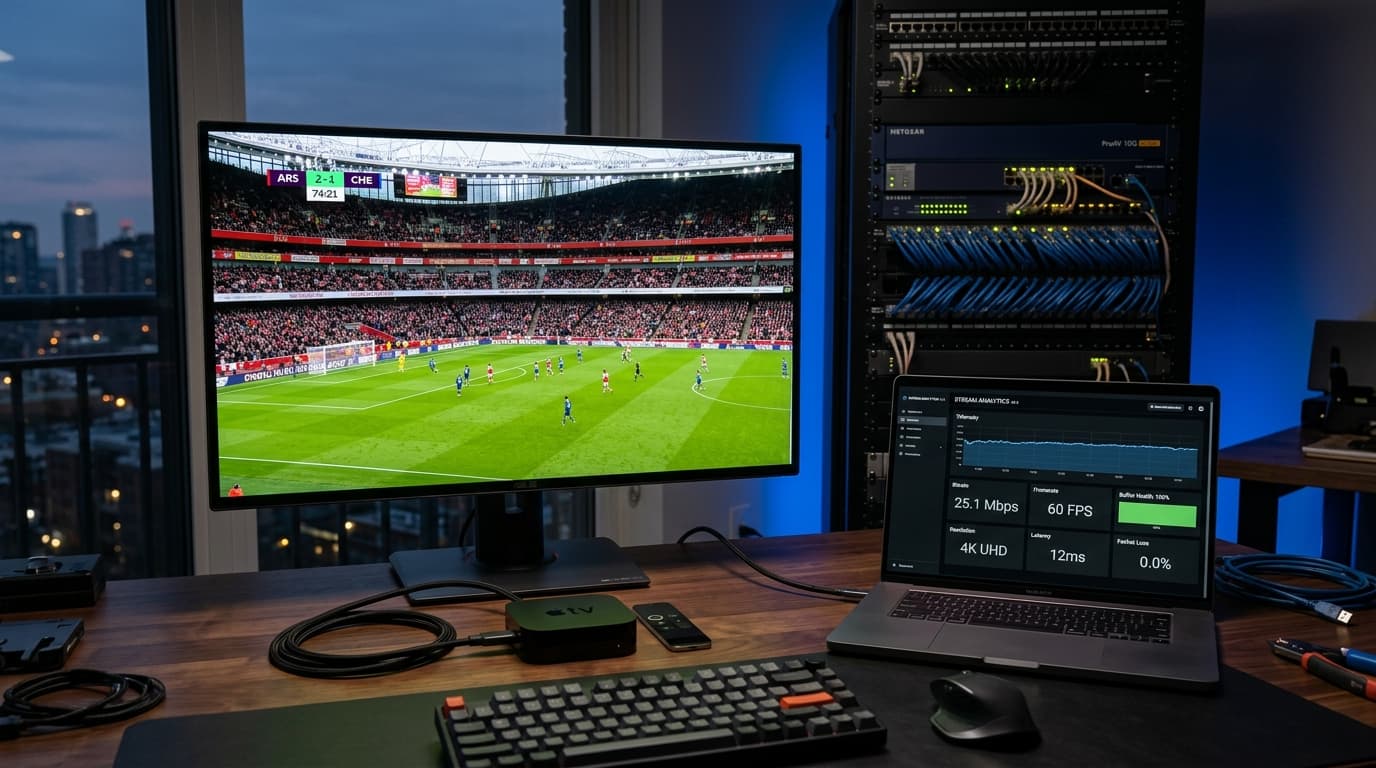
Bitrate, Codecs, and Native Frame Rates
Resolution alone does not determine picture quality; bitrate and frame rate are equally critical. Many low-grade providers display a "4K" label on streams that are actually 1080p images upscaled and compressed down to 4 Mbps, resulting in muddy fast-motion sequences and pixelated sports footage.
| Video Tier | Native Resolution | Video Codec | Bitrate Range | Frame Rate | Ideal Content |
|---|---|---|---|---|---|
| Standard (SD) | 720x480 / 576 | H.264 / AVC | 1.5 – 3.0 Mbps | 25 / 30 FPS | Mobile, legacy boxes |
| Full HD (FHD) | 1920x1080 | H.264 / H.265 | 6.0 – 9.0 Mbps | 50 / 60 FPS | General news & sitcoms |
| Sports Pro (60 FPS) | 1920x1080 | H.264 / HEVC | 8.0 – 12.0 Mbps | 50 / 60 FPS | Fast action (football, racing) |
| Ultra HD (4K) | 3840x2160 | H.265 (HEVC) | 15.0 – 25.0 Mbps | 50 / 60 FPS | 4K events, flagship VOD |
For fast-action sports, 60 frames per second is essential. A 30 FPS broadcast produces noticeable judder whenever a ball crosses the screen. When evaluating an IPTV subscription, use an application with stream telemetry overlays to inspect incoming bitrates in real time. Learn more about our infrastructure on our anti-freeze streaming features page.
3. Xtream Codes API vs. M3U Playlists: Which Connection Standard Is Better?
When activating your subscription, your provider supplies access credentials using either the Xtream Codes API protocol or a direct M3U playlist link. Understanding the differences helps you choose the right format for your media player.
Xtream Codes API (Recommended)
Connects using a server URL, username, and password. The API loads only the specific channel categories you click on, resulting in instant loading, organized VOD libraries, and automated background EPG synchronization.
- Instant boot times on Firestick & Apple TV
- Dynamic series & movies categorization
- Automatic server updates without manual link replacement
M3U Plus Playlist Links
A structured plain-text URL containing stream addresses for every single channel. Useful for legacy players or open-source desktop clients like VLC that do not feature Xtream login menus.
- Universal compatibility with older decoders
- Single URL configuration
- Can be slow to parse on playlists with 25,000+ items
4. Hardware and App Ecosystem: Optimizing Your Viewing Setup
Even the world's most stable IPTV server cannot compensate for underpowered streaming hardware or misconfigured network settings. Maximizing playback quality requires selecting the right hardware player and streaming application.
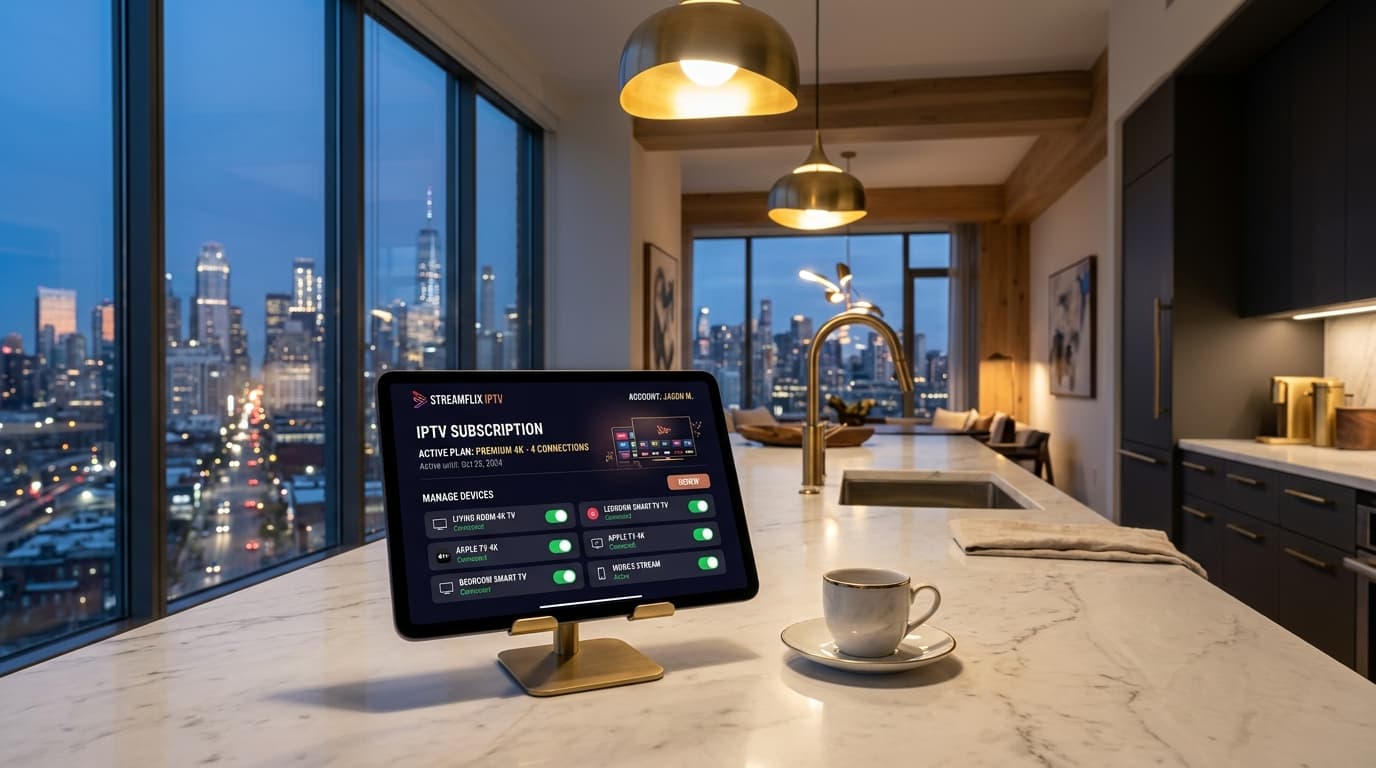
Recommended Streaming Hardware
- Apple TV 4K (A15 Bionic): Ultra-fast app performance, zero stutter on high-bitrate HEVC feeds, and exceptional visual fidelity when paired with players like iPlayTV or UHF.
- NVIDIA Shield TV Pro: The pinnacle of Android TV hardware with AI-powered upscaling, native gigabit Ethernet, and Dolby Vision support.
- Amazon Fire TV Stick 4K Max: The most popular budget option, featuring Wi-Fi 6E connectivity, snappy navigation, and easy sideloading capabilities.
Check our complete list of supported streaming devices and follow our step-by-step setup guides to install your app in under five minutes.
5. Choosing the Best IPTV Subscription Plans: Pricing Tiers Compared
Selecting the right package requires balancing commitment duration against pricing savings. Legitimate services provide clear, transparent billing without automatic renewals or hidden charges.
1-Month Plan
Ideal for testing server uptime, stream bitrates, and support responsiveness on your home internet without a long-term commitment.
3-Month Plan
Perfect for following a specific sports tournament, seasonal league, or temporary stay while enjoying a modest cost reduction.
6-Month Plan
Offers substantial monthly savings for cord-cutters who have already verified server performance and want steady access.
12-Month Plan
Delivers the lowest effective monthly price, cutting traditional cable bills by over 70% while securing uninterrupted year-round entertainment.
Compare all package details on our dedicated IPTV subscription plans page.
6. Critical Red Flags to Avoid When Shopping for an IPTV Subscription
Because the IPTV space includes many unregulated resellers, knowing how to spot unreliable providers will save you both money and frustration:
"Lifetime" Subscriptions for a Low Flat Fee
Ongoing server bandwidth, satellite uplink feeds, and CDN maintenance require continuous monthly capital. Resellers advertising "lifetime" access for $40–$60 regularly disappear after a few months once server bills come due.
Untraceable Payment Methods Only
Providers refusing transparent payment gateways and demanding payment exclusively via gift cards or unverified wallets offer zero buyer protection.
No Trial or Technical Documentation
Reputable operators stand by their infrastructure by offering trial access or detailed setup instructions. You can always test streams with a trial to confirm stability on your own connection.
7. Step-by-Step Checklist: How to Test and Benchmark an IPTV Service
Before committing to a multi-month plan, run this quick diagnostic checklist on your home hardware:
- Test During Peak Weekend Hours: Stream live sporting events between 7:00 PM and 10:00 PM on Saturday or Sunday. If streams hold up without buffering under peak concurrent viewer traffic, the provider has legitimate edge CDN capacity.
- Measure Channel Zapping Speed: Channel changes should occur in 1.5 to 2.5 seconds. Delays exceeding 6 seconds point to overloaded server pipelines or poor stream caching.
- Inspect Sports Frame Rates: Enable player diagnostic overlays (available in TiviMate or VLC) to ensure high-speed sports channels deliver 50 or 60 FPS rather than choppy 25/30 FPS feeds.
- Verify 7-Day EPG Sync: Check that electronic program guide schedules load correctly and align accurately with your local time zone.
- Assess VOD Audio & Subtitles: Ensure on-demand movies play with multi-channel audio tracks and accurate subtitle synchronization.
Want to understand unicast packet distribution and edge server caching in depth? Explore our guide on how unicast IPTV streaming works.
Frequently Asked Questions
What internet speed do I need for a 4K IPTV subscription?
For seamless High Definition (1080p at 60 FPS) streaming, a stable downstream connection of at least 15 to 20 Mbps is recommended. For genuine 4K Ultra HD feeds, you should have 30 to 50 Mbps of unthrottled bandwidth. To avoid micro-buffering caused by local wireless interference, connect your streaming device directly via an Ethernet cable or a dedicated 5GHz / Wi-Fi 6 network band.
Why do some IPTV subscriptions freeze or buffer during live matches?
Mid-game video freezing typically occurs when budget providers overcrowd their server nodes beyond network capacity. When thousands of concurrent viewers tune in to the same broadcast, the host server runs out of upstream throughput. Premium providers solve this by deploying automated anti-freeze load balancing and edge CDNs that distribute viewer traffic across multiple geographic data centers.
Can I use my IPTV subscription on multiple devices at the same time?
You can install your subscription credentials on as many devices as you like (e.g., your living room TV, smartphone, and tablet). However, standard plans permit only one active stream at a time. If you want family members to watch different channels simultaneously in separate rooms, choose a multi-connection plan that supports 2, 3, or 4 concurrent streams.
What is the difference between Xtream Codes API and an M3U playlist?
An M3U playlist is a text document containing direct web links to all available channels and on-demand movies. Because it loads every item at once, it can slow down app launch times on large playlists. The Xtream Codes API authenticates using a server URL, username, and password. It allows your player to load only the specific categories and EPG data you are viewing, resulting in faster navigation, smoother menus, and cleaner media categorization.
Do I need a VPN to use an IPTV subscription?
While a VPN is not strictly mandatory on unthrottled networks, using a dependable VPN is often beneficial. Some Internet Service Providers (ISPs) actively detect and throttle video streaming protocols during major live sporting events. A VPN encrypts your network packets, preventing your ISP from inspecting your streaming traffic and eliminating artificial speed limits.
Ready to Experience nobiptv?
Join thousands of satisfied viewers. Get the best IPTV services with our premium IPTV subscriptions, instant activation, and 24/7 dedicated support.