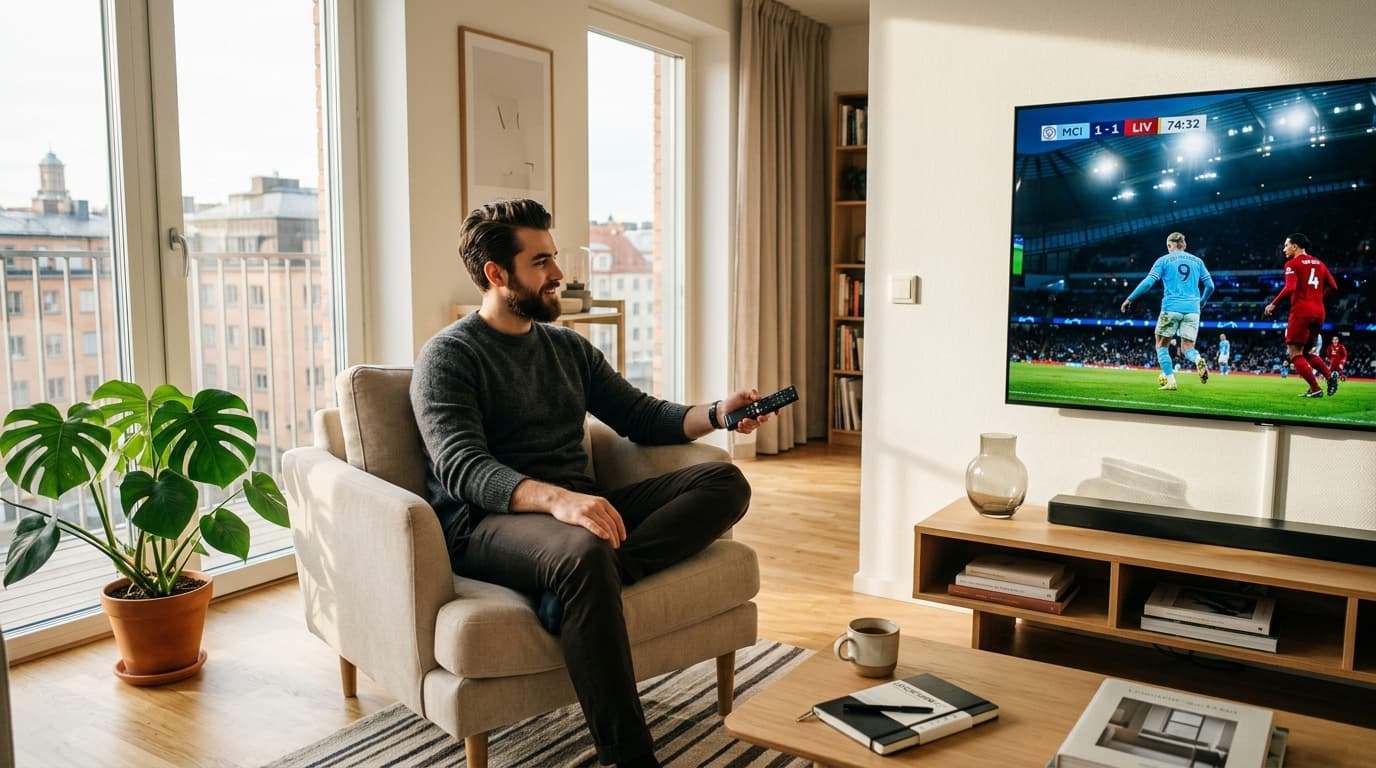
1. What Defines Genuine Cheap IPTV Value?
True economy is not determined by finding the lowest dollar amount on the internet. It is measured by cost per uninterrupted viewing hour.
If you pay $3 for a monthly service but the stream cuts out during the final minutes of a championship match, that subscription delivered zero value. Conversely, an established service charging $10 to $12 per month that maintains 99.9% uptime, fluid 60 FPS sports, and synchronized program schedules saves you over $1,000 every year compared to standard cable.
The Hidden Trap Behind $3 Reseller Panels
To understand why dirt-cheap options fail, look at the server economics:
- Oversold Server Density: Low-cost resellers lease unmanaged virtual servers and oversubscribe them by up to 600%. During quiet morning hours the stream functions, but as soon as thousands of subscribers log in for evening prime time, the outbound server ports saturate, causing instant buffer loops.
- Aggressive Video Compression: To save on transit costs, bottom-tier sellers compress 1080p feeds down to 2 Mbps and throttle 60 FPS sports down to 25 or 30 FPS, causing digital pixelation and motion blur.
- No Server Redundancy: Budget sellers do not operate multiple edge data centers. An upstream outage leaves all subscribers with black screens.
How Quality Providers Keep IPTV Affordable
Established providers reduce subscriber costs through smart engineering rather than corner-cutting:
H.265 / HEVC
Compresses video data twice as efficiently as older AVC/H.264 formats without loss of visual sharpness.
Edge CDN Clusters
Caches video segments near local internet exchanges to drastically cut round-trip latency and buffering.
Automated Failover
Intelligent DNS load balancers route streams to backup server nodes in milliseconds during high traffic.
Learn more about our server distribution in our overview of low-latency streaming server architecture.

2. 4 Critical Features Every Cheap IPTV Setup Must Deliver
When shopping for an affordable subscription, verify that the service includes these fundamental features before buying:
High Bitrate & 60 FPS Sports
Fast-action live sports demand 50 or 60 frames per second. Ensure Full HD feeds run at 8–12 Mbps and 4K broadcasts maintain 15–25 Mbps for crystal-clear playback.
Reliable Electronic Program Guide
Daily synchronized XMLTV EPG data ensures accurate show titles, time zone alignment, and episode descriptions across all channels.
Xtream Codes API Compatibility
Structured database login via server URL, username, and password enables instant channel grouping and dynamic VOD catalog indexing.
Responsive Technical Assistance
Access to an active support desk or live chat for assistance with app configuration and playlist verification.
3. Cable vs. $3 Resellers vs. Value IPTV: The Cost-Benefit Breakdown
The following comparison illustrates what each television service tier provides for your money:
| Feature / Metric | Traditional Cable | $3 Dirt-Cheap Reseller | Balanced Value IPTV ($10–$14/mo) |
|---|---|---|---|
| Annual Cost | $1,200 – $2,200+ | $36 – $60 | $120 – $150 (Huge savings) |
| Hardware Box Fees | $120 – $240/yr | $0 (BYO Device) | $0 (Runs on existing Smart TVs/Sticks) |
| Big Game Stability | Stable RF feed | Severe buffering / blackouts | 99.9% uptime with CDN load balancing |
| Sports Frame Rate | 60 FPS | 25–30 FPS (Choppy motion) | Fluid 50 / 60 FPS Full HD & 4K |
| Program Guide (EPG) | Included | Often missing / broken | Accurate, synchronized XMLTV data |
| Contract Lock-in | 12–24 Months | None | Flexible 1, 3, 6, or 12-month packages |
A reliable, affordable service gives you broadcast quality while saving you well over $1,000 every single year. Browse our budget IPTV subscription packages to view transparent pricing and flexible duration plans.
4. 5 Practical Steps to Vet an Affordable Provider
Protect your money and avoid scam panels by testing potential providers against this checklist:
1. Always Test During Prime Time
Never evaluate a service on a weekday afternoon. Request a 24-hour trial and watch live sports on Friday or Sunday evening (between 8:00 PM and 10:30 PM). This is when server clusters experience maximum traffic.
2. Never Buy “Lifetime” Deals
Cloud edge hosting and bandwidth transit require continuous monthly investment. Lifetime sellers routinely pocket initial revenue and vanish when hosting bills come due.
3. Verify Payment Protection
Ensure the provider uses SSL-secured checkout gateways, major credit card processors, or reputable crypto gateways. Never input banking credentials on unencrypted pages.
4. Inspect Channel Curation
Thousands of non-working or duplicate channels are a sign of an unmaintained reseller panel. Prioritize providers focusing on curated bouquets with stable 1080p and 4K streams.
5. Check Multi-Screen Options
If other members of your family watch television simultaneously, confirm whether your subscription supports additional concurrent connections.
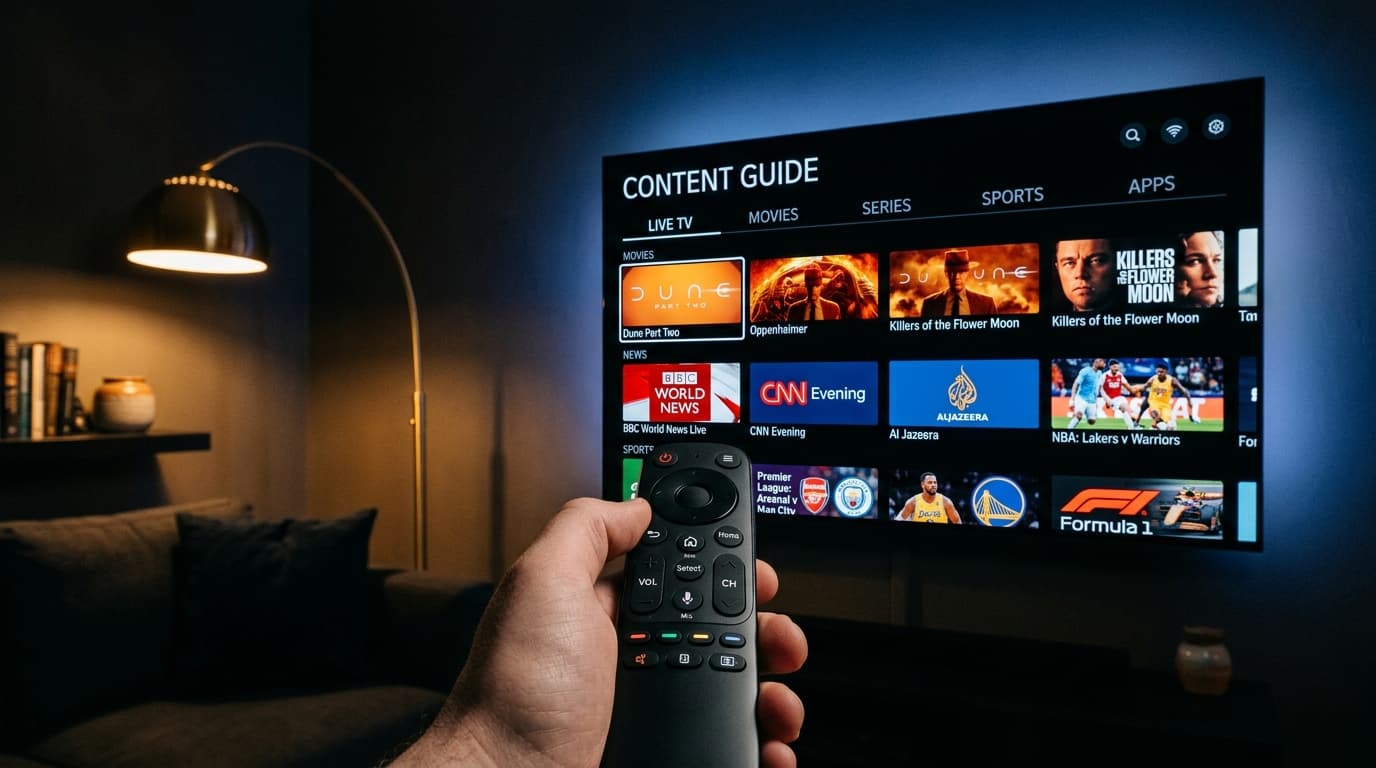
5. Optimizing Your Device and Network for Buffer-Free Playback
Even the best servers will stutter if your local home network or playback software is poorly configured. A few quick adjustments will maximize your performance:
TiviMate
The benchmark living-room app for Android TV and Firestick. Offers rapid channel switching, customizable category sorting, and scheduled recording.
IPTV Smarters Pro
A flexible player supporting Xtream Codes API, VOD subtitle tracks, and multiple user profiles on iOS, Android, Smart TVs, and PC.
IBO Player
Lightweight, snappy application built specifically for Samsung Tizen and LG webOS smart TV app stores without needing sideloading.
For detailed walkthroughs on setting up each platform, visit our IPTV installation tutorials. To confirm that your hardware is compatible, see our directory of supported streaming devices.
Frequently Asked Questions About Cheap IPTV
Is cheap IPTV reliable for watching live sports?
Yes, provided the service uses dedicated CDN edge servers and broadcasts live sports in genuine 50 or 60 FPS. While low-tier $3 reseller panels frequently freeze during high-demand matches, established providers charging $10 to $12 per month maintain uninterrupted uptime through redundant server routing.
What is the minimum internet speed required for budget streaming?
For smooth Full HD (1080p @ 60 FPS) playback, a dedicated speed of 25 to 35 Mbps per device is recommended. For 4K Ultra HD broadcasts or multi-room streaming, a household connection of 100 Mbps or higher ensures buffer-free viewing.
Why do some budget IPTV channels have no audio or guide data?
Missing audio usually occurs when your streaming app is set to an incompatible software audio decoder. Switching your player settings to hardware decoding or VLC/ExoPlayer decoder resolves audio sync issues. Missing guide data occurs when a provider fails to update their XMLTV EPG server link.
Can I install a cheap IPTV service directly on my Smart TV?
Yes. You can install apps like IPTV Smarters Pro or IBO Player directly from the Samsung Tizen or LG webOS app stores. Alternatively, adding an inexpensive Amazon Fire TV Stick 4K to any television provides access to advanced players like TiviMate.
For further answers to technical questions, visit our IPTV customer questions and answers section.
Final Verdict: Make Your Entertainment Budget Work for You
Switching to a cheap iptv provider is one of the most effective ways to lower your living expenses without sacrificing your favorite live sports, news, and entertainment channels. The key is avoiding unrealistic $3 reseller schemes and focusing on reliable value.
By choosing a provider with robust CDN infrastructure, uncompressed 60 FPS feeds, accurate EPG schedules, and responsive support, you achieve maximum entertainment value at a fraction of legacy cable pricing.