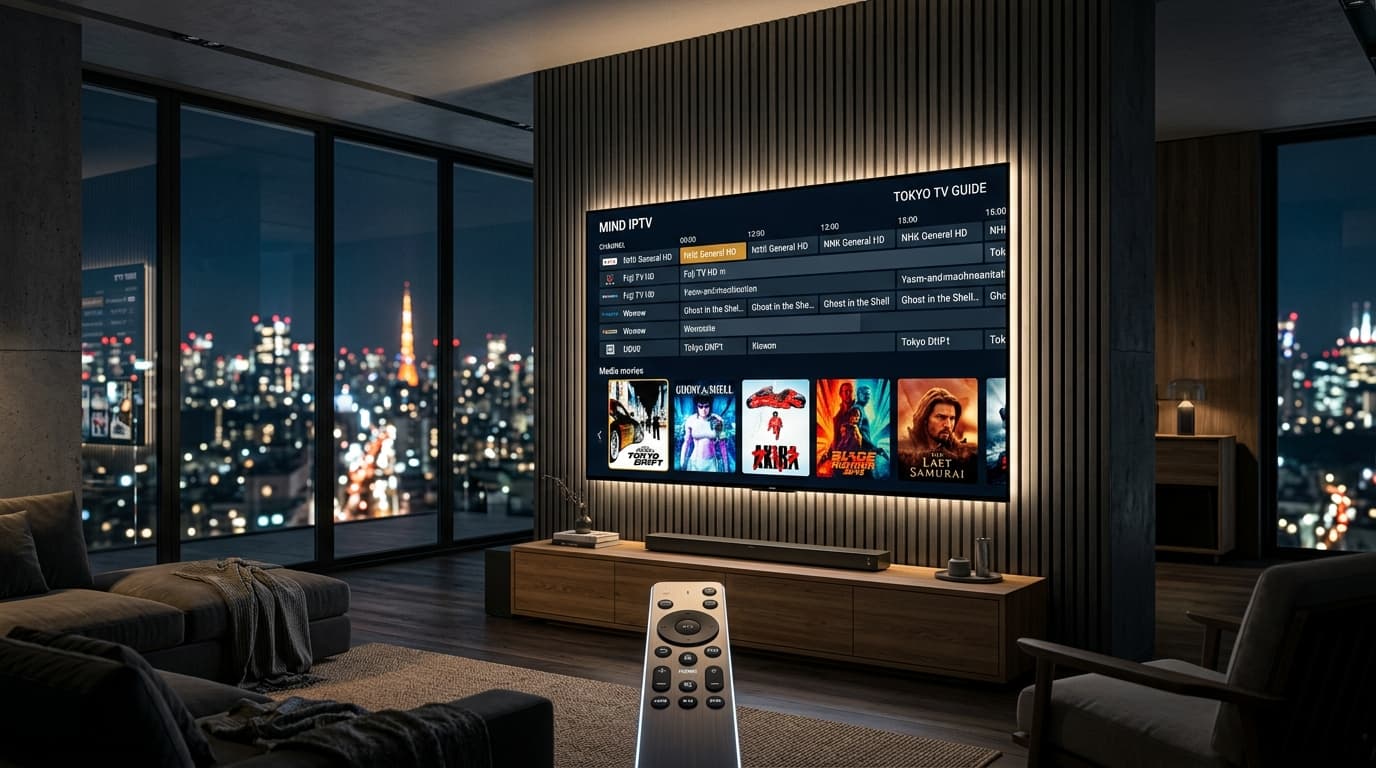
1. What Makes an Outstanding IPTV Player? Key Technical Features
An IPTV subscription provides the digital pipeline—the channel streams, video on demand, and schedule data—but your IPTV player determines the actual viewing experience. The speed of channel flipping, the responsiveness of the Electronic Program Guide (EPG), audio-video synchronization, and picture smoothness all depend directly on the software client installed on your streaming box.
Because IPTV players are standalone media applications, they contain no built-in channels or video content. You connect them to your provider using an M3U playlist URL or Xtream Codes API login credentials. A poorly optimized app will suffer from audio desync, sluggish navigation, and memory leaks on budget hardware. A premium player, by contrast, transforms your television into a fluid, broadcast-grade cable experience with multi-screen sports grids, cloud catch-up, and automated 7-day program guides.
Advanced media decoders ensure hardware acceleration for uncompressed 4K 60 FPS feeds and broad audio codec compatibility.
Dual-player background loading reduces channel-zapping latency down to sub-1.5 seconds when changing channels on remote controls.
Split-screen playback capabilities allow sports enthusiasts to monitor between 2 and 9 live games simultaneously on one display.
2. Optimizing Buffer Settings and Video Engines
Buffering is not always a provider issue; incorrect player buffer configurations frequently cause artificial playback stutter.
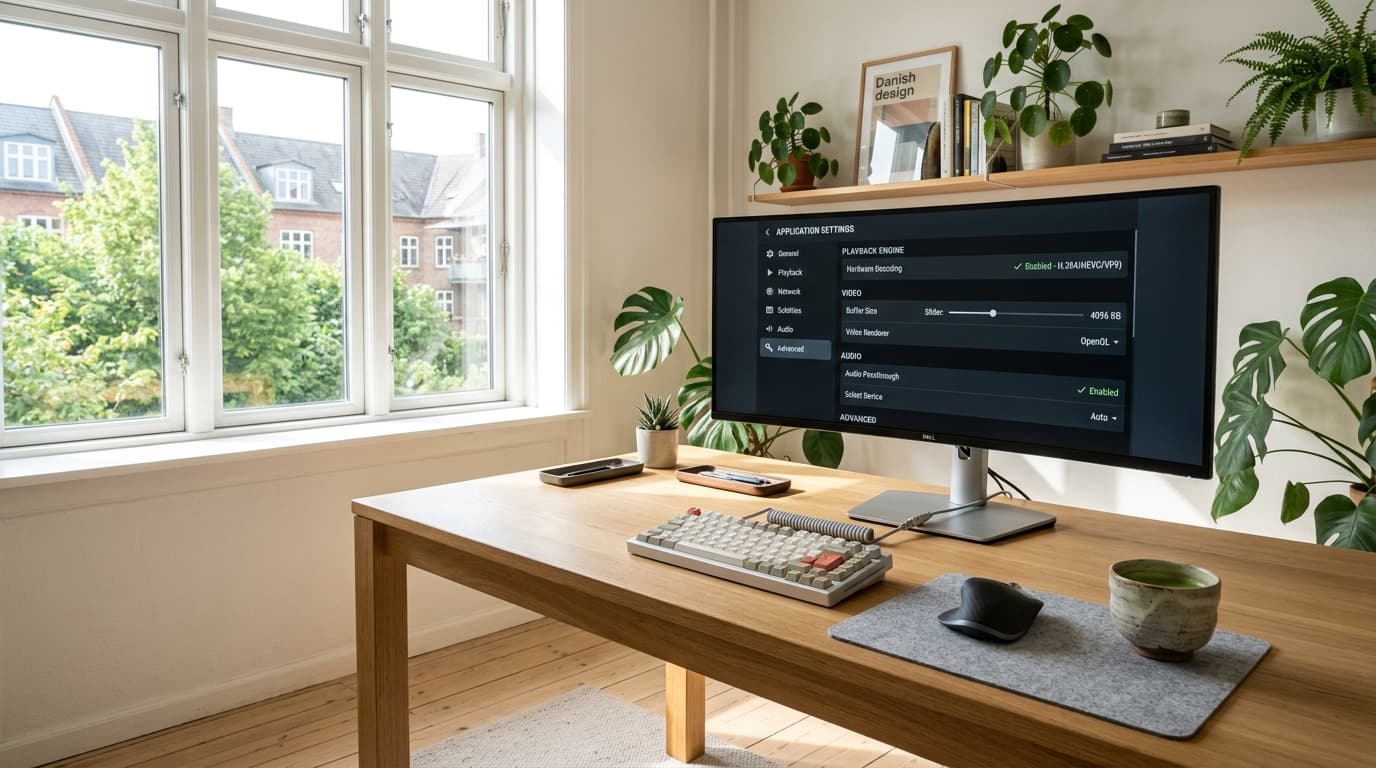
Recommended Buffer Configuration
When setting up your player, start with a Medium buffer size (1,500 ms). If you notice occasional stutter during peak hours on a wireless connection, increasing your buffer cache to 3,000 ms gives your hardware the breathing room to smooth out incoming video packets. Learn more about our server-side stability on our anti-freeze streaming features page.
3. Top 6 IPTV Players for 2026: Comprehensive Shootout
We evaluated dozens of applications on Android TV, Fire OS, tvOS, and Windows. Below are the definitive top performers ranked by stability, interface polish, and advanced functionality:
| IPTV Player App | Supported Platforms | Best Use Case | EPG Capability | Multi-View | Pricing Model |
|---|---|---|---|---|---|
| TiviMate | Android TV, Firestick | Power users & sports | Industry-leading | Up to 9 screens | Freemium / $10/yr |
| IPTV Smarters Pro | All devices & Smart TVs | Cross-platform ease | Very good | Up to 4 screens | Free / In-app Pro |
| iPlayTV / UHF | Apple TV, iOS, Mac | Apple ecosystem | Flawless (iCloud sync) | PIP & 4-Grid | Paid ($5.99 – $9.99) |
| Televizo | Android, Fire TV | Budget dongles & RAM | Good | PIP only | Free with ads |
| XCIPTV Player | Android TV, Firestick | Large box grid UI | Good | Dual screen | Free |
4. In-Depth Reviews of the Leading IPTV Players

TiviMate IPTV Player (Top Pick for Android & Fire TV)
TiviMate offers the most polished, cable-like interface in the industry. Its TV-optimized design makes remote navigation effortless, while its multi-view engine lets you watch multiple sports games concurrently. For full setup instructions, read our dedicated TiviMate optimization guide.
IPTV Smarters Pro (Best Cross-Platform Compatibility)
With official apps for Android, iOS, Windows, Mac, LG webOS, and Samsung Tizen, Smarters Pro is the easiest way to access your channels on every screen in your home.
iPlayTV & UHF (Top Choice for Apple TV)
Designed specifically for tvOS and iOS, iPlayTV and UHF take full advantage of Apple's A15 processor, supporting 120Hz smooth scrolling and automatic iCloud sync across all Apple devices. Follow our Apple TV streaming setup for rapid installation.
5. How to Set Up an IPTV Player: Step-by-Step Guide
Configuring your player application takes less than three minutes using modern Xtream Codes API credentials:
- Download Your Chosen Application: Install via Google Play, Amazon Appstore, Apple App Store, or Downloader sideloading. Check our Firestick IPTV installation guide for Downloader shortcodes.
- Select "Login with Xtream Codes API": Avoid raw M3U text files for faster category loading and automated EPG synchronization.
- Enter Account Credentials: Input Playlist Name, Server URL, Username, and Password provided in your welcome email.
- Enable Hardware Video Acceleration: Ensure video decoding is set to Hardware (HW) in application settings for smooth 60 FPS playback.
Need hardware recommendations? Review our list of supported streaming devices and discover the best IPTV apps for Firestick.
Frequently Asked Questions
Do IPTV players come with free channels?
No. Legitimate IPTV players (such as TiviMate, IPTV Smarters, and iPlayTV) are strictly media playback tools, similar to VLC media player. They do not host or provide any television programming. You must provide your own active playlist URL or Xtream Codes API login credentials from an IPTV provider.
What is the difference between an M3U link and Xtream Codes API in a player?
An M3U link is a long text web address that forces the player to download your entire channel and VOD catalog in one massive file every time you launch the app. The Xtream Codes API connects using a Server URL, Username, and Password. It loads only the categories and EPG data you are viewing, resulting in dramatically faster startup times and organized menus.
Can I run multi-view split screen on an Amazon Firestick?
Yes, high-end applications like TiviMate support multi-screen viewing on Fire TV devices. On an Amazon Fire TV Stick 4K or 4K Max, you can comfortably run 2 to 4 simultaneous live streams. Running more than 4 concurrent screens is best handled by powerful hardware like the Apple TV 4K or NVIDIA Shield TV Pro. Note that each active screen requires a separate connection line from your IPTV provider.
Is TiviMate free or do I have to pay?
TiviMate offers a basic free version that allows standard channel navigation. To unlock essential features—including multi-screen view, full 7-day EPG guides, scheduled recording, custom channel grouping, and catch-up TV—you must purchase TiviMate Premium via the Google Play Store or TiviMate Companion app.
Why does my IPTV player crash when loading large playlists?
When loading playlists containing over 30,000 live channels and on-demand titles on devices with limited RAM (1 GB or 1.5 GB), the app can run out of memory while parsing the data. To prevent crashes, connect via Xtream Codes API rather than raw M3U, enable channel group hiding to disable categories you never watch, and increase your app's cache allocation in settings.
Ready to Experience nobiptv?
Join thousands of satisfied viewers. Get the best IPTV services with our premium IPTV subscriptions, instant activation, and 24/7 dedicated support.