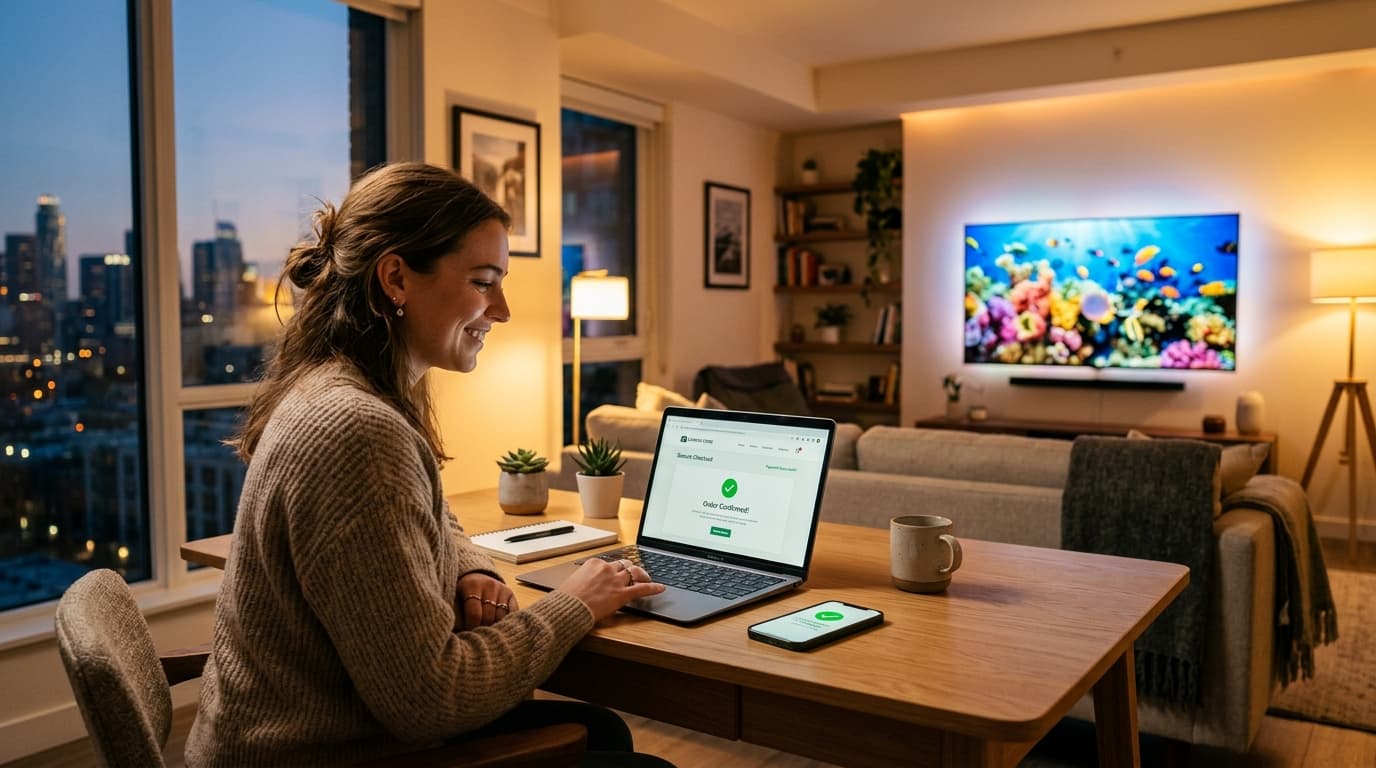
1. What Happens When You Buy an IPTV Subscription?
Deciding to buy iptv subscription access is the definitive step toward cutting the cord and escaping outdated cable contracts. Instead of paying upwards of $120 each month for proprietary set-top decoders, sports surcharges, and local broadcast fees, internet-based television grants instant access to thousands of live channels, pay-per-view events, and movie libraries on the smart screens you already own.
When you purchase television service from a traditional provider, a technician must physically wire coaxial cables into your living room and configure a locked decoder box. In contrast, an IPTV purchase is entirely digital and software-driven:
- Automated Order Processing: Once your payment clears through an encrypted gateway, the provider's billing portal generates a unique subscriber profile on the backend middleware server.
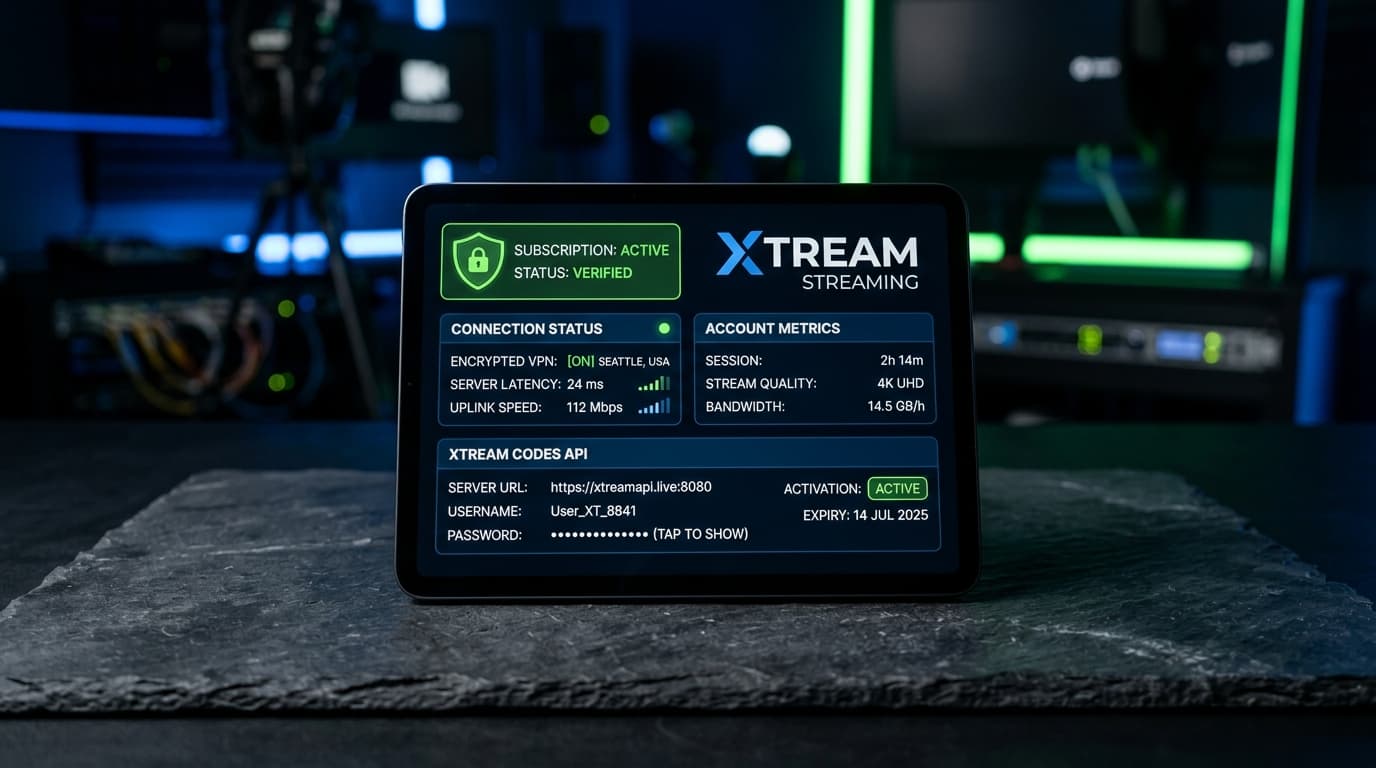
- Instant Delivery of Credentials: Within seconds, an activation email arrives containing your login details (Xtream Codes API Server URL, Username, Password, and M3U playlist link).
- Application Authentication: You download a player application (such as TiviMate or IPTV Smarters Pro) on your Smart TV or streaming stick, input your credentials, and your channel list loads instantly.
Review our full overview of enterprise IPTV streaming features to see how our cloud delivery network automates instant account activation.
2. 4 Crucial Decisions to Make Before Purchasing
Before entering your payment details, evaluate these four key criteria to ensure the package fits your household:
1. Plan Duration
Choose from 1, 3, 6, or 12-month billing. While 1-month plans are great for testing, annual plans reduce your effective monthly costs by up to 50%.
2. Connection Count
Single connection plans allow 1 active stream at a time. For families watching simultaneously across different rooms, select a 2, 3, or 4-screen package.
3. 60 FPS & Anti-Freeze
Ensure live sports run at 50/60 FPS with uncompressed bitrates. Distributed CDN edge caching prevents stream freezing during championship games.
4. Open Player Standards
Avoid locked custom apps. Quality providers support Xtream Codes API and M3U playlists compatible with TiviMate, Smarters Pro, and IBO Player.
3. Plan Comparison: Selecting the Right Subscription Package
The table below outlines how subscription options scale to meet different household requirements:
| Plan Duration | Best For | Effective Cost | Commitment | Connections |
|---|---|---|---|---|
| 1-Month Pass | Weekend tests & sports events | Standard rate ($12–$15) | Zero commitment | 1 Screen |
| 3-Month Tier | Seasonal sports tournaments | ~15% Discount | Short-term | 1–2 Screens |
| 6-Month Tier | Regular cord-cutting households | ~30% Discount | Medium-term | 1–3 Screens |
| 12-Month Annual | Maximum long-term savings | Up to 50% Off ($8–$10/mo) | Best Value | Up to 4 Screens |
Explore our complete IPTV subscription packages and pricing for transparent rates, multi-screen add-ons, and instant checkout.

4. 5 Red Flags to Watch for When Buying an IPTV Subscription
To protect your wallet and personal data, avoid services exhibiting these dangerous warning signs:
1. Unrealistic “Lifetime” Memberships
Any provider offering lifetime access for a one-time fee of $40–$50 is operating an unsustainable scheme. High-capacity streaming servers require ongoing monthly maintenance. Lifetime sellers shut down once upfront sales decline.
2. Unencrypted Checkout Forms
Never type financial information into plain HTTP web pages. Reputable businesses always use SSL encryption and compliant merchant processors.
3. No Short-Term Test or Refund Policy
Confident providers offer short-term passes or trial options so you can test channel switching during live events.
4. No Customer Service Channels
If a provider offers only an unmonitored generic email without a ticketing desk or live support, resolving an activation issue will be impossible.
5. Claims of 60,000+ Channels
Bloated channel counts usually indicate thousands of non-working links and pirated loops. Reliable services prioritize curated, stable 1080p and 4K feeds.
5. Step-by-Step Setup: From Checkout to 4K Live Streaming
Configuring your screens takes less than ten minutes after receiving your activation email:
- Complete Your Order: Select your preferred billing duration and screen count on the checkout page.
- Retrieve Credentials: Open your email confirmation to copy your Server URL, Username, and Password.
- Download Player App: Install TiviMate, IPTV Smarters Pro, or IBO Player on your television.
- Authenticate via Xtream Codes: Open the app, choose Xtream Codes API, and input your login details.
- Synchronize Bouquets & EPG: Allow the software two minutes to index your channels, VOD library, and program guide.
Need device-specific installation guidance? Follow our detailed device installation walkthroughs or check our list of compatible streaming devices.
Frequently Asked Questions Before You Buy
How quickly will I receive my subscription after purchase?
Legitimate platforms use automated provisioning systems that send your credentials to your email address within 2 to 5 minutes of payment confirmation.
Can I upgrade my plan to more screens later?
Yes. You can start with a single-connection package and upgrade to multi-room streaming at any time through customer support.
Do I need to buy a VPN along with my subscription?
While not mandatory on all broadband networks, a high-speed VPN utilizing WireGuard protocols is strongly recommended if your internet service provider actively throttles high-bandwidth streaming traffic during evening hours.
Can I transfer my subscription to a new device?
Yes. Because your subscription credentials are tied to your account login rather than a physical decoder box, you can log out of an old device and log in on a new Smart TV or streaming stick whenever you upgrade your hardware.
Have questions about payment methods or server setup? Check our frequently asked questions about activation.
Ready to Upgrade Your Home Entertainment?
When you buy iptv subscription access from an established, enterprise-grade provider, you unlock high-definition live television, global sports, and on-demand entertainment without the exorbitant fees and rigid contracts of legacy cable.
Select a plan that fits your viewing habits, verify your home broadband connection, and experience broadcast television the way it was meant to be—flexible, affordable, and crystal-clear.