IPTV Provider: The Complete Architecture & Selection Blueprint (2026)
Finding a dependable iptv provider has become the single most important decision for cord-cutters determined to ditch exorbitant cable bundles without losing access to live broadcast television. In an era where legacy cable and satellite distributors frequently hike monthly bills past $180 while locking households into restrictive two-year contracts, modern IP-based delivery routes live regional channels, premium sports networks, and expansive on-demand cinema straight to your screens over standard residential broadband.

1. What Is an IPTV Provider and How Does It Operate?
At its core, an iptv provider is an entity responsible for ingesting live television feeds, encoding and containerizing the video data into Internet Protocol packets, and serving those media streams to subscriber devices on demand. Unlike conventional broadcasters that transmit radio frequencies through coaxial cable or satellite dishes to dedicated proprietary set-top boxes, an IP-based provider delivers content using standard networking protocols like HTTP Live Streaming (HLS) and MPEG Transport Stream (MPEG-TS).
Broadcasts originate from master satellite downlinks (C-band/Ku-band) or dedicated fiber lines. High-density rackmount transcoders re-encode the stream into H.265/HEVC at 60 FPS, packetize chunks into HLS manifests, and distribute them to multi-CDN edge nodes closest to the subscriber.
Unlike closed telecom multicast networks, independent IP streaming operates over public internet unicast. Every screen maintains its own discrete stream. To serve 50,000 concurrent viewers at 10 Mbps during championship matches, a provider must sustain 500 Gbps of outbound edge transit.
2. Core Capabilities: What Separates an Elite IPTV Provider from Low-Tier Resellers
When assessing any prospective streaming provider, promotional rhetoric should be set aside in favor of concrete engineering standards. High-tier platforms distinguish themselves through five foundational operational capabilities:
Direct Broadcast Ingestion vs. Public Web Scraping
Inferior resellers scrape public web streams or re-broadcast pirated consumer boxes, resulting in severe compression artifacts, washed-out colors, and 90-second delays. An elite provider pulls direct master feeds from commercial satellite dishes with studio-accurate color depth and low latency.
Hardware HEVC/H.265 Transcoding & Dynamic Bitrate Floors
Modern H.265 compression delivers 50% greater efficiency than legacy H.264. This enables pristine 1080p60 feeds at 8-12 Mbps and 4K Ultra HD at 18-25 Mbps without macroblocking during complex stadium motion, rapid camera pans, and confetti celebrations.
60FPS Fluid Motion Clarity for Live Sports
High-speed action like football, hockey, basketball, and motorsport demands 50 or 60 frames per second to eliminate motion blur. Top providers broadcast native 60FPS stadium feeds rather than artificially duplicating 30FPS frames.
Anti-Freeze Server Clusters & Multi-CDN Peering
True anti-freeze technology uses automated load balancing across global edge data centers. Traffic is shifted away from congested nodes seamlessly, while maintaining 300%+ excess bandwidth headroom for primetime viewing spikes.
Precision EPG Synchronization & 7-Day Catch-Up TV
Automated XMLTV feeds updated daily eliminate missing schedule entries. Rolling cloud storage buffers record broadcasts for 3 to 7 days, allowing you to rewind live TV or watch yesterday's missed game directly from the program timeline.
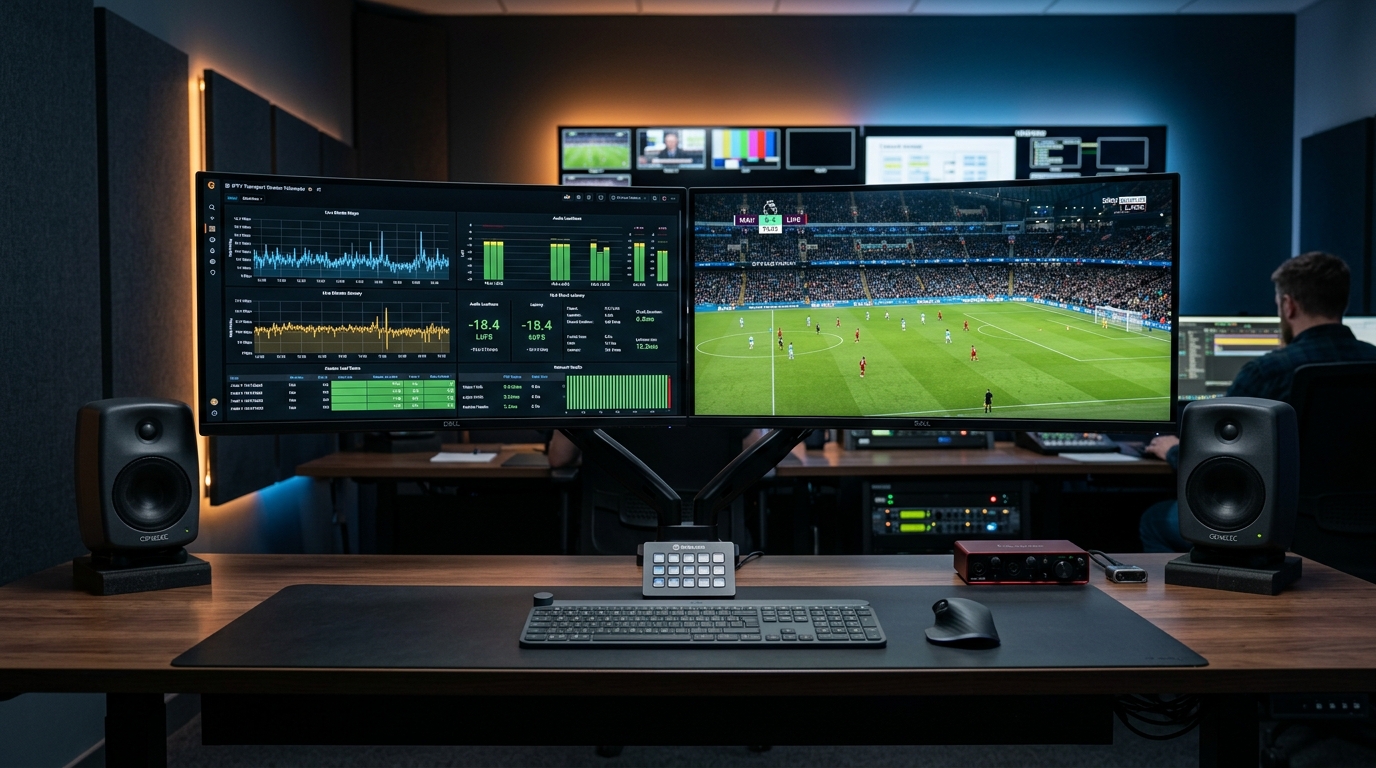
Figure 2: Media engineering diagnostics reveal consistent bitrates, zero packet drop, and low latency routing when streaming from an enterprise-grade IPTV provider.
3. The 6-Point Technical Audit: How to Vibe-Check Any IPTV Provider
Before committing to an extended subscription, cord-cutters should conduct a hands-on audit using a short trial or a one-month pass. Here is a practical 6-step testing framework:
Test during Saturday afternoon soccer or Sunday night football. Channels should switch in under 2 seconds with zero cyclical buffering.
Verify your connection routes through an edge node close to your location, maintaining ping times under 35ms to prevent packet drops.
In TiviMate or Smarters, ensure category and playlist sync takes under 15 seconds. Slow sync indicates an overloaded database.
Check player codec info during live sports. Confirm the stream outputs true 59.94/60.00 fps rather than downscaled 30 fps.
Stream simultaneously on multiple screens in your home on a multi-device plan. Verify zero cross-session throttling occurs.
Choose providers offering non-recurring terms with dedicated WhatsApp or ticket desk support rather than hidden auto-rebills.
4. Feature Benchmark: Premium IPTV Provider vs. Standard Cable vs. Reseller Panels
To understand how high-performance IP streaming compares with traditional broadcasting and cheap reseller storefronts, consider the following performance breakdown:
| Comparison Criteria | Tier-1 Enterprise IPTV Provider | Traditional Cable / Satellite | Cheap Reseller Panel ($3-$5/mo) |
|---|---|---|---|
| Average Monthly Cost | $5.00 – $15.00 / month | $120.00 – $210.00 / month | $2.50 – $4.00 / month |
| Contract Obligations | Zero (1, 3, 6, 12-month passes) | 1 to 2-year mandatory contracts | None (often disappears unexpectedly) |
| Sports Motion Clarity | Native 1080p & 4K at 60 FPS | 720p or 1080i (compressed) | Choppy 25/30 FPS (interpolated) |
| Hardware Flexibility | Firestick, Apple TV, Android, Smart TVs | Proprietary leased set-top boxes | Often locked to buggy custom APKs |
| Simultaneous Screens | 1, 2, or 3-device options | Expensive extra-room box fees ($10/ea) | Strictly 1 (suspends account if violated) |
| Server Infrastructure | Multi-CDN edge nodes + failover | Dedicated coaxial/satellite lines | Single overloaded VPS server |
| Peak Event Reliability | Ask for uptime records | High stability | Frequent total blackouts during finals |
| Channel Customization | Hide/reorder groups, custom EPG | Rigid channel tiers & package bundles | Cluttered, uncurated lists (dead links) |
| Customer Support | Dedicated WhatsApp & ticket desk | Phone tree / scheduled technician visits | Completely unresponsive |
5. Avoiding Common Traps: 4 Critical Warning Signs of a Bad Provider
Absurd 50,000+ Channel Claims
Inflated channel lists are filled with dead feeds, public webcams, and unplayable links. A curated lineup of 10,000 to 18,000 verified 1080p60 and 4K channels delivers a vastly superior experience.
"Lifetime Subscription" Schemes
Ongoing satellite downlinks and multi-CDN transit require continuous funding. Lifetime subscriptions represent unsustainable exit schemes where domains are abandoned once sales slow down.
Mandatory Sideloaded APKs
Refusing to provide Xtream Codes API credentials forces users onto insecure modified applications that may harvest telemetry and block hardware video acceleration.
Unresponsive Support Desks
Test support before purchasing. If a service takes days to answer basic configuration inquiries, you will receive zero assistance when an unexpected server routing issue occurs.
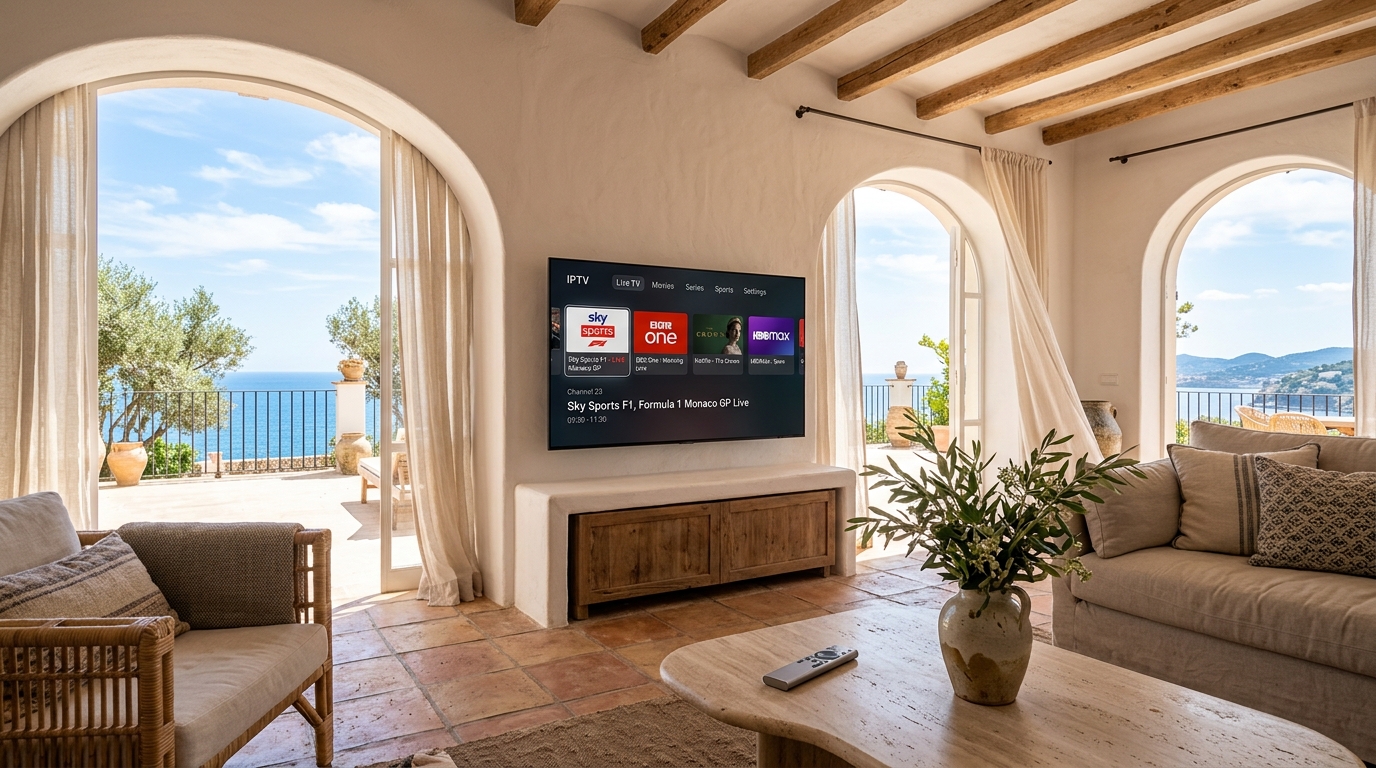
Figure 3: Effortless everyday cord-cutting relies on accurate EPG scheduling, organized category structures, and responsive remote navigation across home displays.
6. Client Hardware and Player Optimization Guide
Even an enterprise-grade IPTV provider cannot overcome an underpowered streaming box or an unstable local network. To ensure flawless playback, pair your subscription with hardware built for modern video decoding:
Fire TV Stick 4K Max
Wi-Fi 6E connectivity, hardware-accelerated HEVC/AV1 decoding, and rapid TiviMate UI rendering at an unbeatable price point.
Apple TV 4K (3rd Gen)
The flagship benchmark. A15 Bionic processor delivers instant channel navigation in IPTVX and UHF with tvOS frame-rate matching.
Nvidia Shield TV Pro
Home cinema standard with AI 4K upscaling, gigabit Ethernet, and lossless Dolby Atmos / DTS-HD audio passthrough.
7. Pricing Breakdown: Understanding the True Value Equation
Because satellite teleports, transcoder clusters, and multi-CDN edge bandwidth require ongoing investment, legitimate providers operate within well-established market tiers:
Ideal low-commitment entry point for benchmarking primetime sports stability and EPG accuracy.
Optimal cost savings aligned with full domestic sports and soccer league seasons.
Maximum cord-cutting value (~$5.00/mo), saving over $1,500 annually compared to traditional cable.
8. Frequently Asked Questions About Choosing an IPTV Provider
What is the primary difference between an IPTV provider and an IPTV player app?
An IPTV provider is the content and infrastructure service that owns the video servers, encodes broadcast feeds, and provides channel playlists. An IPTV player (such as TiviMate, IPTVX, or Smarters Pro) is simply the application installed on your device that renders the interface and decodes the stream. Player apps do not include any television channels; they require active credentials from an IPTV provider to operate.
Can an IPTV provider replace traditional cable television entirely?
Yes. A full-featured IPTV provider delivers live local network affiliates, 24/7 cable news, premium movie channels, pay-per-view events, and comprehensive regional and international sports networks. When paired with an intuitive player like TiviMate, the daily viewing experience is virtually identical to traditional cable—at roughly one-tenth the monthly cost.
How much internet bandwidth do I need for smooth streaming?
For standard definition and 720p HD streams, an internet connection of 10 to 15 Mbps is sufficient. For Full HD 1080p at 60 FPS, allocate at least 25 to 30 Mbps of unthrottled download speed per active device. For pristine 4K Ultra HD sports, ensure your broadband connection provides at least 50 Mbps of stable bandwidth to accommodate bitrate peaks.
Will my internet service provider throttle my IPTV provider streams?
Some residential Internet Service Providers (ISPs) actively monitor and throttle high-bandwidth video traffic during peak evening hours, especially during live sports broadcasts. If you notice streams buffering only on your home network while playing smoothly over a mobile cellular hotspot, your ISP may be throttling your connection. Using a reputable VPN encrypts your video packets, preventing your ISP from inspecting your traffic.
What is the advantage of Xtream Codes API over an M3U playlist?
An M3U playlist is a single text file listing every channel URL. With large playlists containing thousands of channels, downloading and parsing this file can slow down your device. The Xtream Codes API uses lightweight, structured client-server requests that load categories on demand, sync EPG schedules automatically, and streamline catch-up TV playback with much faster performance.
Can I use my IPTV provider subscription across multiple rooms?
Yes, provided your subscription package includes multiple simultaneous connections. Standard single-connection accounts permit one active screen at a time. If you want to watch live sports in the living room while family members stream movies in the bedroom, select a dedicated 2-device or 3-device multi-room plan.
Related Cord-Cutting & Setup Resources
Ready to Experience nobiptv?
Join thousands of satisfied viewers. Get the best IPTV services with our premium IPTV subscriptions and dedicated support.