IPTV Smarters Failed to Authorize: Root Causes and Step-by-Step Fixes
Few things are more frustrating than launching your favorite streaming application, entering your login credentials, and watching the screen freeze before flashing the dreaded message: "Failed to Authorize" or "Authorization Failed for Above Host."
Resolve "Failed to Authorize" in 60 Seconds
- Remove Trailing Slashes: Ensure your Server URL has no "/" at the end (e.g., use
http://line.server.com:8080instead of...:8080/). - Eliminate Hidden Spaces: TV remote keyboards often insert a hidden trailing space after predictive words or auto-capitalization.
- The 60-Second Hotspot Test: Switch your TV to your mobile phone's cellular hotspot. If it connects, your home ISP is actively blocking the server DNS.
- Update DNS Resolvers: Change device or router DNS to
1.1.1.1(Cloudflare) or8.8.8.8(Google DNS) to bypass ISP filtering. - Verify Active Connections: Ensure another screen or ghost session is not occupying your plan's simultaneous connection allowance.
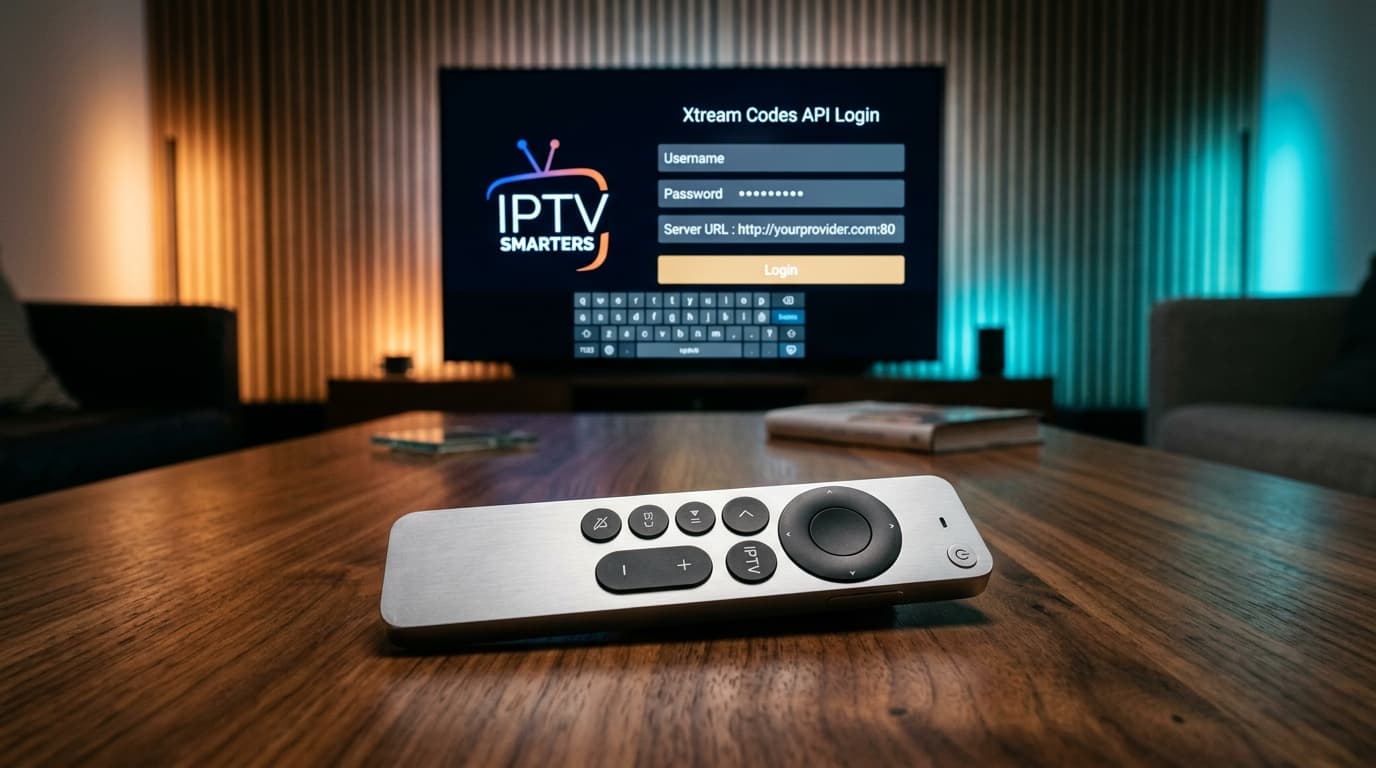
What Does "Failed to Authorize" Actually Mean in IPTV Smarters Pro?
When iptv smarters failed to authorize appears on your display, it means the application launched on your hardware, but its authentication request was rejected or never reached your IPTV provider's middleware server.
Unlike basic video players that simply parse an offline video file, IPTV Smarters relies primarily on the Xtream Codes API architecture. When you enter your credentials, the application constructs a standardized HTTP GET query:
Your device resolves the domain name via DNS, initiates a TCP handshake on the specified port (e.g., 8080 or 443), and queries player_api.php. If valid, the server returns "auth": 1, channel limits, and active subscription status.
If the DNS query fails, the port is filtered, the credentials mismatch, or the server is unresponsive, the handshake halts. IPTV Smarters triggers an error message: "Failed to Authorize" or "Authorization Failed for Above Host."
Fast Diagnostic Triage: Is It Your Device, Your ISP, or Your Provider?
Before spending half an hour retyping passwords or reinstalling apps, execute this simple two-step diagnostic triage. It immediately isolates whether the issue is local to your home network or on the provider's server infrastructure.
The 60-Second Mobile Hotspot Isolation Test
- Disconnect your streaming device (Firestick, Android TV, Smart TV) from your home Wi-Fi network.
- Enable the Personal Hotspot on your 4G or 5G smartphone.
- Connect your streaming device to your smartphone's cellular hotspot.
- Open IPTV Smarters Pro and attempt to log in.
Your credentials and provider servers are healthy. Your home broadband ISP is actively blocking the server DNS or port.
The problem is a credential typo, trailing slash URL glitch, expired subscription line, or downed provider host.
7 Proven Fixes for "IPTV Smarters Failed to Authorize"
1Fix 1: Eliminate URL Formatting Glitches (The Trailing Slash Bug)
The most frequent bug in IPTV Smarters Pro is the trailing slash issue. IPTV Smarters automatically appends /player_api.php to your entered Server URL. If your link ends with a trailing slash, it forms an invalid double slash:
Also confirm that the port number (e.g. :8080) is separated from the domain by a single colon with zero spaces.
2Fix 2: Eradicate Hidden Spaces and Auto-Capitalization in Credentials
Xtream Codes API authentication is strictly case-sensitive. Virtual remote keyboards on Fire TV and Android TV frequently auto-capitalize the initial letter or append an accidental space after your username or password. In a password field, an invisible space is encoded as a character, immediately failing the cryptographic verification.
3Fix 3: Bypass ISP DNS Poisoning and Deep Packet Inspection (DPI)
Broadband providers often block IPTV hostnames at the DNS resolver level. By redirecting your device DNS lookups to independent global resolvers, you circumvent ISP filtering entirely:
| DNS Provider | Primary DNS | Secondary DNS | Advantage |
|---|---|---|---|
| Cloudflare | 1.1.1.1 | 1.0.0.1 | Fastest resolution & strict privacy |
| Google Public DNS | 8.8.8.8 | 8.8.4.4 | Resilient global server edge |
If your provider deploys Deep Packet Inspection, pair your custom DNS with an encrypted streaming VPN. Learn more in our guide on how to bypass ISP throttling and DNS blocks.
Analyzing Xtream Codes API HTTP handshake responses helps distinguish local syntax errors from ISP DNS blocks and server downtime.
4Fix 4: Resolve Multi-Device Connection Caps and Ghost Sessions
Most IPTV subscriptions cap concurrent streams at 1, 2, or 3 devices. When a new device attempts to authenticate while all lines are active, the server rejects the login. Furthermore, shutting down a TV abruptly without exiting the stream can leave an orphaned "ghost session" active on the server for 10 to 15 minutes.
Always log out from other screens before switching rooms, or consider upgrading to dedicated multi-connection IPTV subscription plans for seamless whole-home access.
5Fix 5: Verify Account Line Expiration and MAC Binding Clashes
When an account passes its expiration date, billing panels automatically alter the status from Active to Expired. Check your customer dashboard or contact support. In addition, ensure your line was not provisioned for MAC-based Stalker Middleware (MAG box format), which rejects Xtream Codes API authentication.
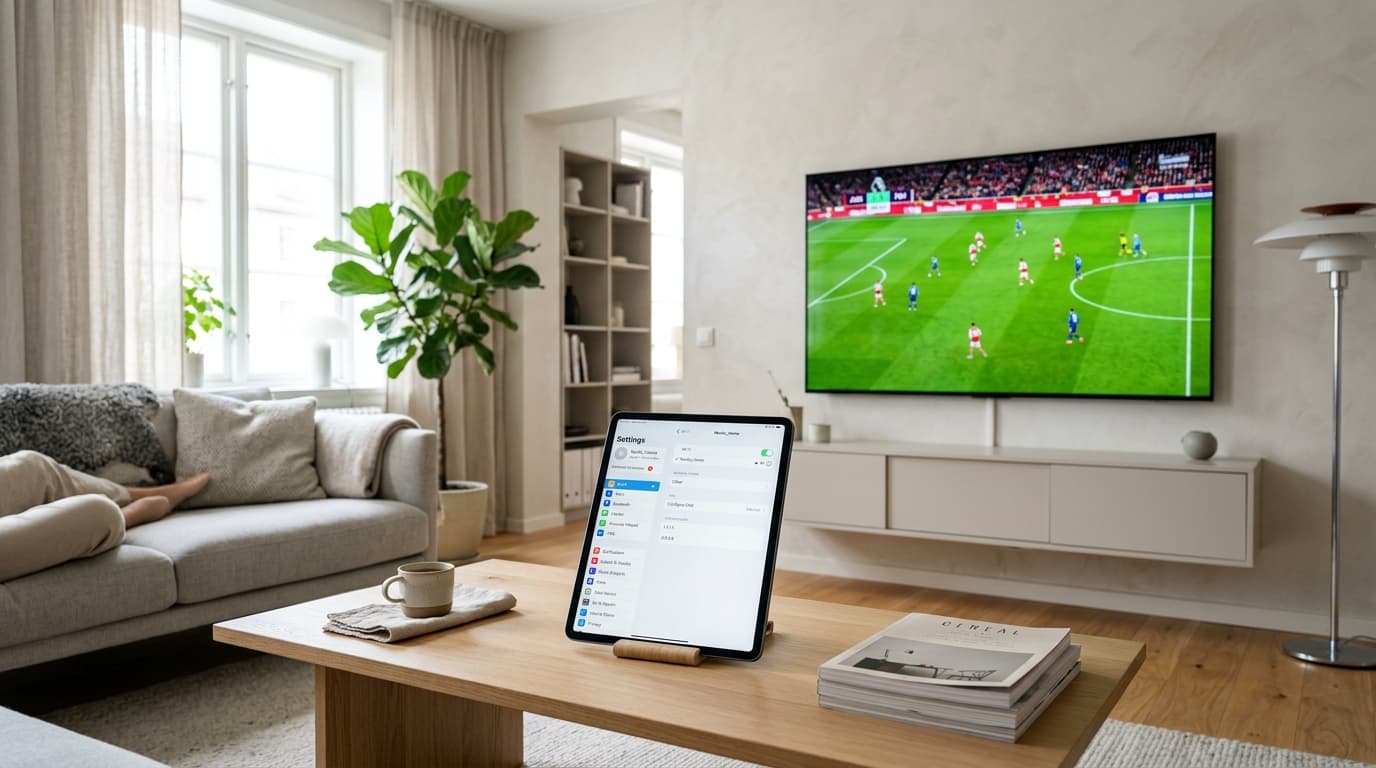
Switching from default ISP DNS servers to encrypted Cloudflare or Google resolvers restores blocked IPTV authentication requests.
6Fix 6: Resolve SSL/TLS Handshake Failures and Device Clock Drift
If your streaming device lost power or has its internal system clock set incorrectly, SSL/TLS certificates cannot validate. The operating system drops the HTTPS connection immediately. Go to Settings > System / Preferences > Date & Time, toggle automatic network time synchronization on, and verify the clock matches local time.
7Fix 7: Purge Corrupted App Cache and Execute a Clean Reinstall
Corrupted channel caches or outdated token files can trap IPTV Smarters in an authorization loop. On Fire TV or Android TV, go to Settings > Applications > Manage Installed Applications > IPTV Smarters > Clear Cache. If needed, perform a clean reinstall using our step-by-step Firestick IPTV installation guide.
Hardware-Specific Troubleshooting Quirks
Amazon Firestick
Fire OS requires at least 1.5GB of free internal storage to allocate memory buffers for API playlist parsing. Low storage triggers authentication timeouts.
Samsung & LG TVs
Tizen and webOS sandboxes block non-standard HTTP ports. If Smarters fails, test alternative apps like IBO Player. Follow our guide to configure IPTV on Samsung Tizen or LG webOS.
Apple TV (tvOS)
Apple enforces strict App Transport Security (ATS). Unencrypted HTTP links may be blocked. Ensure you are using the latest Smarters Player Lite with secure HTTPS.
Troubleshooting Matrix: Error Messages & Quick Solutions
| Error Displayed | Primary Root Cause | 30-Second Solution |
|---|---|---|
| Failed to Authorize (Instant) | Credential typo or auto-capitalization error | Retype username/password; verify case sensitivity |
| Authorization Failed for Above Host | Trailing slash in Server URL or missing port | Delete trailing "/" and check port format (:8080) |
| Failed to Authorize (After Delay) | Network timeout; ISP DNS blocking | Run mobile hotspot test; set DNS to 1.1.1.1 |
| Invalid Details | Expired account or MAC-bound line | Check portal status; request Xtream Codes line format |
| Max Connections Exceeded | Simultaneous device limit reached | Force-close other devices; wait 15 min for socket clear |
What to Do If the Problem Is Your IPTV Provider
If the mobile hotspot test fails, your credentials match exactly, and your DNS is set to Cloudflare, the provider's server is offline. Test the host URL in any web browser: if the browser says "Site Can't Be Reached" or displays an HTTP 502/521 gateway error, the provider is experiencing an outage.
Budget services running on oversold, single-VPS nodes regularly collapse during high-traffic matches. For uninterrupted streaming, switch to a provider with dedicated anti-freeze infrastructure, automated multi-CDN routing, and responsive 24/7 technical assistance. Explore our 99.9% uptime server infrastructure.
Frequently Asked Questions (FAQ)
Why does IPTV Smarters say "Failed to Authorize" when my details are 100% correct?
The most common cause is a trailing slash at the end of your Server URL (e.g. http://server.com:8080/), an accidental trailing space at the end of your username or password, or an active DNS block by your broadband provider.
How do I fix "Authorization Failed for Above Host" on Firestick?
Remove any forward slash from the end of the Server URL, verify your Firestick system clock is synchronized under Settings > Preferences > Time Zone, and clear the application cache under Settings > Applications > Manage Installed Applications.
Can an ISP block IPTV Smarters from authorizing?
Yes. Many ISPs use DNS poisoning or Deep Packet Inspection (DPI) to block connections to streaming portals. Changing your device DNS to Cloudflare (1.1.1.1) or connecting via a reliable VPN restores communication instantly.
What should I do if IPTV Smarters still fails after trying every fix?
Test your credentials in an alternative application such as TiviMate or XCIPTV. If you need help choosing a player, review our breakdown of the best alternative IPTV player applications or learn how to connect using TiviMate with Xtream Codes API.
Ready to Experience nobiptv?
Join thousands of satisfied viewers. Get the best IPTV services with our premium IPTV subscriptions, instant activation, and 24/7 dedicated support.