How to Download IPTV Smarters on Firestick: Complete 2026 Walkthrough
The Amazon Fire TV Stick remains the most popular streaming device in the world thanks to its pocket-sized form factor, robust hardware video decoding, and open Android-based operating system. However, if you open the native Amazon Appstore on your television and search for IPTV Smarters Pro, you will quickly notice a major obstacle: the official app is nowhere to be found.
Quick-Start Overview: Download IPTV Smarters on Firestick
- Step 1: Install Downloader – Search for "Downloader" in the Amazon Appstore and install the official utility.
- Step 2: Unlock Developer Options – Go to Settings > My Fire TV > About > click your device name 7 times rapidly.
- Step 3: Allow Unknown Apps – In Developer Options > Install Unknown Apps, toggle Downloader to ON.
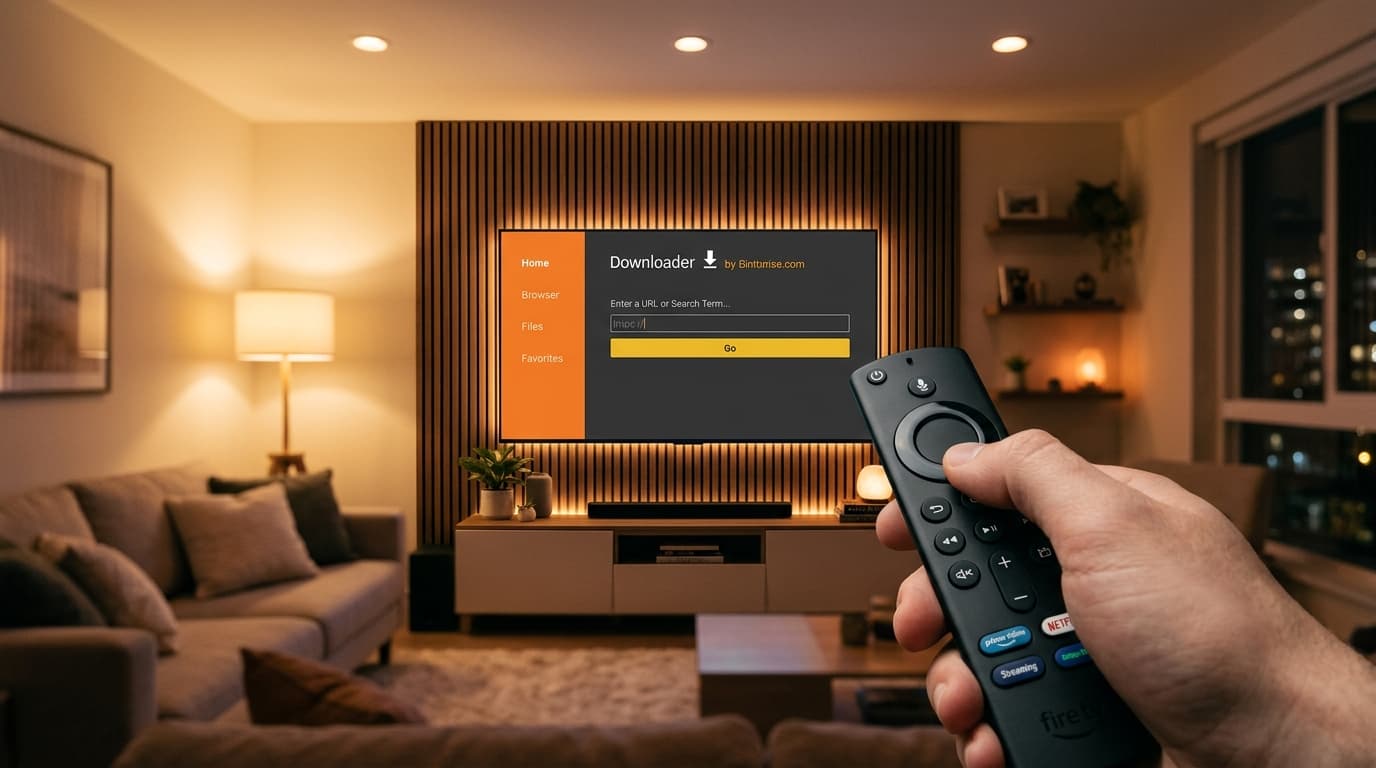
- Step 4: Enter Downloader Code – Launch Downloader, type numeric code
250931, and click Go. - Step 5: Connect Account – Open the app, select "Login with Xtream Codes API", and enter your provider credentials.
Prerequisites: What You Need Before You Start
Before learning how to download iptv smarters on firestick, make sure your streaming setup satisfies these basic hardware prerequisites:
Hardware Compatibility
Compatible with Fire TV Stick Lite, Fire TV Stick 4K, 4K Max, Fire TV Cube, and Amazon Omni smart TVs running Fire OS 6, 7, or 8.
Available Storage
Ensure at least 800MB to 1.5GB of free storage to allow space for the APK file and local Electronic Program Guide (EPG) caches.
Internet Speed
A minimum connection of 25 Mbps is recommended for uncompressed Full HD and 60FPS live sports streaming without buffering.
The Step-by-Step Firestick Installation Walkthrough
1Phase 1: Install the Downloader App from Amazon Store
The Downloader app by AFTVnews is the gold-standard tool for sideloading third-party apps on Fire OS. It is 100% free and hosted directly in the official Amazon Appstore:
- From the Firestick home screen, click Find and select Search.
- Type
Downloaderand select the orange icon from the search results. - Click Download or Get to install it on your device.
2Phase 2: Unlock Developer Options on Fire OS 7 & 8
Amazon hides the Developer Options menu on newer devices by default. Here is how to reveal it in 15 seconds:
- Navigate to Settings (gear icon) > My Fire TV.
- Select About, then highlight your device name (e.g., Fire TV Stick 4K Max).
- Press the center Select button on your remote 7 times rapidly until you see the notification: "No need, you are already a developer."
- Press the Back button once; the Developer Options menu will now appear under About.
3Phase 3: Turn ON "Install Unknown Apps" for Downloader
Open Developer Options > Install Unknown Apps (or Apps from Unknown Sources). Locate Downloader in the list and click it to toggle the setting to ON.
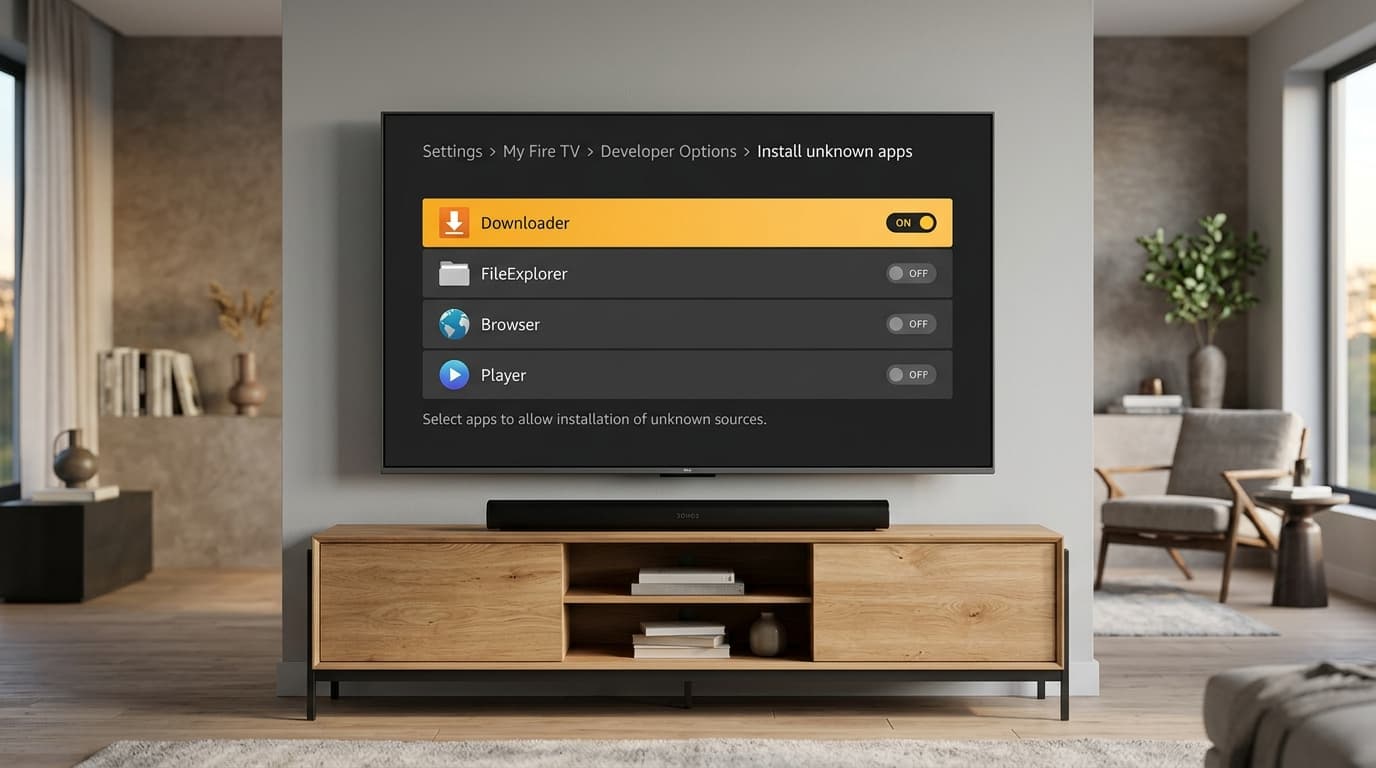
Enabling Install Unknown Apps under Fire OS Developer Options is required before downloading third-party IPTV APKs.
4Phase 4: Sideload IPTV Smarters via Downloader Code
Launch Downloader, select Home on the left, and enter the verified numeric code in the URL box:
- Click Go to begin the 80MB APK download.
- When the prompt appears, click Install.
- After installation, click Done, then click Delete twice to delete the installer file and save space.
5Phase 5: Log In with Xtream Codes API
Launch IPTV Smarters Pro, choose the TV layout, and select Login with Xtream Codes API:
- Any Name: e.g.,
nobiptv Stream - Username & Password: Supplied in your service welcome message (strictly case-sensitive).
- Server URL: e.g.,
http://domain.com:8080(ensure there is no trailing slash "/").
If the application throws an authorization error, review our guide to fix IPTV Smarters authorization failed errors.
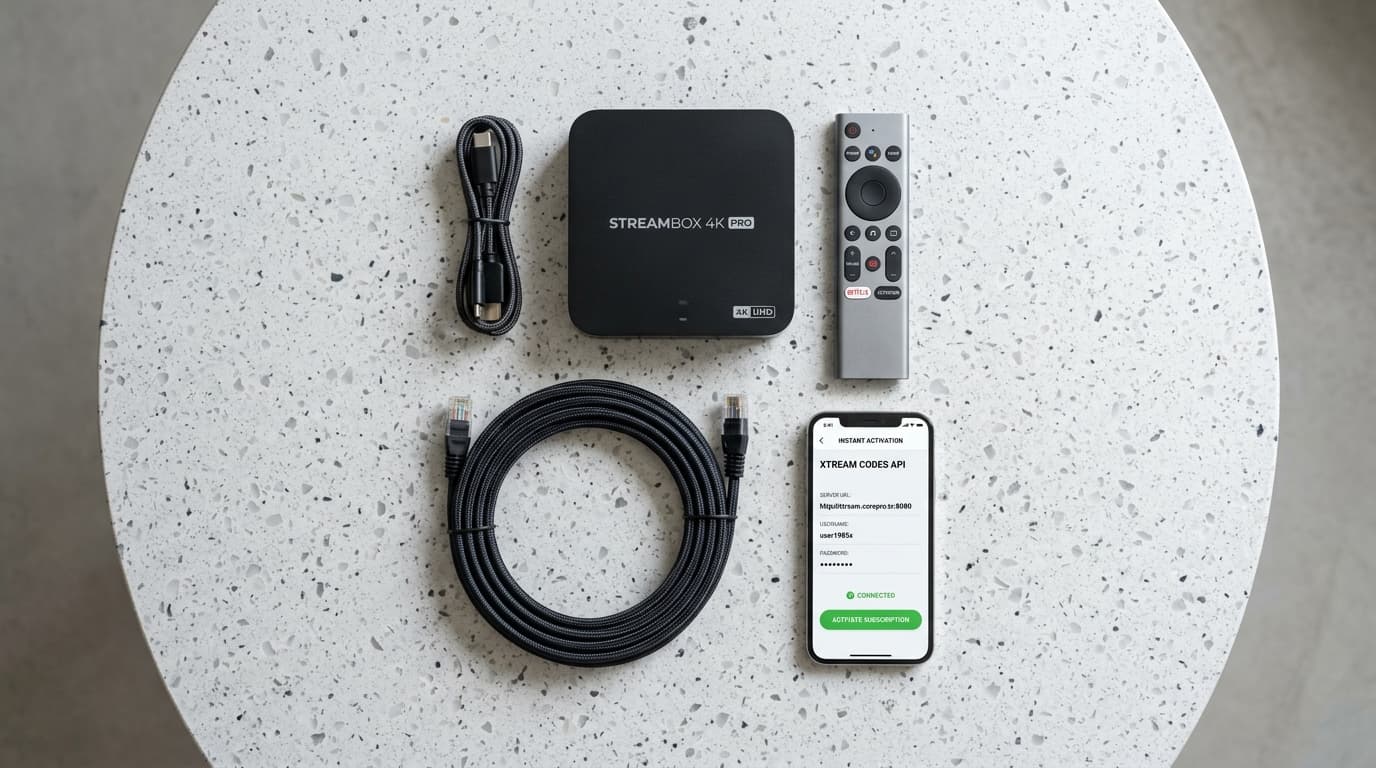
Selecting Login with Xtream Codes API on the IPTV Smarters home screen enables automated channel and EPG synchronization.
Essential Post-Installation Settings for Firestick
Enable Hardware Decoding (ExoPlayer)
Inside Smarters, go to Settings > Player Selection. Set Live TV and VOD to Built-in Player (ExoPlayer). This forces the Firestick GPU to render 60FPS video smoothly without CPU overheating.
Switch Stream Format to MPEG-TS
Navigate to Settings > Stream Format and switch from Default to MPEG-TS (.ts). This prevents audio desynchronization and buffering during fast-moving sports matches.
Troubleshooting Common Installation Errors
| Error / Symptom | Root Cause | Immediate Fix |
|---|---|---|
| Parse Error (Package Corrupted) | Incomplete download or APK mismatch | Delete file, restart Firestick, and redownload code 250931 |
| Developer Options Missing | Hidden by default in Fire OS 7 & 8 | Click device name 7 times under Settings > My Fire TV > About |
| App Not Installed Error | Insufficient flash memory storage | Free up 1GB of memory by clearing app caches under Settings |
| Downloader Error 403 Forbidden | Shortcode expired or blocked by ISP | Enter the direct URL (iptvsmarters.com/smarters.apk) |
Exploring Alternative Players: When to Consider TiviMate
While IPTV Smarters Pro is popular due to its intuitive layout, advanced cord-cutters frequently prefer TiviMate for its cable-like EPG guide and sub-second channel switching speeds. Explore our comprehensive ranking of top-rated alternative IPTV players or learn how to set up TiviMate with Xtream Codes.
Frequently Asked Questions (FAQ)
Is it legal to download IPTV Smarters on Firestick?
Yes. IPTV Smarters Pro is 100% legal software. It is an empty media player application, functionally similar to VLC Media Player. It contains no hosted streams or content. Legality depends on the playlist source you connect to the player.
What is the Downloader code for IPTV Smarters Pro?
The verified Downloader shortcode for IPTV Smarters Pro is 250931. Entering this into Downloader connects directly to the latest official APK release.
How do I update IPTV Smarters on Firestick?
Because sideloaded applications do not receive automated store updates, open Downloader, re-enter code 250931, download the latest APK, and click Install. Fire OS will update the app while preserving all your saved logins and favorites.
Ready to Experience nobiptv?
Join thousands of satisfied viewers. Get the best IPTV services with our premium IPTV subscriptions, instant activation, and 24/7 dedicated support.