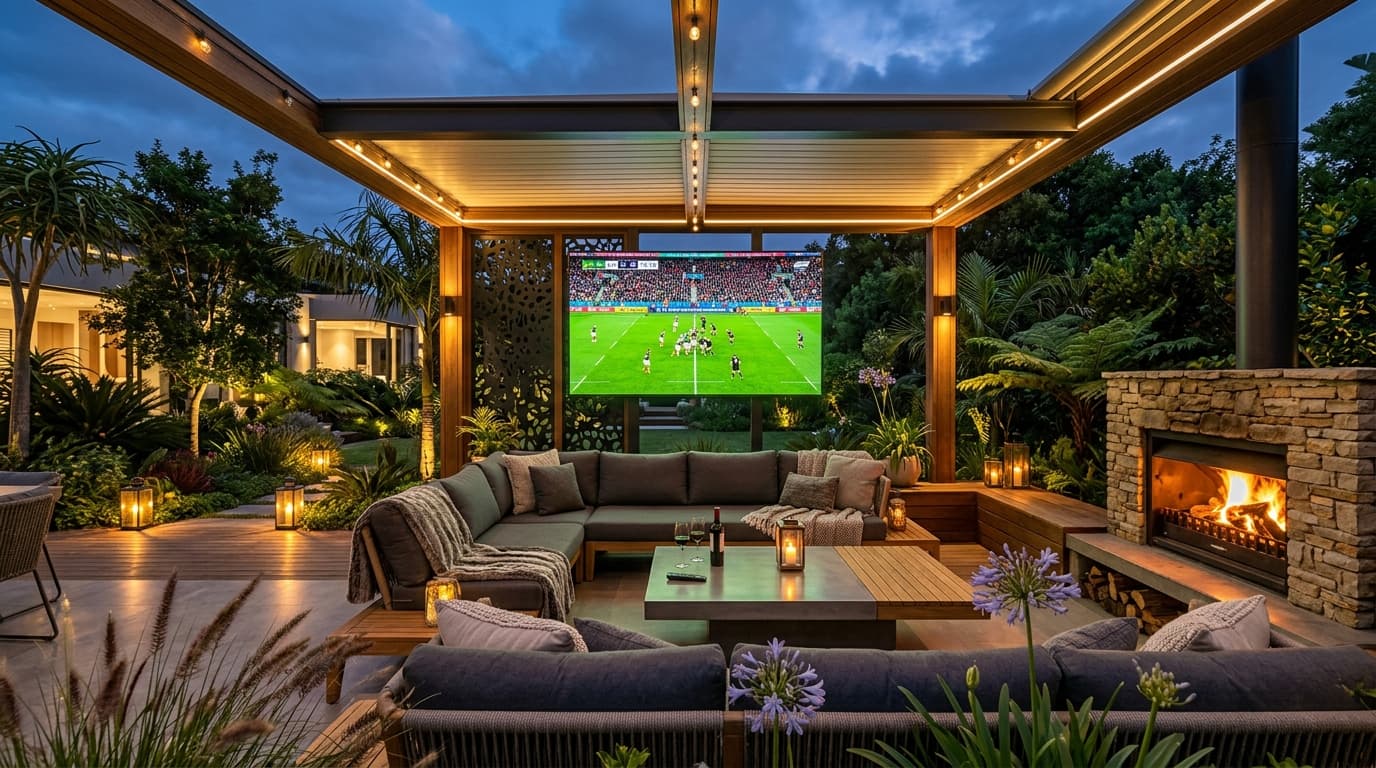
For sports enthusiasts, cutting the cable cord has historically come with severe frustration. Navigating fragmented sports broadcasting across a half-dozen regional networks, standalone streaming subscriptions, and regional blackouts routinely forces fans to pay upwards of $150 each month while juggling multiple incompatible apps.
IPTV technology offers a unified solution, aggregating global sports packages, domestic leagues, regional sports networks (RSNs), and pay-per-view (PPV) events into a single, intuitive interface. However, live sports represent the ultimate stress test for any streaming infrastructure. A provider that handles movies and drama series effortlessly will often collapse during the 85th minute of a soccer derby or the 4th quarter of an NFL playoff game if its network is unprepared for sudden traffic spikes.
Finding the best iptv for sports requires looking past inflated channel claims and scrutinizing the technical backbone: frame rates, server ingestion sources, Content Delivery Network (CDN) capacity, and glass-to-glass broadcast delay. This guide breaks down the essential technical criteria sports fans need to evaluate, reveals how to avoid buffering traps during championship matches, and provides a benchmark framework for choosing a reliable sports streaming provider.
1. Why Live Sports Streaming Demands Specialized Architecture
Unlike on-demand video (where content is pre-encoded, cached on edge servers, and buffered minutes ahead), live sports streaming requires continuous, real-time packet delivery with microsecond timing.
When thousands of viewers tune into the same live football kickoff simultaneously, traditional shared reseller servers face what network engineers call an "avalanche event." Without intelligent load balancing and direct teleport feeds, stream servers experience packet starvation, resulting in the infamous spinning buffering wheel at critical match moments.
[Master Satellite Teleport Feed] (Uncompressed 4K / 1080p 60FPS)
                 │
                 ▼
[Hardware HEVC Ingestion & Encoding] (Constant Bitrate Allocation)
                 │
                 ▼
[Multi-CDN Edge Routing Network] (Geographic Anycast Nodes)
       ┌─────────┴─────────┐
       ▼                   ▼
[North America Edge]   [Europe Edge]   <-- Traffic balanced across localized nodes
       │                   │
       ▼                   ▼
[Your TV Display: Zero-Buffer 60FPS Stream with <15s Glass-to-Glass Latency]
Direct Broadcast Ingestion
Capturing master signals directly from commercial satellite teleports ensures raw broadcast bitrates rather than compressing low-quality consumer web feeds that degrade motion clarity.
Anti-Freeze Multi-CDN Nodes
Dynamic Anycast routing redistributes subscriber connections across regional edge clusters as game viewership spikes, preventing bandwidth choking during global finals. Explore our IPTV streaming features for details.
2. The 5 Non-Negotiable Standards for Live Sports IPTV
To guarantee that your live sports streaming matches or exceeds conventional cable clarity, demand these five technical benchmarks before committing to any service:
1True 50 FPS and 60 FPS Feeds (The Motion Smoothness Benchmark)
Nothing ruins a fast-paced football, hockey, or basketball game faster than a 30 FPS stream. At 30 frames per second, a rapidly traveling ball or puck leaves a ghosting trail, and quick camera pans appear jerky and unnatural.
2Native 4K UHD Feeds for Flagship Events
While regular weekly broadcasts are usually transmitted in 1080p 60FPS, major events—such as championship finals, Formula 1 Grand Prix races, and premier boxing or MMA cards—are increasingly produced in 4K UHD with High Dynamic Range (HDR). A true sports IPTV provider offers dedicated 4K Sports category folders with bitrates exceeding 18–25 Mbps. Learn more in our 4K IPTV streaming guide.
3Anti-Freeze Server Clusters and Redundant Transcoding
During the Super Bowl, World Cup knockout rounds, or El Clásico, millions of viewers access live streams concurrently. Cheap IPTV operations running on a single unmanaged server quickly bottleneck their upstream network ports, causing streams to freeze across every subscriber simultaneously. Premier providers utilize load-balanced multi-CDN edge nodes to guarantee 99.9% uptime.
4Low Transmission Delay (Minimizing Spoiler Latency)
Traditional OTT streaming platforms (like YouTube TV or Peacock) routinely suffer from 30 to 50 seconds of broadcast delay relative to on-field action. Nothing spoils a penalty shootout or buzzer-beater faster than receiving a score notification from your fantasy sports app 40 seconds before the play happens on your television. Top sports IPTV services keep glass-to-glass delay under 15 seconds.
5Comprehensive Event Coverage (RSNs, Global Feeds & PPVs)
A true sports-first IPTV subscription eliminates the need for separate league passes by providing comprehensive coverage: in-market and out-of-market Regional Sports Networks (RSNs), European premium sports channels, and dedicated 24/7 Pay-Per-View channels for UFC, boxing, and motorsports.
3. Sports Coverage Matrix: What to Expect from a Top Provider
The table below outlines what a full-tier sports IPTV service delivers compared to fragmented traditional cable and streaming packages:
| Sports Category | Fragmented Cable / Official Apps | Sports-Optimized IPTV | Quality Standard |
|---|---|---|---|
| NFL Football | Sunday Ticket ($350+/yr) + CBS/FOX/Prime | All CBS/FOX feeds, RedZone, Sunday Ticket | 1080p 60FPS / 4K UHD |
| Premier League & UEFA | Peacock + Paramount+ + USA Network | Sky Sports, TNT Sports UK, DAZN, Peacock | 50 FPS / 4K UHD |
| Formula 1 Racing | ESPN / F1 TV Pro ($85/yr) | Sky Sports F1, Onboard Cams, 4K Feeds | 50 FPS / 4K 60FPS |
| Combat Sports (UFC/Boxing) | ESPN+ ($11/mo) + $80 per PPV Card | All UFC & Boxing PPV events included | 1080p 60FPS |
| NBA & NHL Games | League Pass ($100+/yr) + RSN tiers | Full home & away feeds without blackouts | 1080p 60FPS |
| Regional Sports (RSNs) | Regional cable tiers ($80+/mo) | All major US/CA RSNs included | 1080p 60FPS |
4. Hardware and Network Setup for Flawless Sports Playback
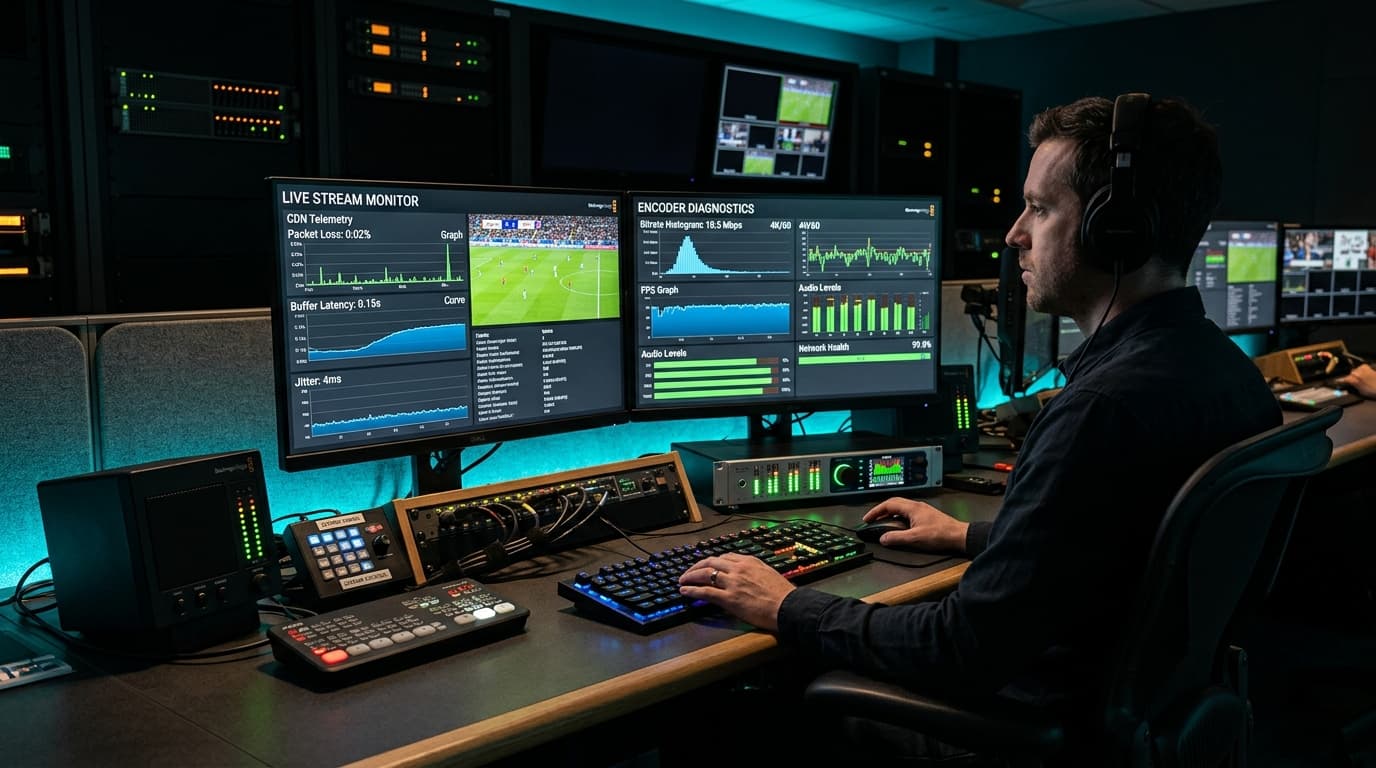
Even the most resilient sports stream will stutter if your local home network or hardware decoder cannot handle high-bitrate continuous video.
Recommended Streaming Hardware
Live sports at 60 FPS require dedicated silicon decoding. Choose devices with robust processors and at least 2GB of RAM:
- Apple TV 4K (3rd Gen) — Flawless A/V sync and zero frame drops
- NVIDIA Shield TV Pro — Gigabit Ethernet and AI upscaling
- Fire TV Stick 4K Max (2nd Gen) — Wi-Fi 6E with dedicated HEVC decoder. See our best IPTV apps for Firestick.
Bandwidth & Network Configuration
Bandwidth requirements scale based on resolution and screen count:
- 1080p 60FPS: Minimum 20 Mbps dedicated download speed
- 4K UHD Sports: Minimum 35–50 Mbps stable throughput
- 4-Stream Multi-View: Minimum 70–100 Mbps stable bandwidth. Check our internet speed requirements for 4K sports.
5. Game Day Power Feature: Setting Up Multi-View
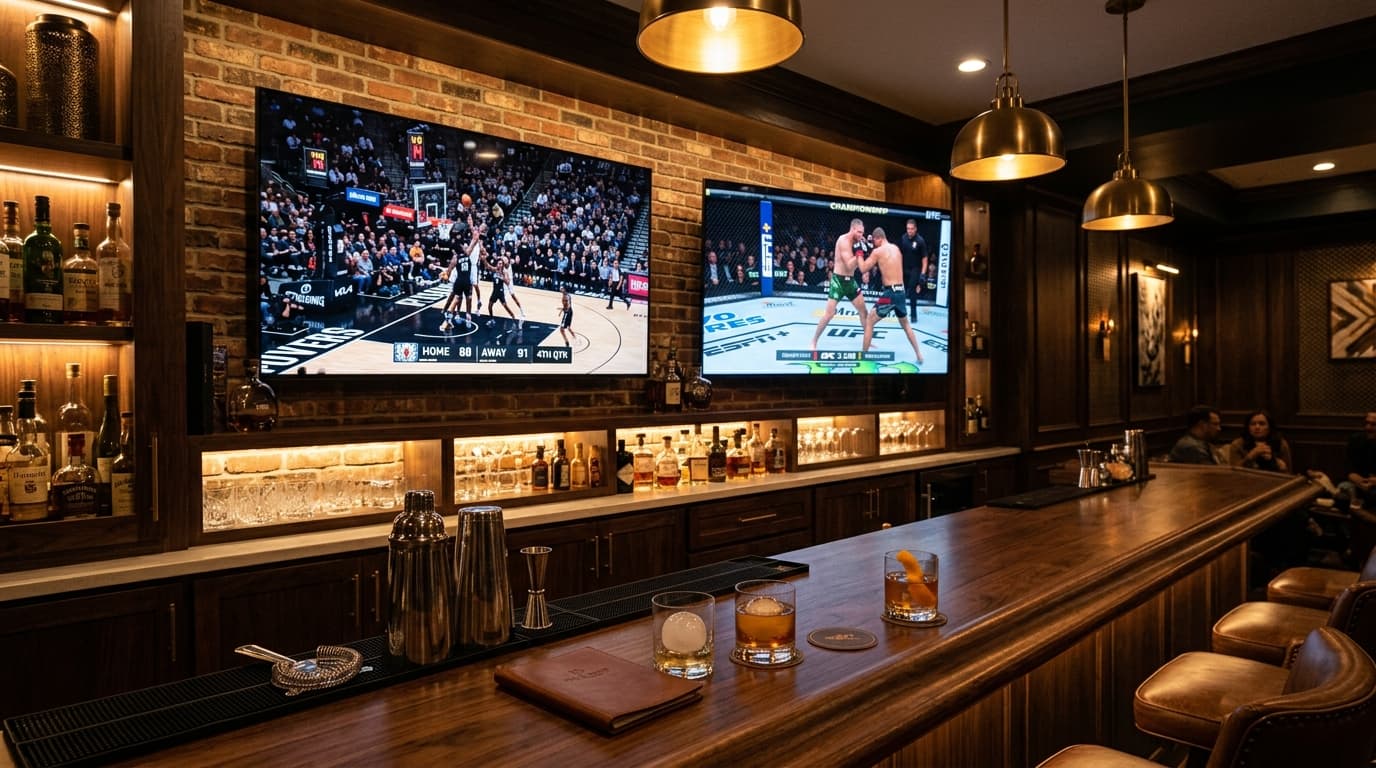
One of the greatest advantages of using a dedicated IPTV player on modern hardware is Multi-View—the ability to display two, three, or four live matches simultaneously on a single television screen.
1. Ensure Multi-Connection Plan Allocation
Each active window in a multi-view grid pulls an independent stream from the provider. If your subscription is restricted to a single connection, opening a second screen will immediately terminate playback. Select a multi-connection plan from our IPTV subscription plans.
2. Pair with TiviMate or iMPlayer
TiviMate and iMPlayer provide the cleanest remote-controlled multi-screen navigation. You can switch audio tracks between screens with a single tap of your remote’s directional arrows. Follow our tutorial on optimizing TiviMate for live sports multi-view.
3. Lock All Windows to Hardware Decoding
Verify in your player’s playback settings that all active windows use Hardware (HW) decoding. Decoding four simultaneous 60 FPS feeds via software will quickly overheat your streaming device and trigger video stutter.
6. How to Test a Sports IPTV Provider Before Subscribing
Never commit to an annual IPTV subscription with an unverified provider without testing their streams during an actual live sporting event. Follow this checklist when evaluating sports streams with an IPTV free trial:
Test During Peak Match Hours
Request your test credentials on a Saturday afternoon or Sunday during live NFL or European soccer matches to see how the provider handles heavy global traffic.
Inspect Frame Rate Overlays
Open your player’s stream info panel and verify that the stream outputs at 50.00 FPS or 60.00 FPS, not jerky 25 or 30 FPS.
Verify Redundant Backup Channels
Confirm the provider maintains secondary backup feeds for major games so you have instant fallback options if a specific satellite uplink is disrupted.
Begin with Month-to-Month Billing
Avoid paying for long-term multi-year plans upfront. Start with a monthly or quarterly subscription to ensure consistent performance through a complete season.
7. Troubleshooting Sports Stream Issues
When video anomalies crop up, apply these targeted remedies to get back to the action quickly. For deeper diagnostics, read our guide on how to troubleshoot IPTV buffering and playback issues:
Stream Loops Back 5 Seconds Every Few Minutes
Packet starvation caused by local Wi-Fi jitter or ISP bandwidth throttling. Increase your player’s buffer setting from Small to Medium (3–5 seconds), or connect through a reputable VPN to bypass ISP traffic shaping.
Ball Movement Appears Choppy Despite Fast Internet
Refresh rate mismatch. Your television is running at 60Hz, while European broadcasts run at 50 FPS. Enable Auto Frame Rate (AFR) in TiviMate or OTT Navigator to match refresh rates and eliminate micro-judder.
Stream Buffers Only on 4K Channels
Insufficient hardware decoding capacity or Wi-Fi interference. Switch to the 1080p 60FPS version of the same feed. A rock-solid 1080p 60FPS feed delivers a far superior viewing experience compared to a 4K feed that pauses during crucial plays.
8. Frequently Asked Questions
What internet speed do I need to stream live sports without buffering?
For a stable 1080p 60FPS sports stream, you need at least 20 Mbps of dedicated download bandwidth. For 4K UHD sports, aim for 35–50 Mbps. If running a 4-channel Multi-View grid, ensure your internet package delivers at least 70–100 Mbps to maintain all four streams concurrently.
Why do some IPTV sports streams look blurry during fast camera movement?
Blurry, ghosting movement during camera pans is caused by low frame rates (30 FPS or 25 FPS) or aggressive video compression bitrates. Fast sports action requires progressive 50 FPS or 60 FPS broadcast feeds with dedicated hardware decoding to keep player motion and ball tracking crisp.
Can I watch out-of-market NFL, NBA, and Premier League games with IPTV?
Yes. Quality IPTV providers bypass regional broadcast blackouts by delivering home and away feeds for all major sports leagues alongside international networks that air live games without local geo-restrictions.
Do I need a multi-connection subscription for live sports?
A single connection is sufficient if you only watch one game on one TV at a time. However, if multiple people in your household watch different games concurrently, or if you plan to use Multi-View to watch up to four games simultaneously on a single screen, you must choose a multi-connection subscription.
How do I know if an IPTV service is offering real 4K sports?
Check the stream parameters in your player app's diagnostic overlay. Real 4K sports broadcasts output at a resolution of 3840x2160 with a bitrate generally exceeding 18–25 Mbps and utilize HEVC (H.265) video encoding. Upscaled fake 4K streams typically have bitrates below 8 Mbps and show noticeable digital artifacting around stadium graphics.
Never Miss a Play with nobiptv's 60FPS Sports Network
Stream NFL Sunday games, Premier League matches, Formula 1, and UFC pay-per-views with zero buffering and low broadcast latency.