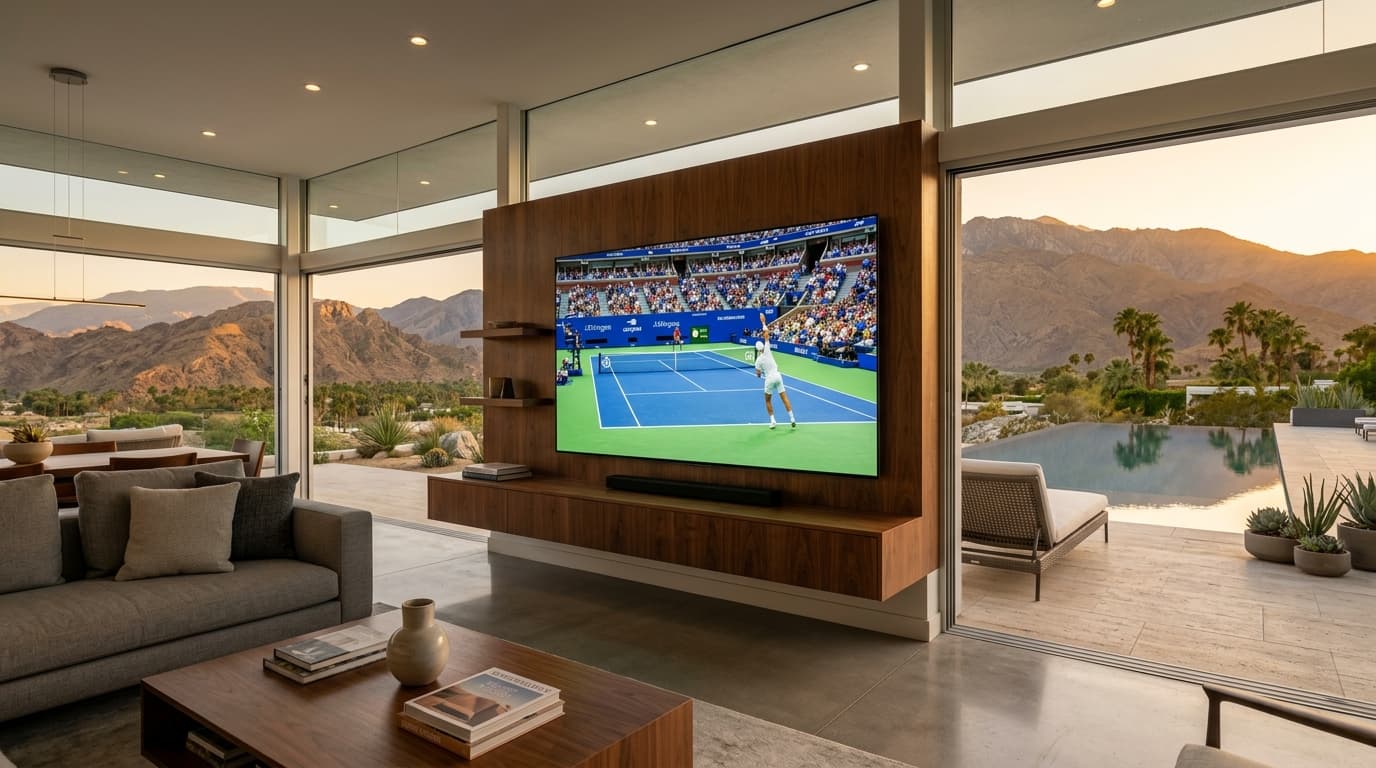
Live sports broadcasting has fractured into an expensive, disorganized maze. Between national broadcast networks, regional sports networks (RSNs), exclusive streaming app lock-ins, and frustrating local blackout rules, the average sports fan faces paying over $150 each month across four or five separate services just to follow their home team and favorite leagues.
IPTV for sports (Internet Protocol Television) has emerged as the definitive cord-cutting alternative, delivering global stadium broadcasts, pay-per-view events, and dedicated league passes directly to your internet-connected devices.
Yet streaming high-velocity sports is vastly more demanding than playing a movie on Netflix. When a live ball travels across a stadium turf at 90 miles per hour, underpowered servers and low-frame-rate feeds immediately lead to motion blur, choppy camera pans, and sudden stream drops during critical moments.
This guide delivers an authoritative, engineering-backed breakdown of how IPTV for sports works, the core performance metrics you must demand, how to bypass broadcast blackouts, and how to optimize your streaming device for flawless, lag-free stadium viewing.
1. What is IPTV for Sports and How Does It Work?
Internet Protocol Television delivers live television channels over internet protocol networks rather than traditional terrestrial antenna, coaxial cable, or direct-to-home satellite dishes.
How Sports IPTV Differs from On-Demand Streaming (VOD)
On-demand streaming platforms (such as Disney+ or Max) operate via file-based progressive downloading. When you press play on a movie, your device pre-downloads video chunks and stores them in temporary local cache. If your internet speed drops for ten seconds, you never notice because your player is already reading buffered content minutes ahead.
Live sports streaming operates under zero-buffer conditions:
- Real-Time Signal Ingestion: Cameras at the stadium send uncompressed video signals to broadcast production trucks, which uplink the feeds to commercial satellites.
- Teleport Downlink & Transcoding: High-grade IPTV infrastructure captures the satellite downlink and uses hardware encoders (HEVC/H.265) to transcode the video into digital packet streams at high bitrates.
- Unicast Edge Delivery: The stream is transmitted over Content Delivery Networks (CDNs) directly to your local streaming application, unpacking the video with mere seconds of delay.
┌─────────────────────────────────────────────────────────────────────────┐
│               HOW BROADCAST-GRADE SPORTS IPTV WORKS                     │
├─────────────────────────────────────────────────────────────────────────┤
│  [Stadium Broadcast Cameras & Uplink Trucks]                            │
│                 │ (Live uncompressed video signal)                      │
│                 ▼                                                       │
│  [Commercial Satellite Teleport Earth Station]                          │
│                 │ (Direct raw downlink ingestion)                       │
│                 ▼                                                       │
│  [Hardware Encoders: H.265 / HEVC @ 60 FPS Constant Bitrate]            │
│                 │                                                       │
│                 ▼                                                       │
│  [Multi-CDN Anycast Cloud Routing Network]                              │
│        ┌────────┴────────┐                                              │
│        ▼                 ▼                                              │
│  [North America Edge] [Europe Edge] (Intelligent Load Balancing)        │
│        │                 │                                              │
│        ▼                 ▼                                              │
│  [Your Screen: 60 FPS Fluid Motion | Sub-15s Latency | Zero Buffering]  │
└─────────────────────────────────────────────────────────────────────────┘
Because sports streams cannot rely on multi-minute caching, every component between the satellite dish and your television screen must operate with microsecond timing and sustained throughput. For an in-depth purchasing audit, consult our sports IPTV subscription buyer's guide.
2. Why Live Sports Expose Weak IPTV Networks
Most low-cost IPTV providers advertise tens of thousands of channels, but their servers frequently collapse the moment a major match begins. Understanding why this happens helps you choose a provider that will not let you down during championship fixtures.
The High-Bandwidth Challenge of Fast-Moving Action
Video compression codecs (like H.264 and H.265) save bandwidth through inter-frame compression. In a talk show or news broadcast, the background studio remains static while only the presenter's lips and hands move. The encoder only needs to transmit updates for changing pixels, keeping the data rate low.
In live sports, the entire screen is constantly in motion. A fast camera pan across a soccer pitch or hockey rink forces every single pixel—stadium grass, flashing LED sponsor boards, moving players, and roaring crowds—to update 60 times every second. If an IPTV provider allocates a stingy bitrate (e.g., 4 Mbps), the image disintegrates into blocky artifacts and motion blur. A dedicated sports feed requires 10 to 18 Mbps for 1080p 60FPS and 20 to 30 Mbps for native 4K UHD to preserve razor-sharp motion.
Satellite Teleport Ingestion vs. Low-Grade Web Restreams
The stability of your stream depends entirely on where the provider obtains the source feed:
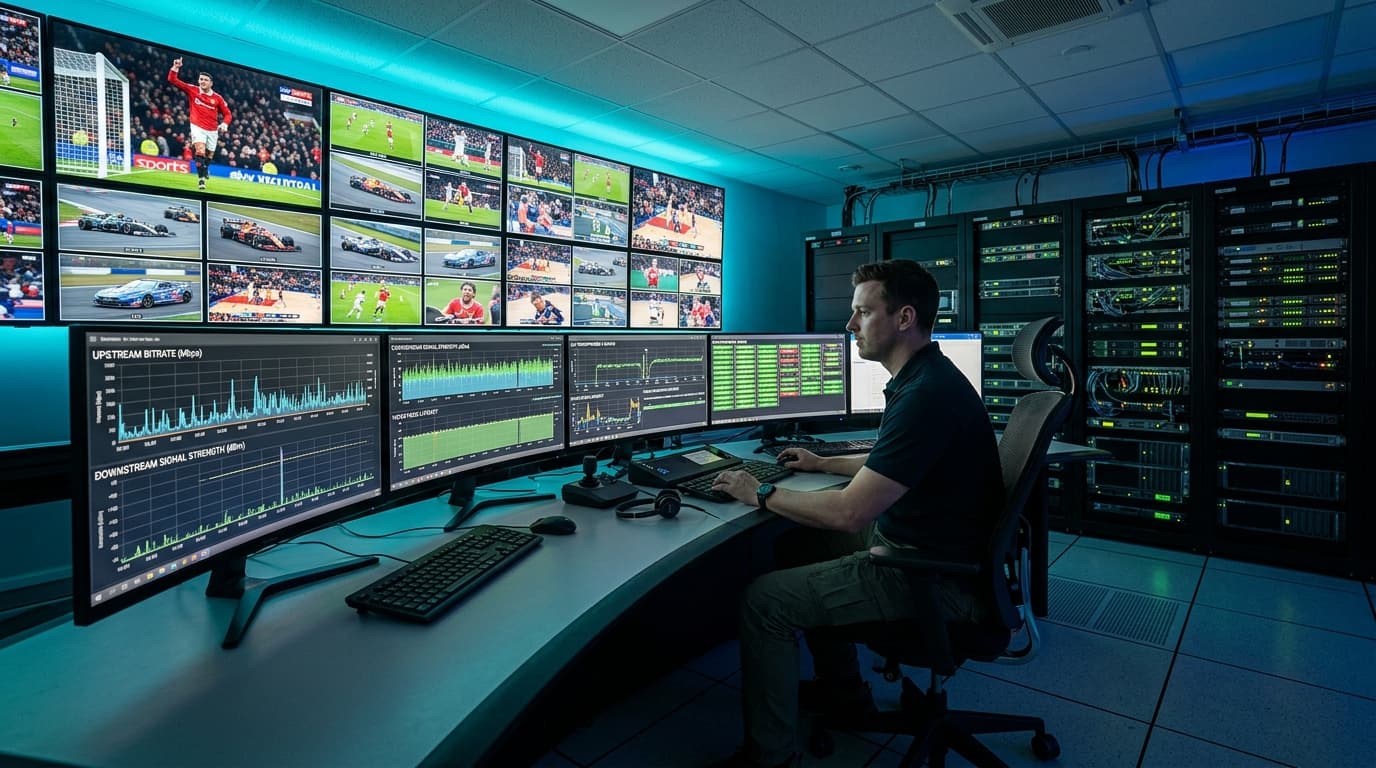
- Low-Grade Web Restreams: Cheap reseller services capture consumer web streams from online streaming services, transcode them with software encoders, and redistribute them. This creates severe compression degradation, 60–90 seconds of broadcast lag, and constant stream drops.
- Direct Satellite Ingestion: Broadcast-grade providers deploy commercial satellite earth stations that ingest master teleport feeds directly from sports networks. Signals are transcoded using dedicated hardware, preserving raw color depth, pristine audio, and instantaneous transmission. Review our low-latency streaming architecture for more on how edge routing maintains signal integrity.
3. Key Technical Benchmarks for Live Sports Broadcasts
To ensure your sports viewing matches or beats traditional cable television, verify that any provider you consider satisfies these key standards:
| Technical Benchmark | Budget / Unoptimized Stream | Broadcast-Grade Sports IPTV | Practical Viewing Advantage |
|---|---|---|---|
| Motion Refresh Rate | 25 FPS – 30 FPS | 50 FPS – 60 FPS | Seamless tracking of rapid balls, pucks, and athlete sprints. |
| Video Compression | Basic H.264 (AVC) | Hardware H.265 (HEVC) | Clean lines, vibrant turf, and no pixelation during rapid pans. |
| Transmission Latency | 50 – 100+ Seconds | 10 – 18 Seconds | Prevents phone notifications and neighbor shouts from spoiling plays. |
| Bitrate Allocation | 3 – 5 Mbps | 12 – 22 Mbps | Razor-sharp text on scoreboards, jersey numbers, and field graphics. |
| Failover Redundancy | Single broadcast link | Primary + Backup Transponders | Seamless alternative channel if atmospheric interference occurs. |
Native 50 FPS and 60 FPS Refresh Rates
The standard cinema frame rate of 24 FPS or standard TV rate of 30 FPS is completely inadequate for live athletics. When watching an ice hockey puck or soccer strike at 30 FPS, the ball skips across frames in discrete jumps rather than a fluid line.
European sports (Premier League, F1) broadcast natively at 50Hz, while North American sports (NFL, NBA) broadcast natively at 60Hz. A premier sports IPTV service serves native frame rates to avoid frame judder.
4. Major Competitions & Network Access: What Sports IPTV Covers
One of the greatest advantages of IPTV is aggregating fragmented international broadcast packages into a single, intuitive channel guide:
North American Leagues
Full regular season and playoff packages without regional blackout walls:
- NFL Sunday Ticket & RedZone
- NBA League Pass & Local Feeds
- MLB Extra Innings & NHL Center Ice
- Regional Sports Networks (RSNs)
Global Soccer & UEFA
Comprehensive international stadium and championship feeds:
- Premier League (Sky, TNT, USA)
- UEFA Champions & Europa League
- La Liga, Serie A & Bundesliga
- International Tournaments & Cups
Combat & Motorsport
Live pay-per-view cards and high-speed telemetry cameras:
- UFC Numbered PPVs & Fight Nights
- Championship Boxing PPV Redundancies
- Formula 1 (Sky F1 4K & Onboard Cams)
- MotoGP, IndyCar & NASCAR
For a full breakdown of sports channel line-ups and ranking, see our best IPTV for sports review.
5. Sports IPTV vs. Official Cable & OTT Bundles: Full Comparison
Understanding the structural differences between traditional cable, commercial OTT live TV apps, and dedicated IPTV helps highlight the cost and flexibility benefits:
| Category | Legacy Cable & Satellite | Mainstream OTT (YouTube TV, Fubo) | Dedicated Sports IPTV |
|---|---|---|---|
| Monthly Pricing | $120 – $180+ / month | $80 – $110+ / month | $12 – $25 / month |
| Local Blackout Rules | Enforced by billing address | Enforced by GPS / IP location | Bypassed via global regional feeds |
| Hardware Flexibility | Proprietary rented hardware | Commercial smart TV apps | Any Firestick, Android TV, Apple TV, PC |
| Multiview Capabilities | Rarely supported on legacy boxes | Restricted to preset 4-game feeds | Customizable 2 to 9-screen grids |
| International Feeds | Unavailable or expensive add-ons | Domestic packages only | Global broadcast feeds included |
| Contract Commitments | 12 to 24-month locked contracts | Month-to-month | Flexible contract-free tiers |
Cord-cutters who evaluate these trade-offs often transition to live sports streaming plans that combine extensive coverage with month-to-month flexibility.
6. Recommended Hardware and Player App Configurations
Even the fastest IPTV server will stutter if the client-side hardware or playback software is misconfigured.

Streaming Devices: Firestick 4K Max vs. Apple TV 4K vs. NVIDIA Shield
Avoid running IPTV apps directly on built-in smart TV operating systems. Integrated smart TV processors lack sufficient GPU acceleration and memory to unpack continuous 60 FPS HEVC streams without heating up and dropping frames. Use a dedicated streaming box:
- NVIDIA Shield TV Pro: The gold standard for live sports. Powered by the Tegra X1+ processor with hardware AI upscaling, native gigabit Ethernet, and flawless multi-screen multiview handling.
- Apple TV 4K (3rd Gen): A15 Bionic chip provides butter-smooth interface navigation, zero frame drops, and superb native frame rate matching.
- Amazon Fire TV Stick 4K Max: Outstanding performance-to-price ratio. Features Wi-Fi 6E connectivity and fast hardware H.265 decoding. Follow our Firestick streaming setup guide for optimal settings.
Player App Selection: TiviMate, iPlayTV & OTT Navigator
Your playback application determines your channel switching speed, electronic program guide layout, and multiview capabilities. Check our ranking of top IPTV player applications for side-by-side app comparisons.
7. Troubleshooting Live Sports Buffering & Playback Issues
ISP Throttling During Major Sporting Events
Internet service providers frequently detect high-volume UDP/TCP video traffic during Sunday NFL games or Champions League fixtures and intentionally shape (throttle) customer bandwidth. If your internet speed test shows 200 Mbps but your 1080p sports stream keeps buffering, connect through a trusted VPN using WireGuard protocol to encrypt your traffic and bypass ISP traffic shaping.
Frame Pacing & Auto Frame Rate (AFR) Matching
If a soccer ball appears to vibrate or stutter during horizontal camera pans even though the stream is not buffering, your TV is running at 60Hz while the source feed is 50 FPS. Enable Auto Frame Rate (AFR) matching in your player settings so your television dynamically switches to 50Hz, restoring buttery-smooth motion.
Diagnosing Home Wi-Fi Packet Jitter vs. Server Lag
Live 60FPS video requires sustained packet delivery with zero jitter. Standard 2.4 GHz Wi-Fi easily drops packets through walls and home appliances. Always connect your streaming device using a hardwired Cat6 Ethernet cable or connect via an uncrowded 5 GHz / 6 GHz Wi-Fi band located within direct line of sight. Learn more in our 4K sports broadcast bandwidth guide.
8. Frequently Asked Questions
Can I watch live sports without cable blackouts using IPTV?
Yes. Traditional cable and regional streaming apps enforce blackouts based on your billing ZIP code or GPS location. Dedicated sports IPTV services provide direct national feeds, regional sports networks from other markets, and international broadcast feeds that air live matches without local blackout restrictions.
Why is 60 FPS so important for sports streaming?
Standard entertainment video runs at 24 to 30 frames per second. At 30 FPS, fast-moving sports like soccer, basketball, hockey, and motorsport suffer from severe motion blur and ball ghosting. A 60 FPS stream delivers twice as many frames every second, ensuring smooth camera pans, crystal-clear jersey numbers, and fluid ball tracking.
What internet speed is needed for live sports on IPTV?
For a single 1080p 60FPS sports stream, you need a stable internet connection of at least 25 Mbps. For uncompressed 4K UHD sports or running a 4-channel multiview grid on game days, demand an internet connection of 100 Mbps or higher, preferably connected via a hardwired Ethernet cable.
Can I stream multiple games at once with multiview?
Yes, provided your IPTV player app (such as TiviMate) supports multiview and your subscription tier includes multiple simultaneous connections. You can split your television into 2, 3, or 4 simultaneous feeds to monitor multiple games or different camera angles concurrently.
How can I tell if an IPTV sports provider is reliable?
A reliable sports provider offers a 24-hour weekend trial, provides native 50/60 FPS feeds, maintains alternative backup channels for marquee events, and keeps broadcast delay under 20 seconds. Avoid services that advertise tens of thousands of channels for $3/month with no customer support.
Transform Your Sports Game Day with nobiptv
Experience uncompressed 60FPS stadium streams, zero buffering, and multi-connection multiview across all major international leagues.