Roku IPTV Player: How to Watch and What to Look For
An IPTV subscription needs a player app to show channels on your TV. On a Roku, that is where people get stuck, because the apps most IPTV guides recommend are built for Android. This guide explains what a Roku IPTV player really means, the three ways to get one working, and how to judge a player before you rely on it.
Short answer
Popular IPTV players such as IPTV Smarters and TiviMate are Android apps and do not install on Roku. On a Roku you either cast from another device, check the Roku Channel Store for a compatible app, or run your usual player on an Android-based stick. For step-by-step setup, use our IPTV on Roku TV guide.
What an IPTV Player Does
The player and the provider are two separate things. Your provider supplies the channels through a login or playlist link. The player is the app that connects to it, then shows the channel list, the guide and the video. A good player makes a service easy to use, and a poor one makes even a good service frustrating.
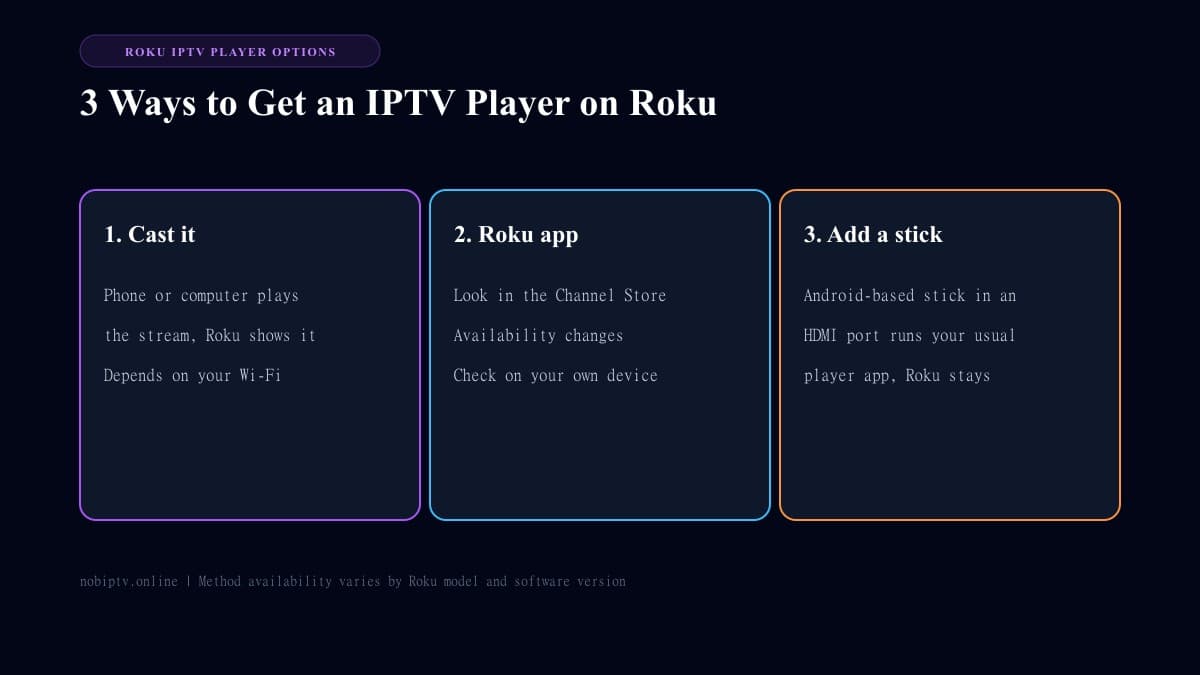
Three Ways to Use a Player With Roku
| Method | Upside | Trade-off |
|---|---|---|
| Cast from phone or computer | Quick, nothing to install on the Roku | Needs your phone or computer on and on the same Wi-Fi |
| Player app from the Roku Channel Store | Runs on the Roku itself | Choice changes over time, so check your own store |
| Android-based stick plus your usual player | Full player apps and guide | A second device and HDMI input |
Casting support depends on your Roku model and software version, so check what yours offers.
The full walkthrough for casting and the other approaches is in IPTV on Roku TV. If you are still choosing a device, see Roku vs Firestick for IPTV.
What to Check Before You Pick a Player
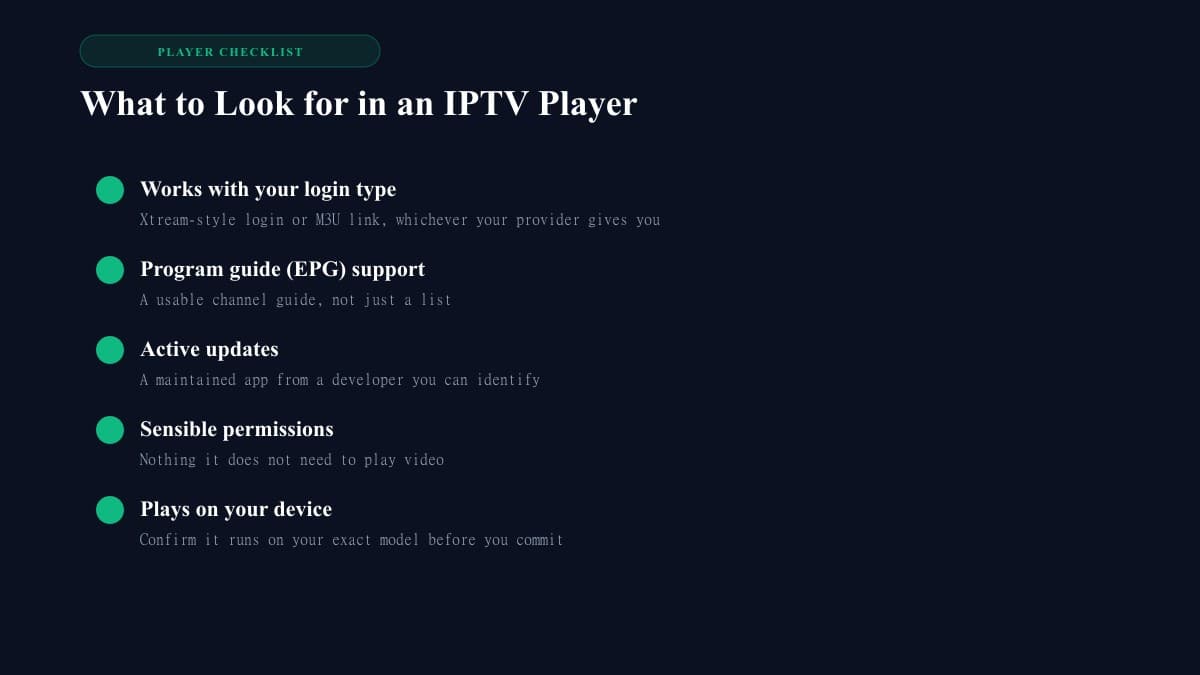
- • Login type: it should accept whatever your provider supplies, such as an Xtream-style login or an M3U link.
- • Program guide: a working channel guide saves a lot of scrolling.
- • Updates and developer: prefer an app that is maintained by a developer you can identify.
- • Permissions: be wary of an app that asks for access it does not need to play video.
- • Your device: confirm it runs on your exact model before you invest time in setup.
For comparisons across platforms, see our best IPTV player guide.
Common Problems and Quick Fixes
- • Casting stutters: move closer to the router, use 5 GHz if available, and close other apps on the sending device.
- • Channels will not load: recheck your login details, then see IPTV is down.
- • Constant buffering: test your connection with the internet speed guide and work through how to stop IPTV buffering.
Roku IPTV Player: FAQ
What is the best IPTV player for Roku?
There is no single answer, because what you can use depends on your Roku model and what is currently in the Roku Channel Store. Check the store on your device, and compare the options against the checklist in this guide.
Can I use IPTV Smarters or TiviMate on Roku?
Both are Android apps, and Roku does not run Android apps. To use them you would run them on an Android-based device such as a Fire TV Stick or Android TV box.
Do I need a player if I have an IPTV subscription?
Yes. A subscription gives you the channel source. A player is the app that loads it and shows the channels and guide on your screen.
Why does casting to Roku lag or drop?
Casting depends on your phone or computer and your Wi-Fi at the same time. Move closer to the router, use a 5 GHz connection if you have one, and close other apps. If it keeps dropping, a dedicated stick is steadier.
Is a Roku good enough if I mainly watch live sports?
It can be, but a stable connection matters more than the brand. If you want a full player app with a guide, an Android-based stick is usually the more flexible choice.
Ready to Choose a Plan?
Pick your device and player first, then compare plans to find the one that suits your household.
Ready to Experience nobiptv?
Join thousands of satisfied viewers. Get the best IPTV services with our premium IPTV subscriptions, instant activation, and 24/7 dedicated support.