IPTV 24-Hour Free Trial Channel List: What's Inside
Before signing up for an IPTV subscription, inspecting the live lineup is essential. A 24-hour test gives you hands-on access to sports feeds, local broadcast affiliates, and electronic program guides before paying. Here is what to expect and how to audit feeds.
Short answer
An IPTV 24-hour free trial channel list delivers temporary, direct access to a provider's live stream catalog and video-on-demand library. Rather than publishing static PDF spreadsheets that quickly go out of date, services deliver lineups dynamically using an Xtream Codes login or M3U link. When loaded into an app like TiviMate or IPTV Smarters Pro, channels appear sorted by category—such as live sports, local network affiliates, news, and movies. Use your 24 hours to check that your must-have channels play at 60 FPS, verify that the program guide loads, and test stability during peak evening hours.
Why Providers Do Not Offer a Static PDF Channel List
A frequent question among new cord-cutters is why IPTV websites rarely publish a downloadable PDF or printable document of their channel lineup. While cable and satellite television providers historically published static channel cards, IPTV architecture operates dynamically:
Dynamic stream routing: Live streams do not run on fixed radio frequencies. Providers maintain redundant upstream ingest nodes. If a source stream degrades, servers redirect traffic to a backup feed dynamically without altering the channel name in your app. A static file cannot reflect real-time stream status.
Regular lineup changes: Channel directories evolve continually. Services frequently add event-specific channels for sporting tournaments, pay-per-view events, or international coverage, while retiring inactive sources.
Scale of digital catalogs: Modern server lineups often contain tens of thousands of live feeds and on-demand assets. Printing a document containing 15,000 or 25,000 titles would result in hundreds of pages that become obsolete within weeks.
Automated player synchronization: Dedicated players use the Xtream Codes API or M3U playlist format to pull channel groups, station icons, and XMLTV program guide data directly from the server. To understand how playlist files manage stream metadata, read our comprehensive IPTV playlist guide and our comparison of M3U vs Xtream Codes.
Because static lists are impractical, requesting a 24-hour test line remains the most reliable way to inspect an active channel list inside your preferred streaming app.
What Channels Are Included in a 24-Hour Trial Lineup?
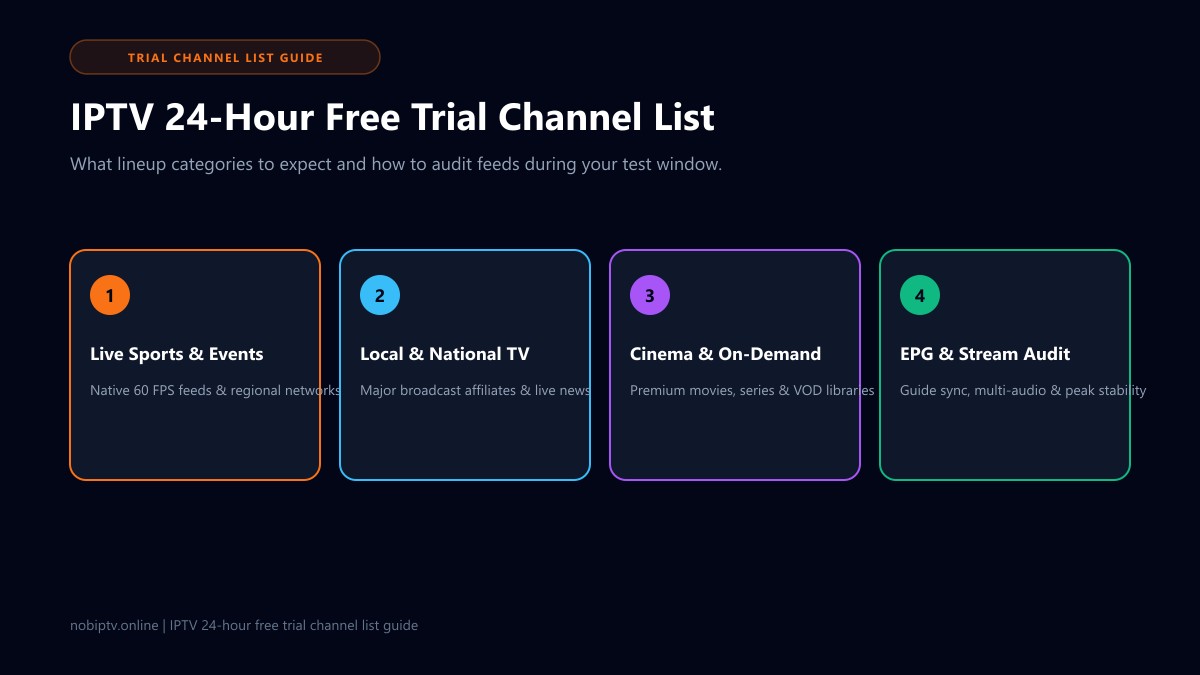
When you load a trial account into an IPTV player, channels are arranged in categorized folders. While every service curates its lineup differently, a comprehensive trial catalog generally includes the following core groups:
Live Sports & Major Events
The primary driver for cord-cutters. A quality trial lineup includes national sports channels (ESPN, FS1, TNT, CBS Sports), regional sports networks (RSNs) for local MLB, NBA, and NHL coverage, and international soccer feeds (Premier League, UEFA).
Tip: Look for feeds labeled 60 FPS for smooth on-screen motion. Learn more in our guide on M3U playlists for sports.
Local Broadcast Networks
Major affiliate channels (ABC, CBS, NBC, FOX, PBS, CBC, and CTV) covering local markets across the US and Canada. This lets you stream regional morning and evening news, weather updates, and Sunday NFL football.
Look for groupings sorted by major metropolitan areas or regional time zones.
Entertainment & Cinema
Premium cinema networks (HBO, Showtime, Cinemax, Starz) alongside popular cable drama, comedy, and reality networks (USA, TBS, FX, AMC, HGTV, Discovery).
Many services also include 24/7 channels that continuously loop specific popular shows and movie sagas.
International & VOD Content
Dedicated regional packages for international viewers (UK, Europe, Latin America, Middle East, Asia) plus an on-demand library containing recent movies and TV series with categorized posters.
Verify whether audio tracks and subtitles are supported on international streams.
How Trial Channel Lists Are Delivered and Loaded
When your 24-hour test line is issued, access details are typically delivered in one of two standardized methods:
1. Xtream Codes API (Fastest & Most Organized)
The provider gives you three pieces of information: a Server URL, a Username, and a Password. In applications like TiviMate or IPTV Smarters Pro, you select "Xtream Codes API," input the three fields, and connect. The app automatically fetches channel categories, VOD sections, and the electronic program guide in seconds without crashing device memory.
2. M3U Plus Playlist Link
The provider issues a web URL ending in parameters such as type=m3u_plus&output=ts. When pasted into your media player, the player downloads the playlist text file containing channel names, stream links, and group tags. While functional, long M3U playlists can take longer to refresh on lightweight streaming sticks.
If you are configuring your device for the first time, check our step-by-step Fire TV setup guide or explore our best IPTV player comparison to pick the right app for your setup.
6-Step Checklist to Audit a Trial Channel List in 24 Hours
A 24-hour trial passes quickly. Instead of flipping aimlessly through thousands of channels, follow this practical 6-step testing routine:
1Confirm your essential channels first
Make a short list of the 5 to 10 channels your household watches daily (such as local news affiliates, a specific regional sports network, or a favorite cable channel). Search for them immediately upon connecting. If a service boasts thousands of channels but lacks the specific regional stations you require, it will not suit your daily viewing.
2Verify sports stream framerates (60 FPS vs 30 FPS)
High-motion sports require 50 or 60 frames per second for fluid ball tracking and camera panning. If a sports channel is downsampled to 25 or 30 FPS, motion appears stuttered. Open the player's stream information overlay to confirm resolution (1080p or 4K) and framerate.
3Inspect Electronic Program Guide (EPG) synchronization
A channel list without an accurate program guide makes finding shows difficult. Check that guide data populates for current and upcoming time slots. If the guide appears empty across multiple categories, see our guide on IPTV EPG troubleshooting.
4Test multiple audio tracks and closed captions
If you watch international sports or bilingual content, test whether alternative audio streams (e.g., home/away commentators or Spanish audio) and closed captions function properly in your media player.
5Stress-test during prime-time hours (8:00 PM – 10:00 PM)
Streams that play smoothly during quiet daytime hours may struggle when thousands of concurrent viewers tune in during evening prime time or during major weekend sports broadcasts. Tune into high-demand channels during peak hours. If buffering occurs, check our checklist on how to stop IPTV buffering to confirm your local home network is not the bottleneck.
6Check zapping speed and dead links
Test switching between 10 to 15 different channels. Streams should connect within 1 to 3 seconds. An excessive number of dead feeds or broken links indicates poor playlist maintenance.
Channel Count vs Quality: The 20,000+ Channel Trap
When evaluating an IPTV trial channel list, it is easy to get caught up in raw numbers. Many budget providers advertise catalogs of 40,000 to 60,000 channels. In practice, inflated counts often come with notable trade-offs:
Redundant Streams
The same feed may be repeated across five categories with slight resolution or bitrate differences (SD, HD, FHD, 4K), bloating the list without adding variety.
Unmonitored Dead Links
Budget sellers rarely clean up disconnected feeds. A large portion of an inflated list may point to offline servers or broken streams.
Hardware Slowdowns
Parsing an unoptimized 50,000-channel list can overwhelm the RAM on budget streaming sticks, leading to player lag, slow channel searches, or app crashes.
Prioritizing a well-maintained catalog with consistent 1080p 60 FPS sports, dependable local broadcast feeds, and accurate EPG data will always offer a better everyday viewing experience than an unmonitored mass playlist.
Frequently Asked Questions
Can I see an IPTV channel list before requesting a 24-hour trial?
Usually not in a static PDF or printable format. Because IPTV lineups contain thousands of live feeds and dynamic stream URLs that update continuously, providers rarely publish static documents. Requesting a 24-hour test line allows you to load the live channel list directly into an app like TiviMate or IPTV Smarters Pro to explore the active categories yourself.
What sports channels are included in an IPTV 24-hour trial?
A typical premium trial lineup includes major national sports networks (such as ESPN, FS1, TNT, and CBS Sports), regional sports networks (RSNs) for local baseball, basketball, and hockey, major international soccer feeds (such as Premier League and UEFA tournaments), and dedicated pay-per-view (PPV) event channels. Check that high-action sports channels broadcast in 50 or 60 frames per second for smooth motion.
How do I load a 24-hour trial channel list into my TV or Firestick?
Most providers issue either an Xtream Codes login (server URL, username, and password) or an M3U playlist web link. Install a dedicated player such as TiviMate on Firestick or Android TV, or IPTV Smarters Pro on Smart TVs, enter the provided login details, and the player will automatically download the categorized channel list and electronic program guide.
Do IPTV free trial channel lists include local broadcast channels?
Yes, reputable services generally include major broadcast affiliate feeds (such as ABC, CBS, NBC, FOX, and PBS in the US, or CBC and CTV in Canada) organized by city, region, or time zone. During your trial, browse the local channel folders to ensure the specific regional stations you follow are available and broadcasting in high definition.
Why do some channels in a trial list buffer or fail to open?
Occasional channel buffering during a trial can stem from local Wi-Fi congestion, internet service provider throttling, or peak-hour server load on the provider's network. Testing your device over an Ethernet connection or 5 GHz Wi-Fi band helps isolate local issues. If streams stutter only during major live sports events, the provider's server capacity may be constrained.
How many channels should an IPTV trial list realistically have?
While some budget sellers advertise 50,000 or more channels, many of those entries are inactive, unmonitored, or duplicate streams with heavy compression. A reliable provider offering 10,000 to 20,000 well-organized, active channels with 60 FPS sports and accurate guide data provides a much more stable and responsive viewing experience.
How can I test the nobiptv channel lineup?
You can explore supported devices on this website, review our transparent pricing plans, and contact our team via WhatsApp or through the Contact page to inquire about testing options and confirm lineup details before subscribing.
Ready to Evaluate Your Streaming Setup?
Explore compatible hardware on our supported devices hub, learn more in our companion free trial IPTV testing guide, or compare our transparent subscription plans.
Ready to Experience nobiptv?
Join thousands of satisfied viewers. Get the best IPTV services with our premium IPTV subscriptions and dedicated support.